Demo gallery
All 113 demos, grouped by category. Each name links to the demo's own sub-project, where its page has the full description and source.
audio (4)
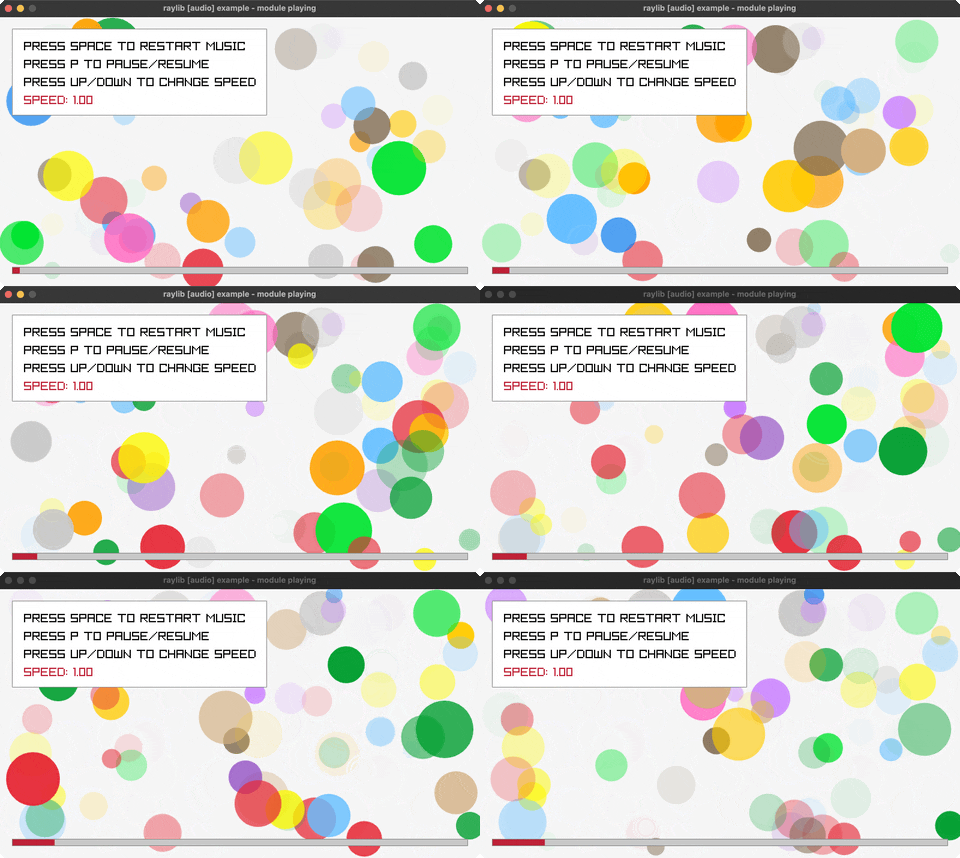
Audio Module
Music visualization. Controls: SPACE, P, Arrows. Run it with bb audio-module.
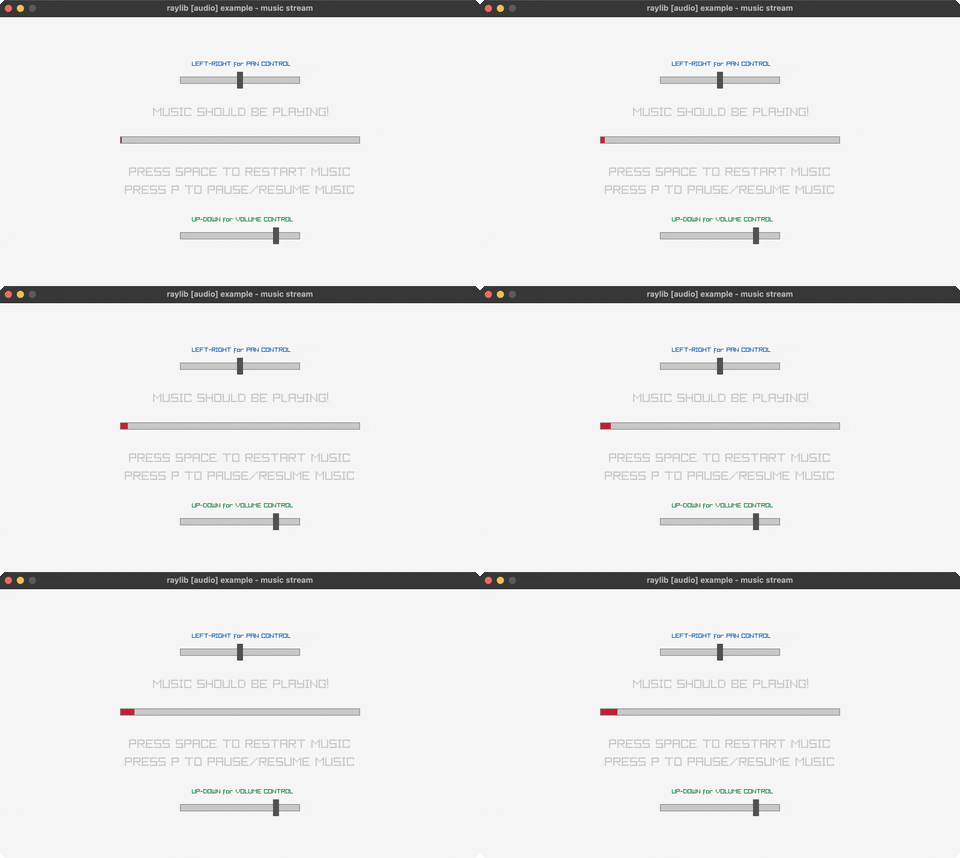
Music Stream
MP3 streaming. Controls: SPACE, P, Arrows. Run it with bb music-stream.
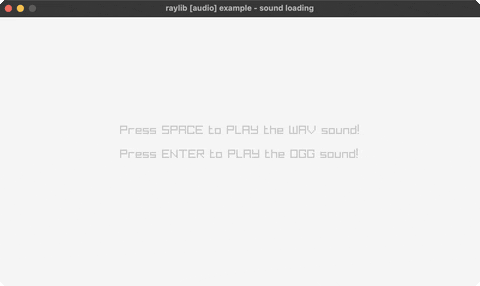
Sound Loading
WAV/OGG playback. Controls: SPACE, ENTER. Run it with bb sound-loading.
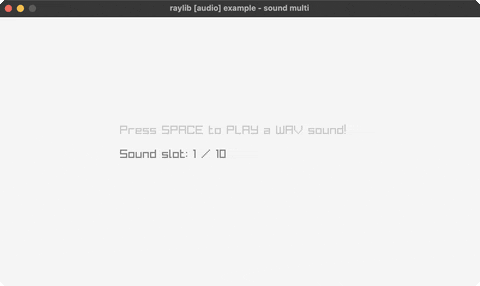
Sound Multi
Multiple sounds. Controls: SPACE. Run it with bb sound-multi.
core (37)
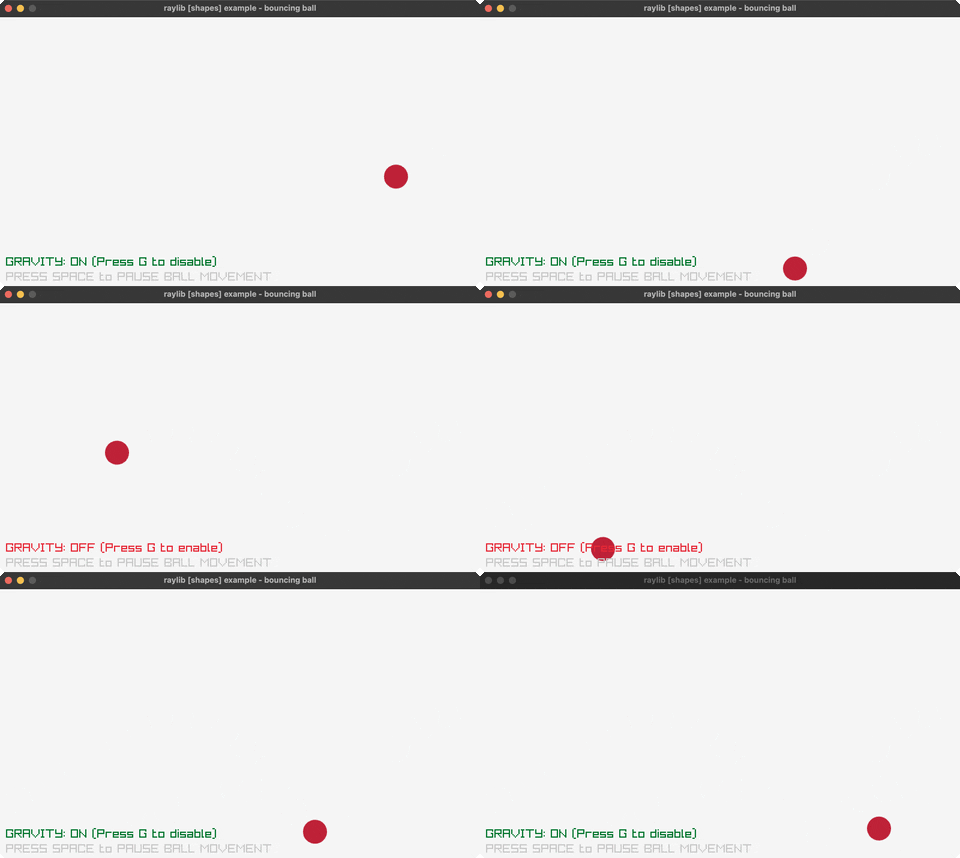
Bouncing Ball
Physics demo. Controls: SPACE, G. Run it with bb bouncing-ball.
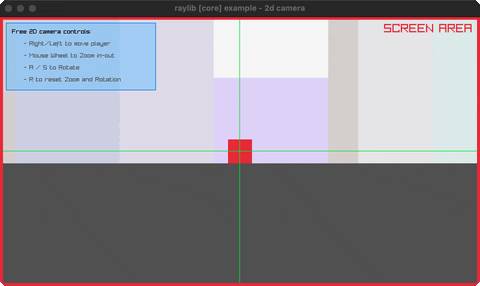
Camera 2D
2D camera. Controls: Arrows, A/S, Wheel. Run it with bb camera-2d.
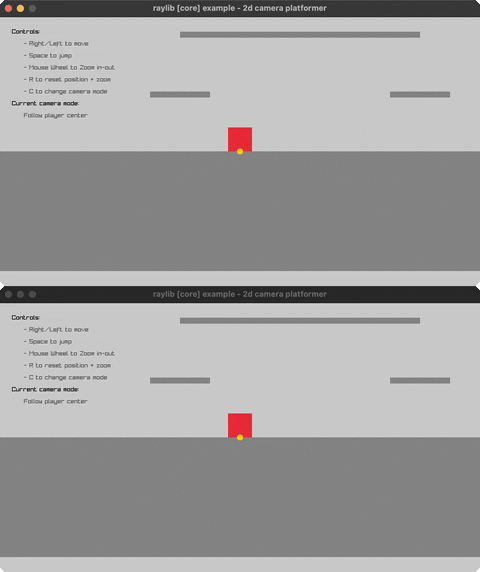
Camera 2D Platformer
5 camera follow modes. Controls: Arrows, SPACE, C, R, Wheel. Run it with bb camera-2d-platformer.
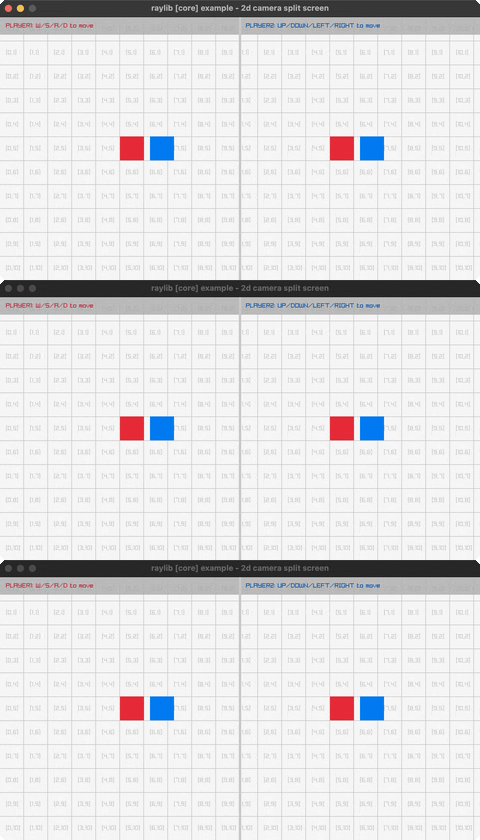
Camera 2D Split Screen
Two players, two cameras, one grid. Controls: P1 W/S/A/D, P2 arrows, Q to exit. Run it with bb camera-2d-split-screen.
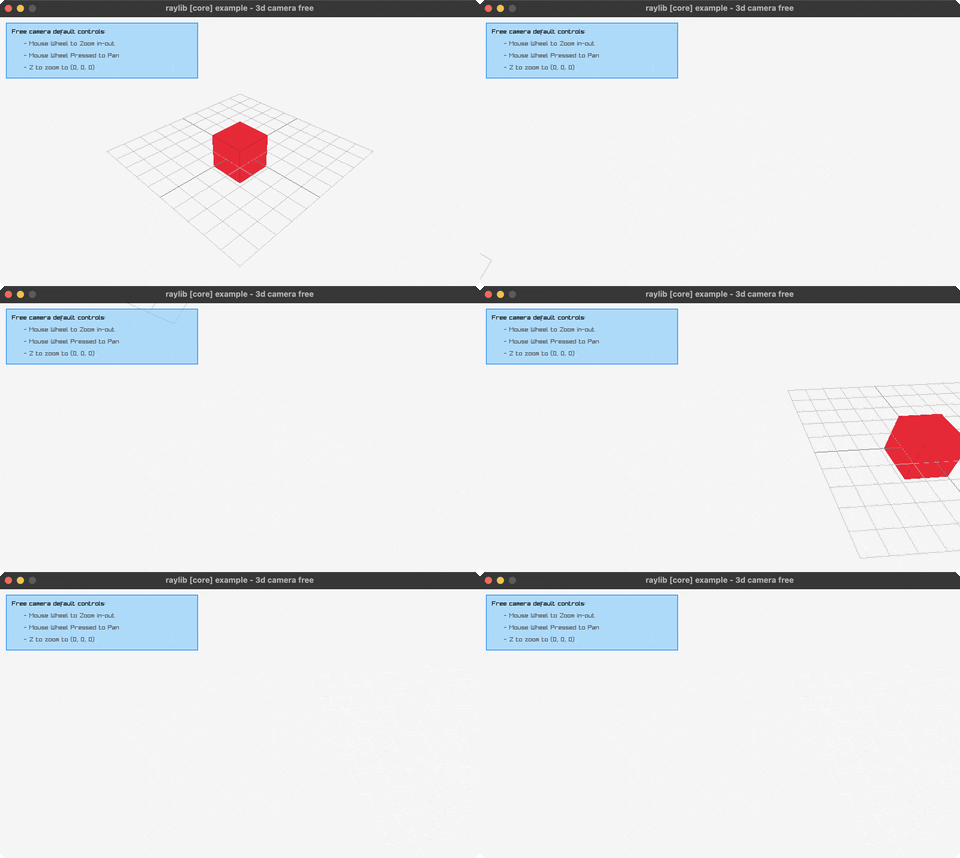
Camera 3D Free
Free 3D camera. Controls: Mouse, Wheel. Run it with bb camera-3d-free.
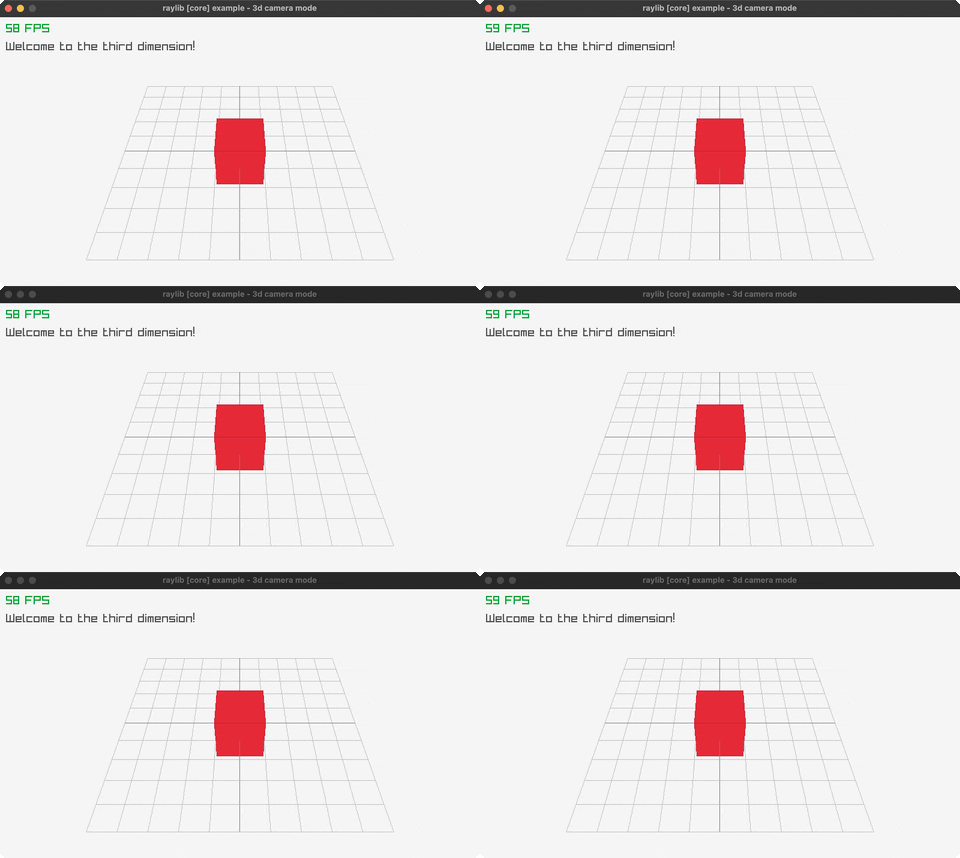
Camera 3D Mode
Minimal 3D scene - cube on a grid. Controls: Q to exit. Run it with bb camera-3d-mode.
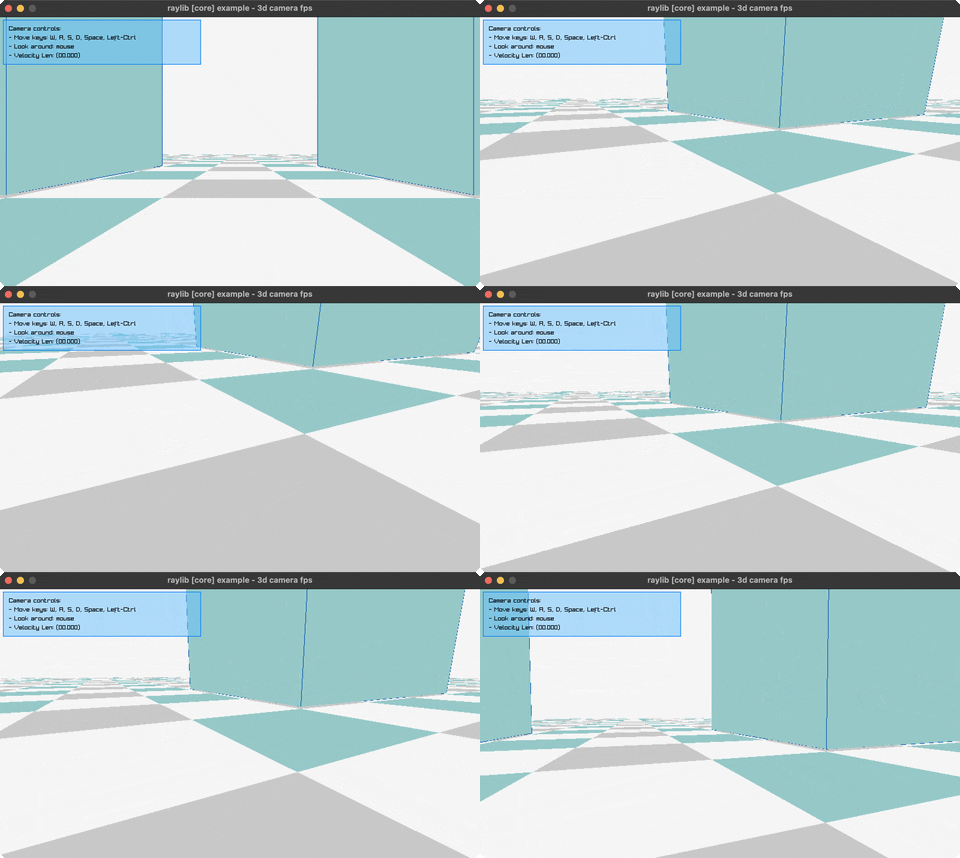
Camera FPS
FPS with physics. Controls: WASD, Space, Ctrl. Run it with bb camera-fps.
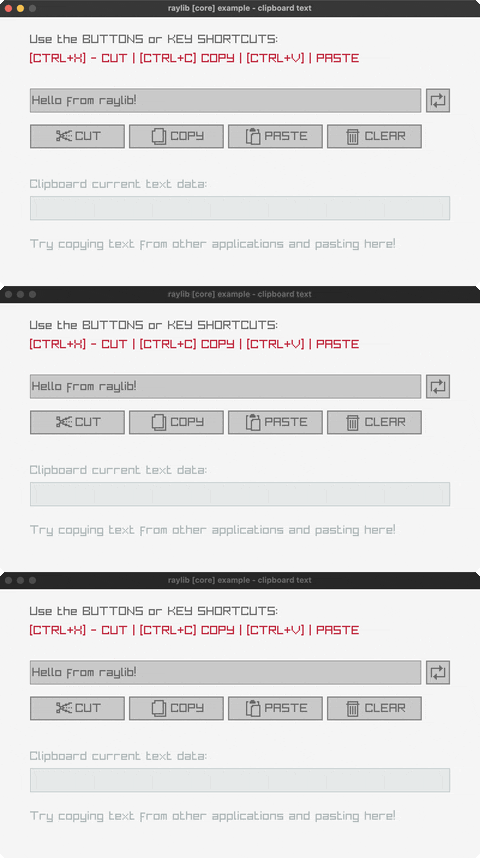
Clipboard Text
Cut, copy and paste against the system clipboard. Controls: Buttons or CTRL+X / CTRL+C / CTRL+V, click the box to edit. Run it with bb clipboard-text.
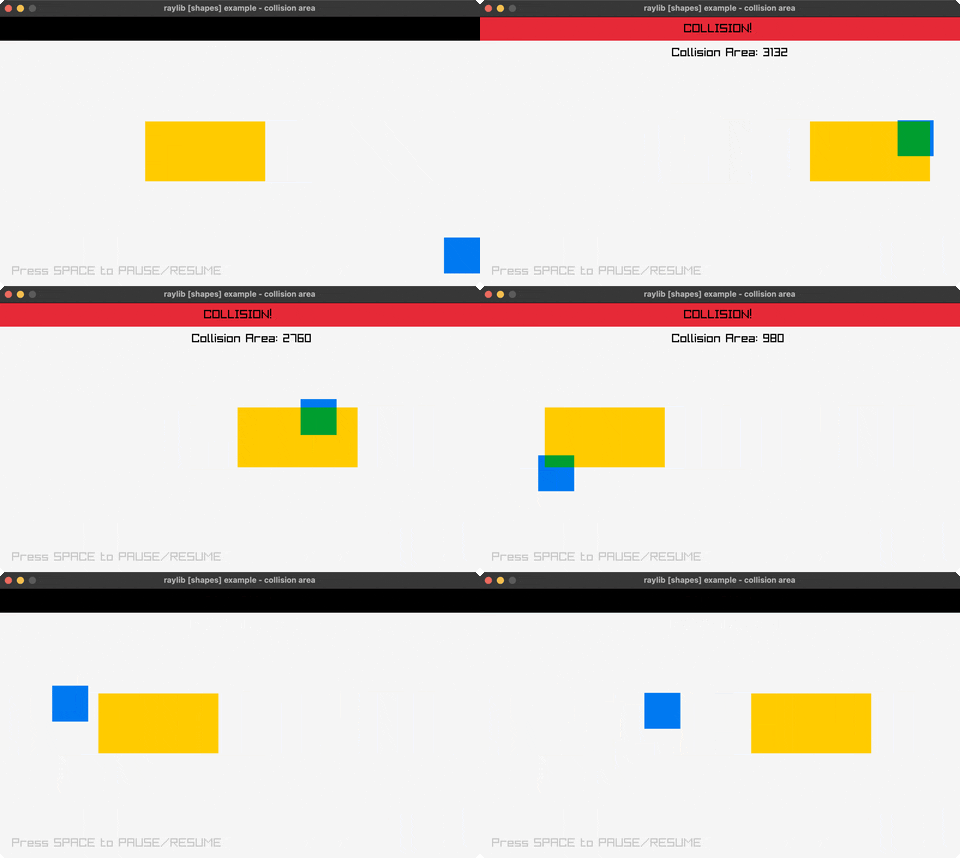
Collision Area
Collision detection. Controls: Mouse, SPACE. Run it with bb collision-area.
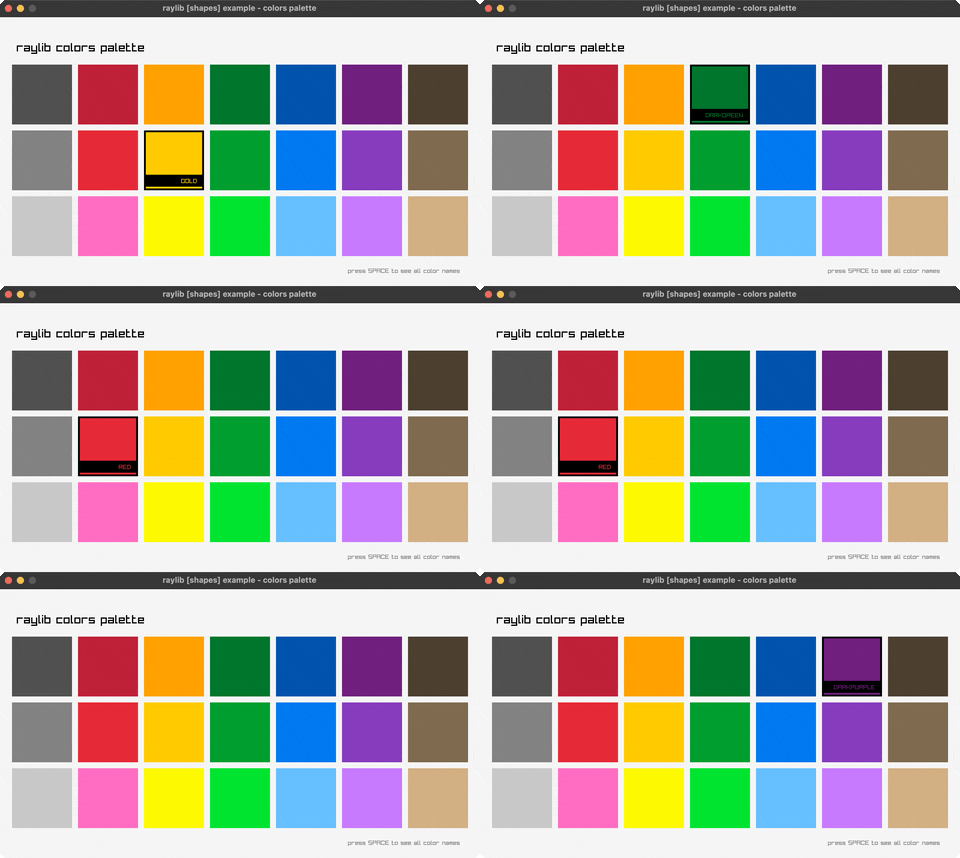
Colors Palette
Color showcase. Controls: Hover, SPACE. Run it with bb colors-palette.
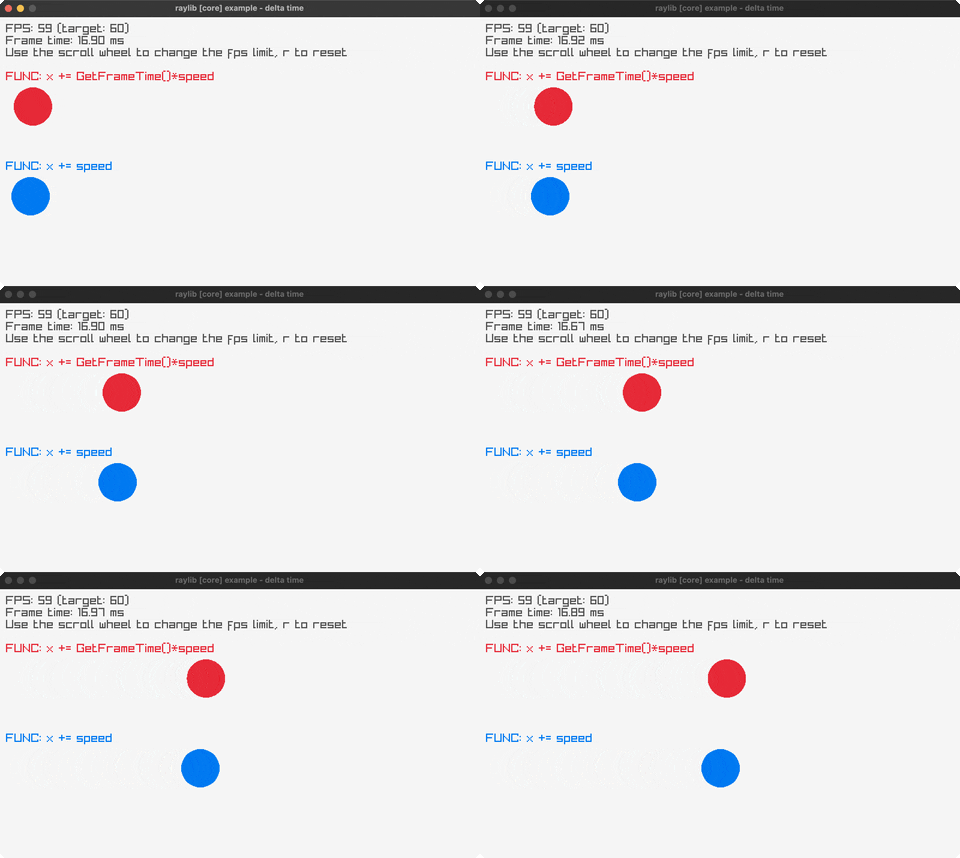
Delta Time
Frame-rate independent vs fixed-step motion. Controls: Wheel to change FPS, R to reset, Q to exit. Run it with bb delta-time.
First Person 3D
FPS camera. Controls: WASD, Mouse, 1-4. Run it with bb first-person-3d.
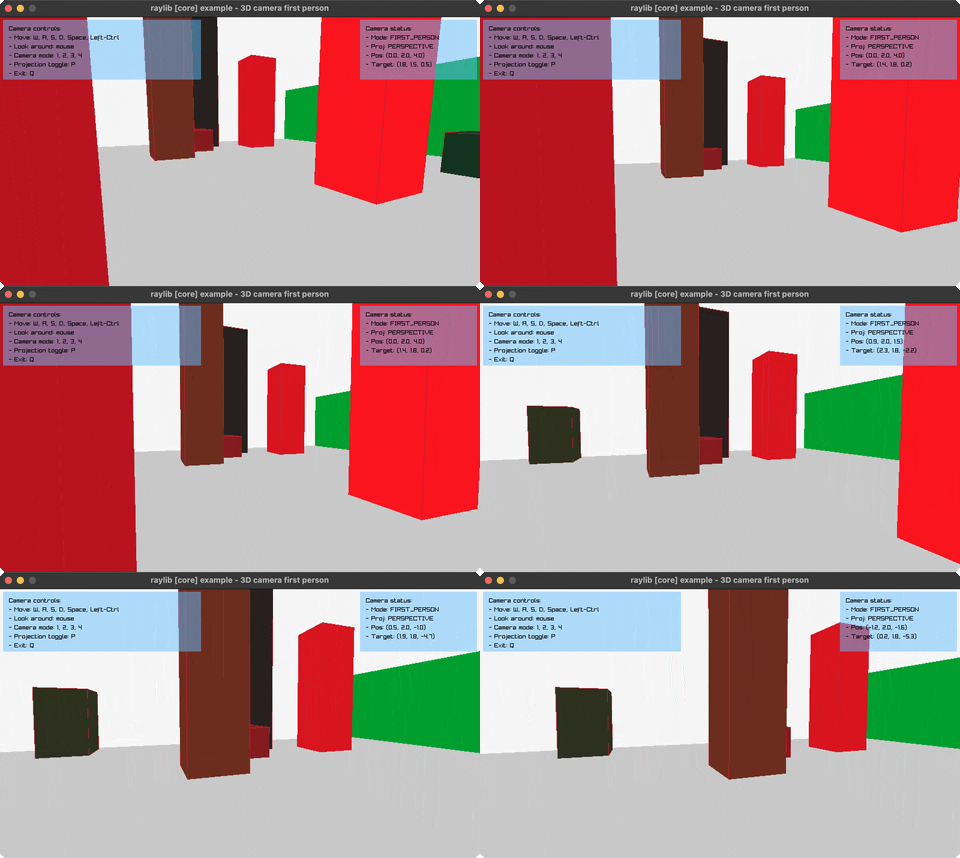
Following Eyes
Mouse tracking. Controls: Move mouse. Run it with bb following-eyes.
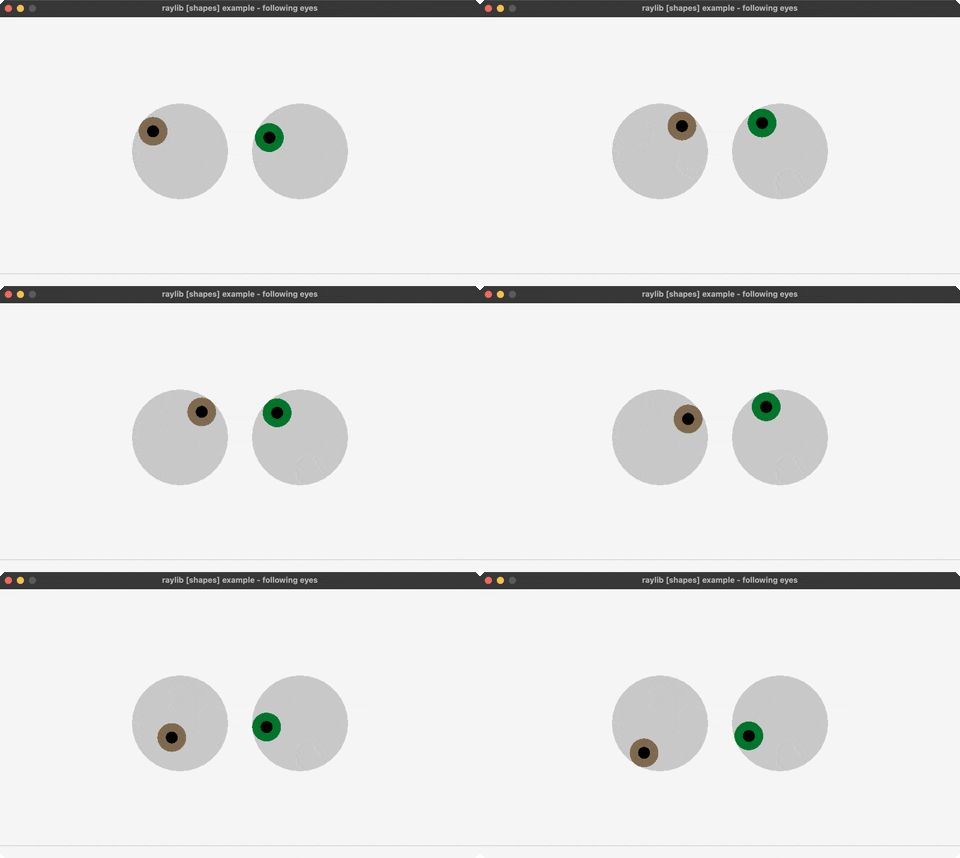
Gestures Testbed
Touch gestures. Controls: Touch/click. Run it with bb gestures-testbed.
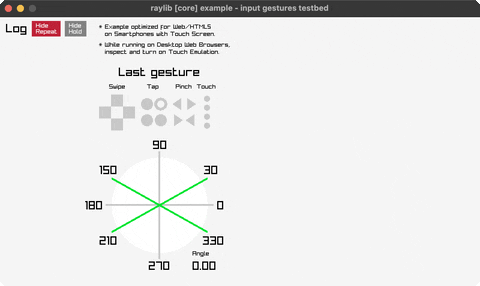
Input Actions
Remappable action layer over keys and gamepad buttons. Controls: WASD or arrows to move, SPACE to recentre, TAB swaps keyset. Run it with bb input-actions.
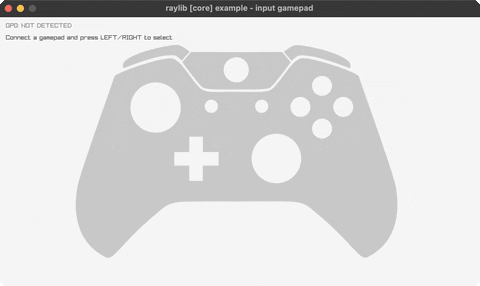
Input Gamepad
Gamepad demo. Controls: Connect gamepad. Run it with bb input-gamepad.
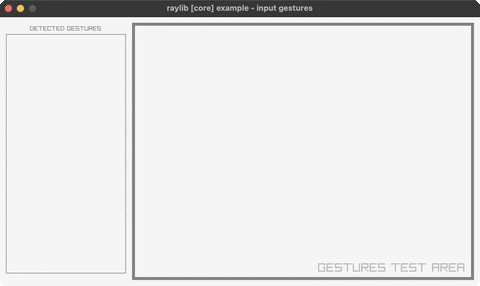
Input Gestures
Log of detected touch gestures. Controls: Click/drag/flick in the test area, Q to exit. Run it with bb input-gestures.
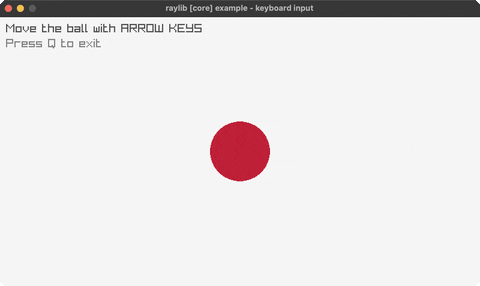
Input Keys
Keyboard input. Controls: Arrow keys. Run it with bb input-keys.
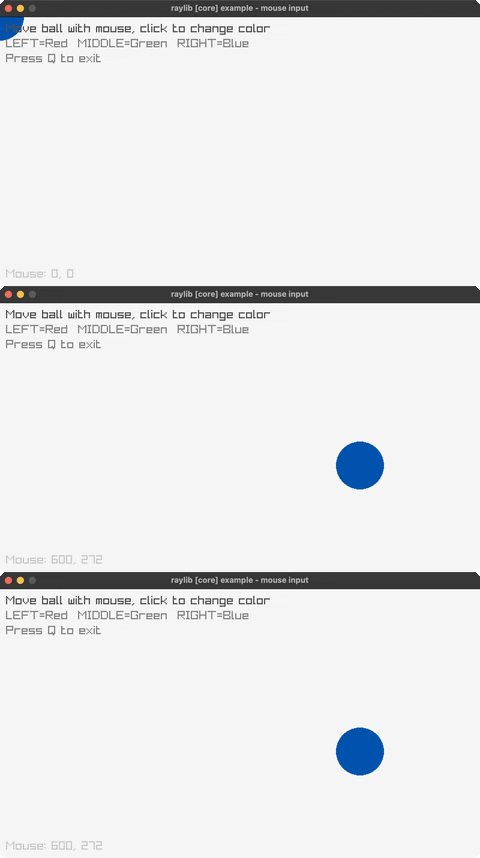
Input Mouse
Mouse input. Controls: Click, move. Run it with bb input-mouse.
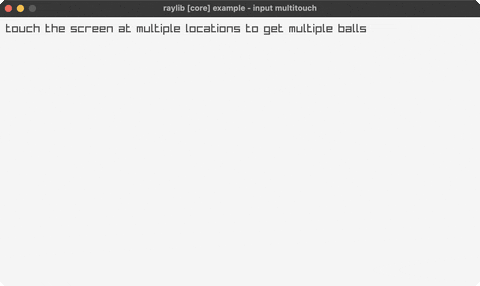
Input Multitouch
Numbered circle per touch point. Controls: Touch/click, Q to exit. Run it with bb input-multitouch.
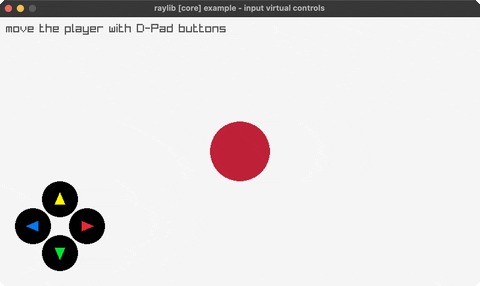
Input Virtual Controls
On-screen D-pad. Controls: Click/touch the D-pad, Q to exit. Run it with bb input-virtual-controls.
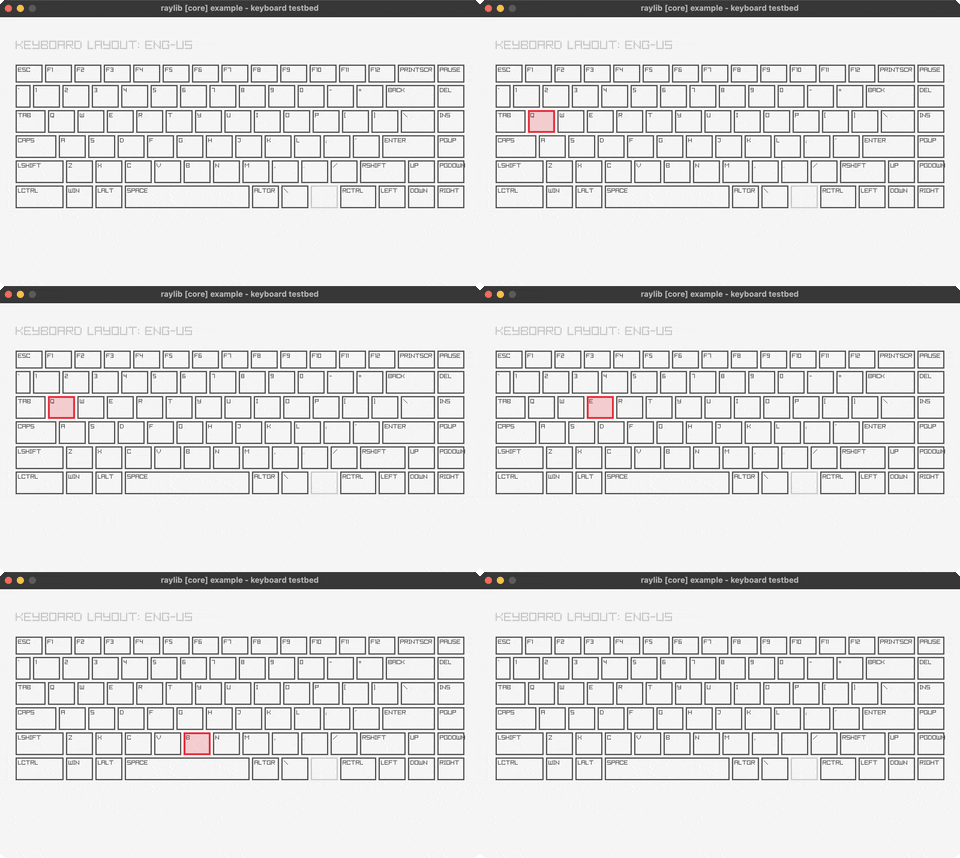
Keyboard Testbed
On-screen ENG-US keyboard showing what raylib reports per key. Controls: Press any key to light it up, hover to highlight, close via title bar. Run it with bb keyboard-testbed.
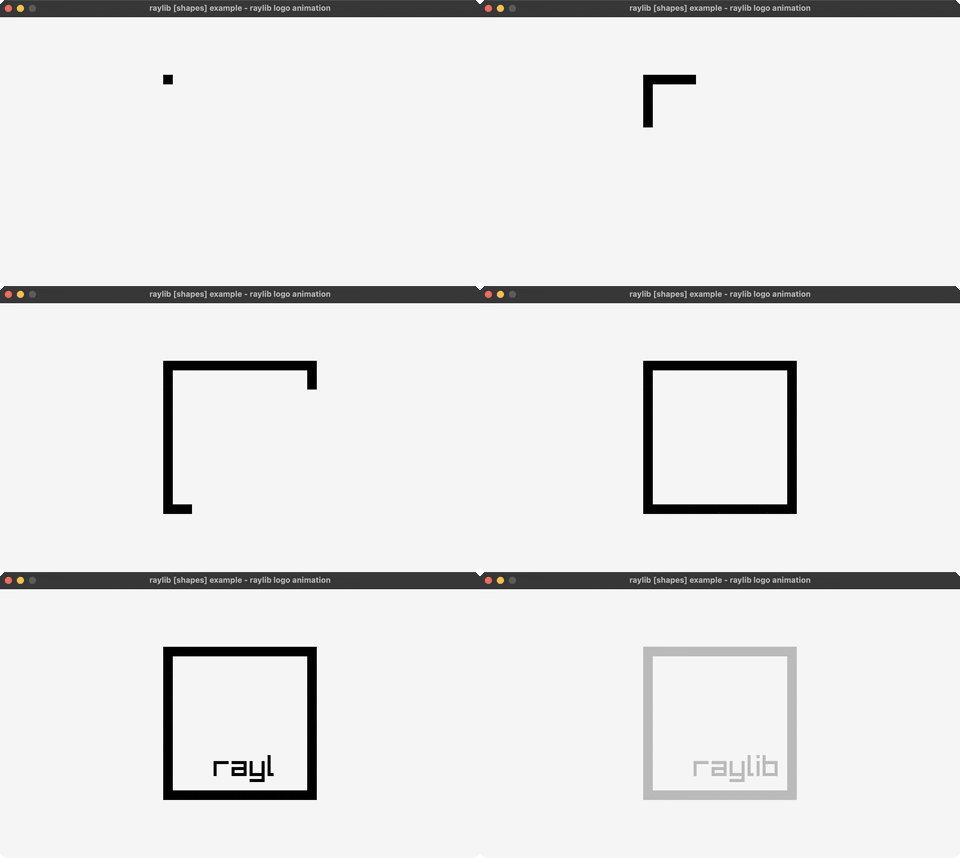
Logo Animation
Logo animation. Controls: R to replay. Run it with bb logo-anim.
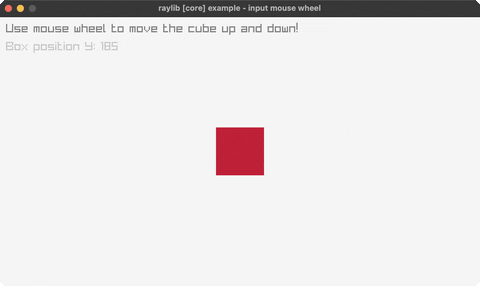
Mouse Wheel
Scroll input. Controls: Mouse wheel. Run it with bb mouse-wheel.
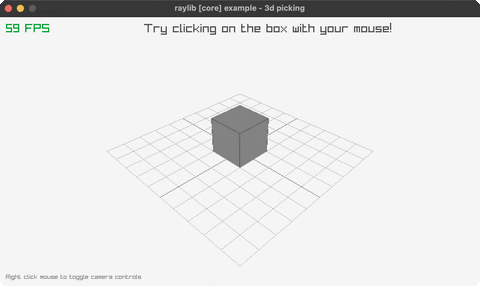
Picking 3D
Ray casting. Controls: Click. Run it with bb picking-3d.
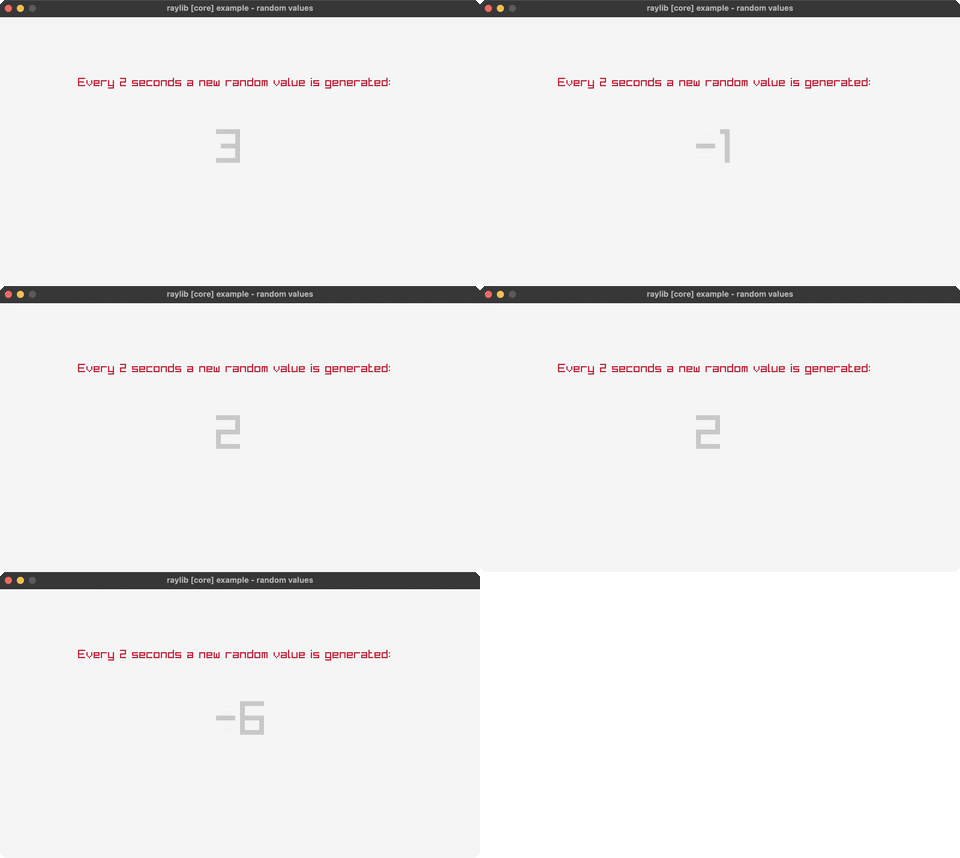
Random Values
Random numbers. Controls: Watch. Run it with bb random-values.
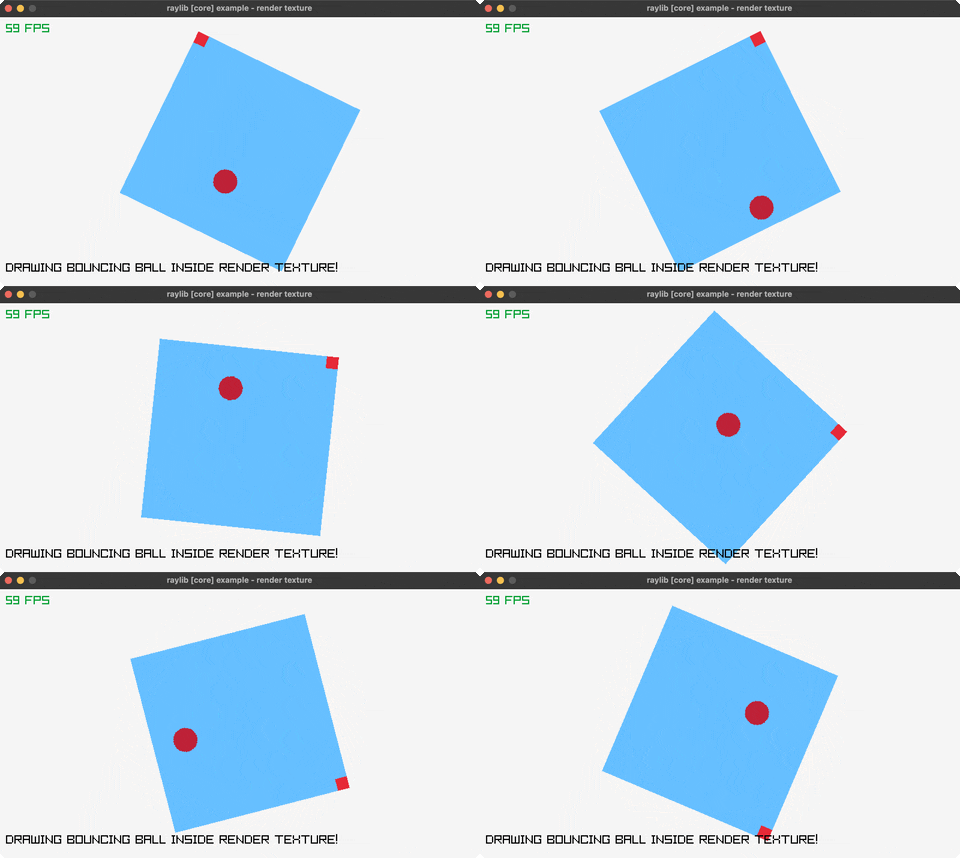
Render Texture
Bouncing ball drawn into an offscreen target. Controls: Q to exit. Run it with bb render-texture.
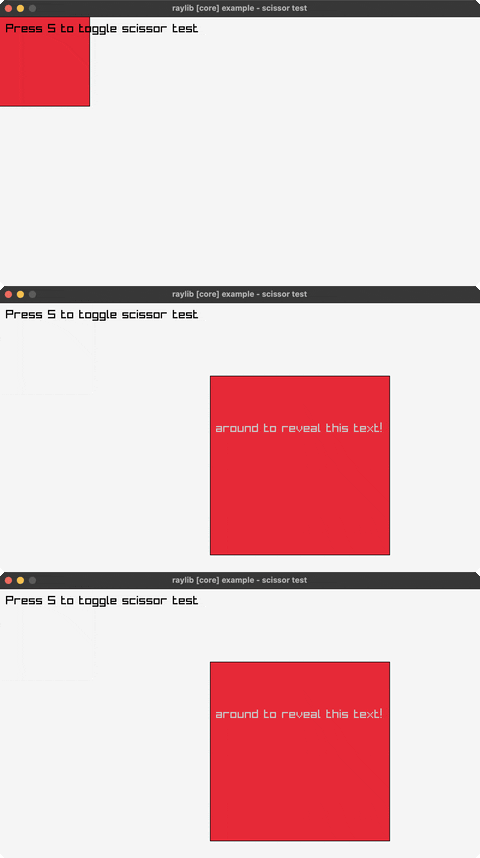
Scissor Test
Scissor clipping. Controls: S, Mouse. Run it with bb scissor-test.
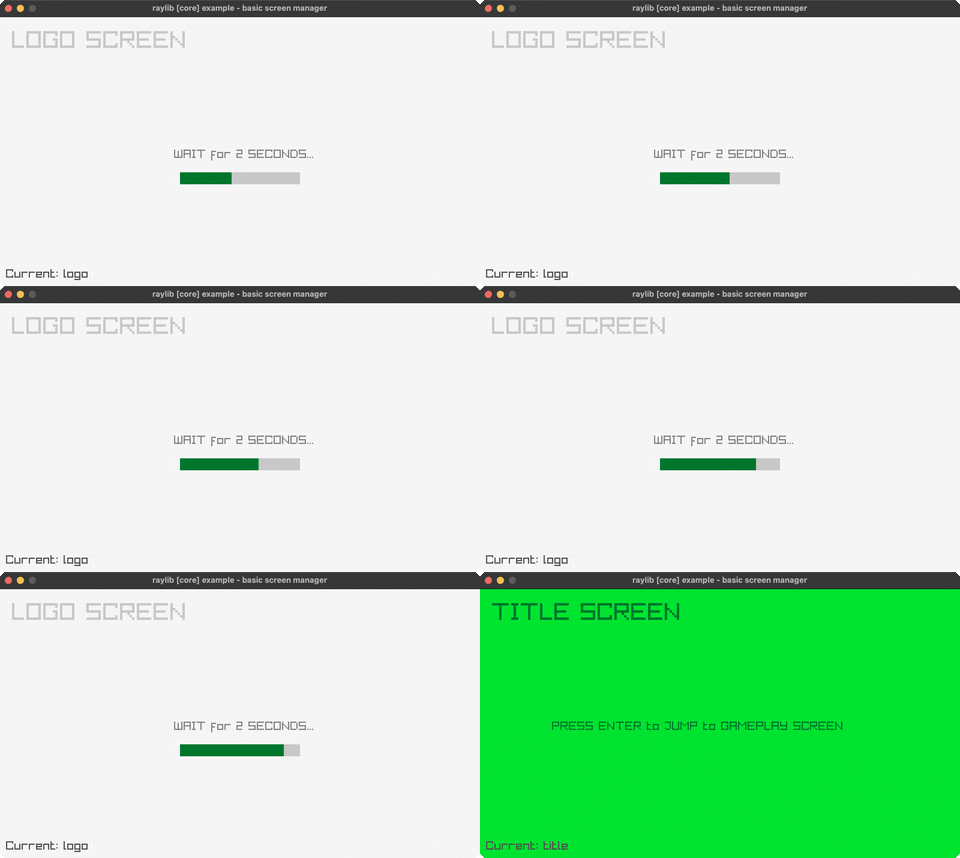
Screen Manager
State machine. Controls: ENTER. Run it with bb screen-manager.
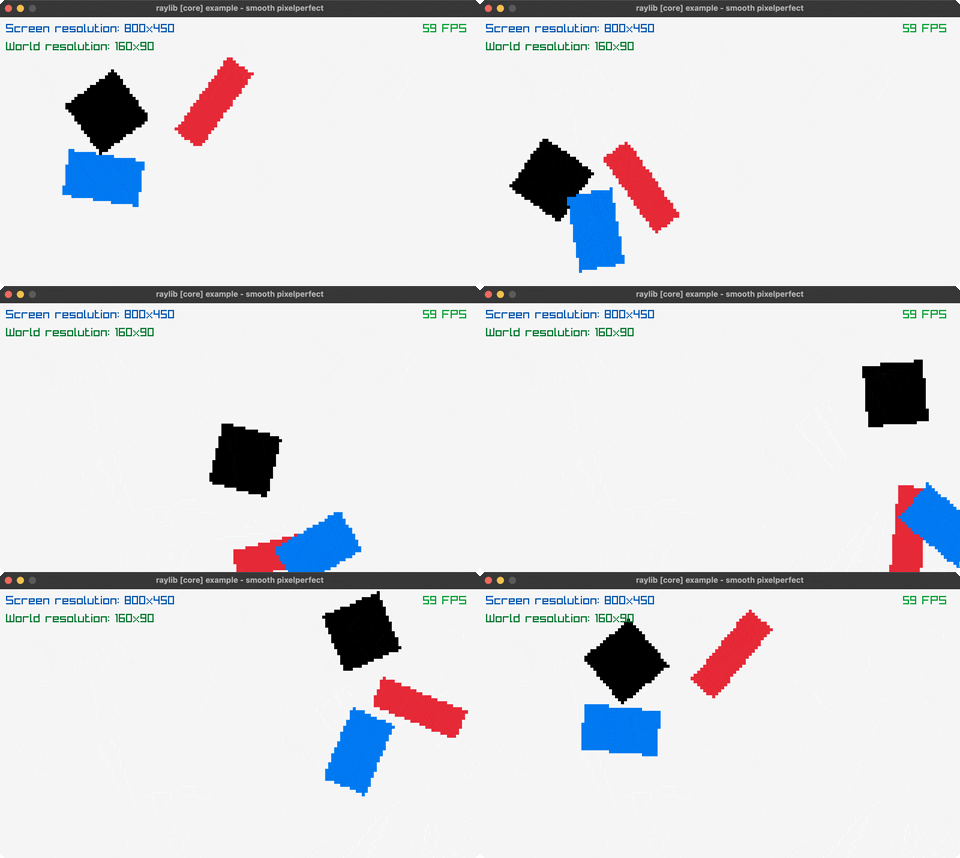
Smooth Pixelperfect
Pixel-aligned world, sub-pixel smooth camera. Controls: Q to exit. Run it with bb smooth-pixelperfect.
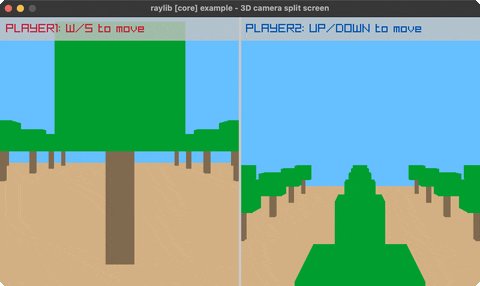
Split Screen 3D
Two-player 3D. Controls: W/S, UP/DOWN. Run it with bb split-screen-3d.
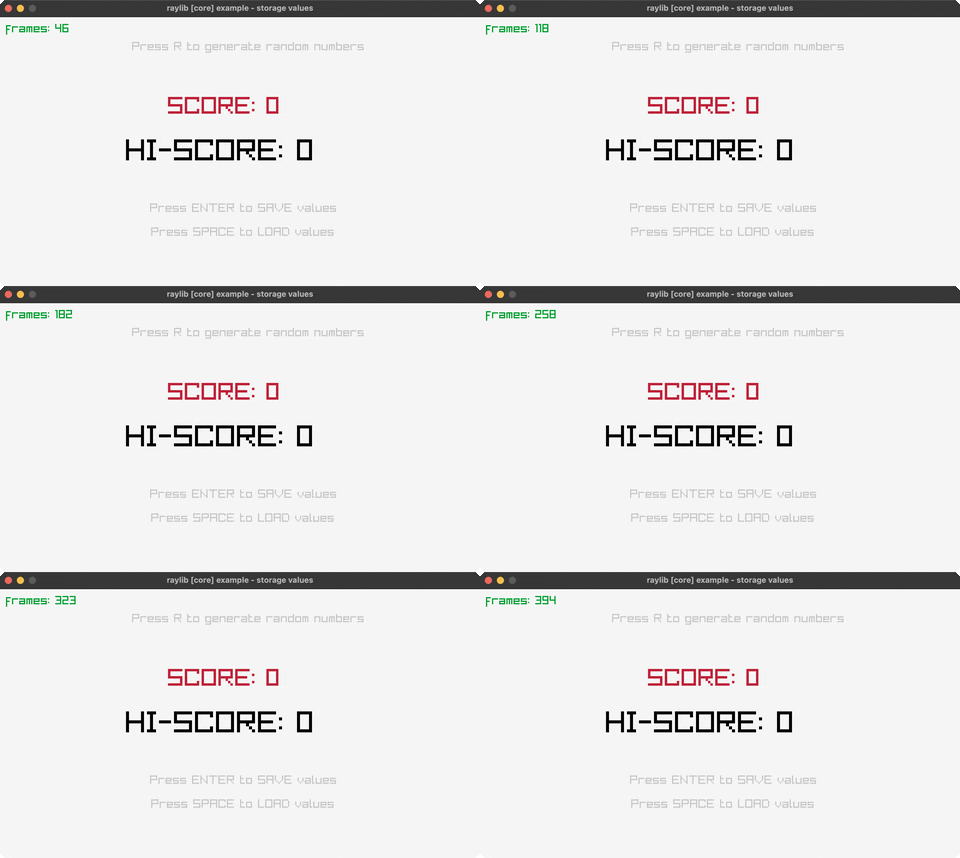
Storage Values
Save and load scores to a file. Controls: R random, ENTER save, SPACE load, Q to exit. Run it with bb storage-values.
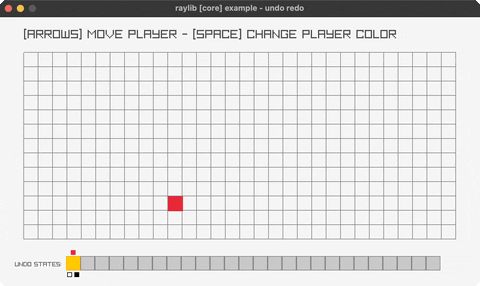
Undo Redo
Ring-buffer undo history on a grid. Controls: Arrows move, SPACE colour, CTRL+Z undo, CTRL+Y redo, Q exit. Run it with bb undo-redo.
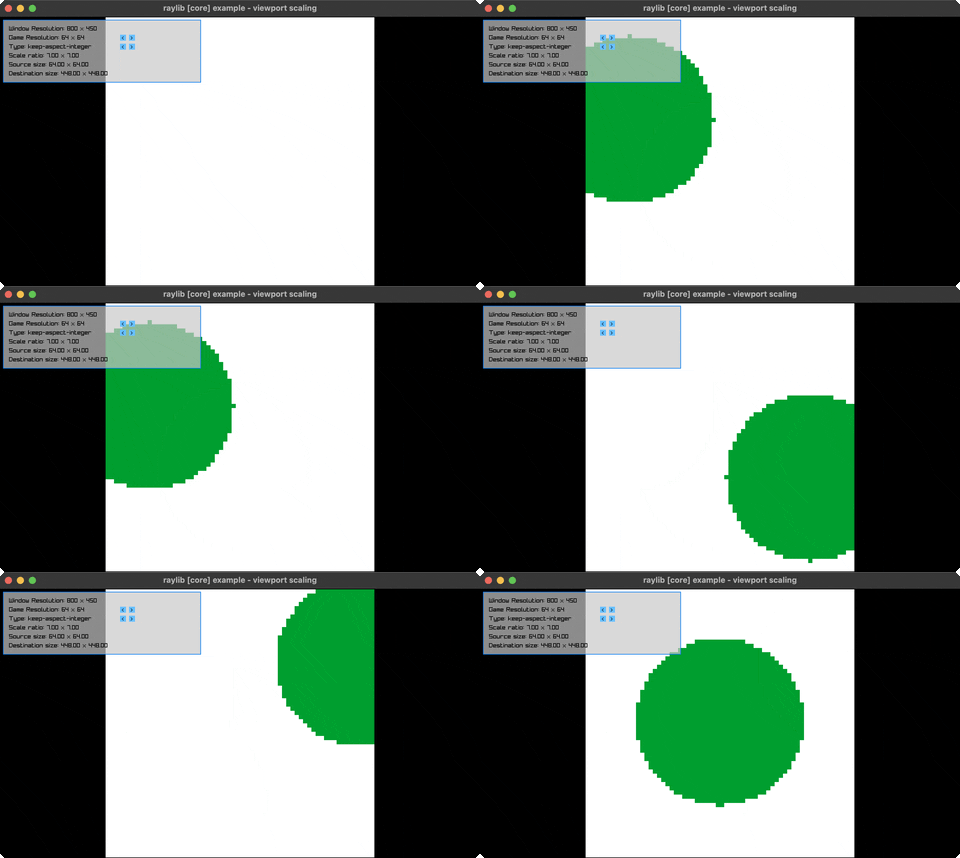
Viewport Scaling
Six ways to fit a fixed-resolution game onto a resizable window. Controls: Click < > to change resolution and viewport type, resize the window. Run it with bb viewport-scaling.
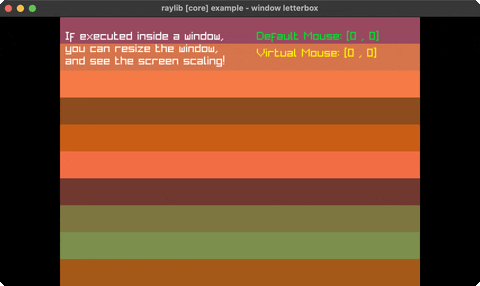
Window Letterbox
Resolution-independent rendering. Controls: SPACE, Resize window. Run it with bb window-letterbox.
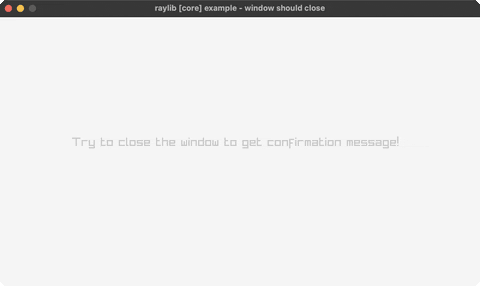
Window Should Close
Custom close confirmation. Controls: Y/N to confirm/cancel. Run it with bb window-should-close.
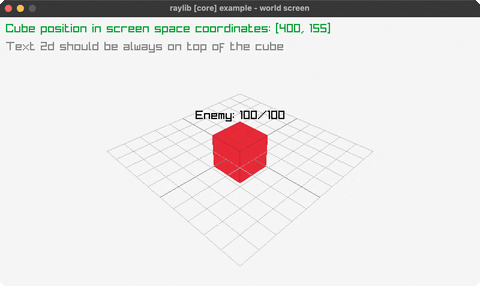
World Screen
3D to 2D coords. Controls: Mouse, Wheel. Run it with bb world-screen.
games (9)
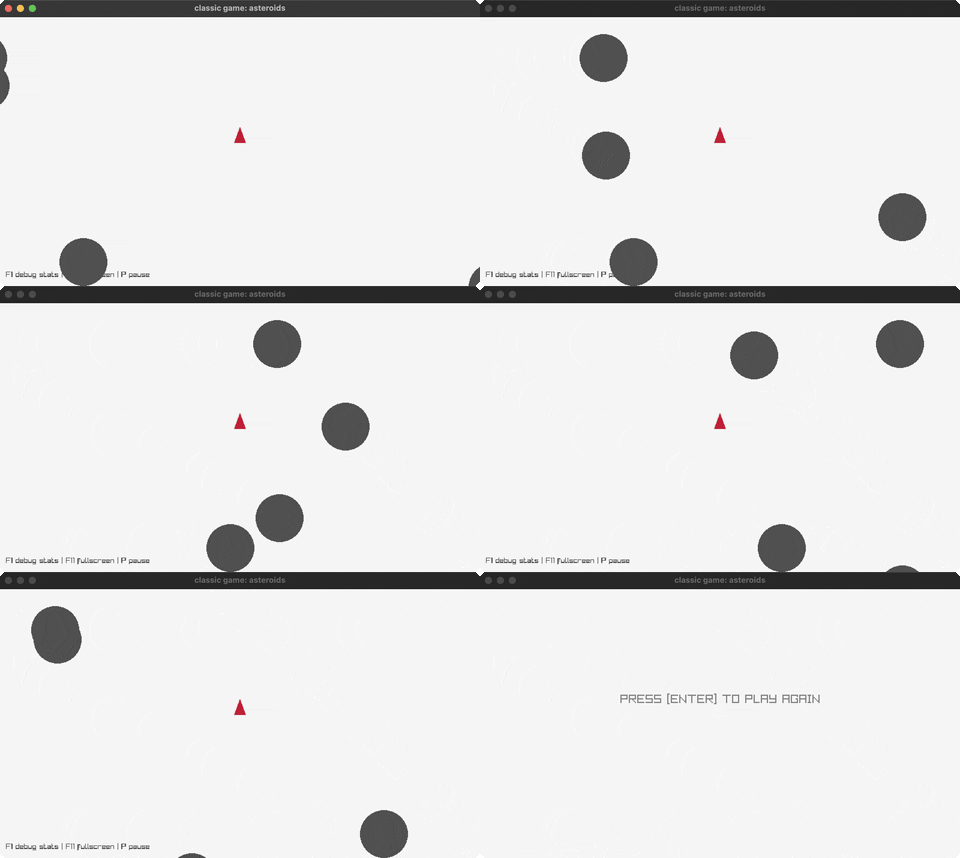
Asteroids
Shoot asteroids. Controls: Arrows, Space. Run it with bb asteroids.
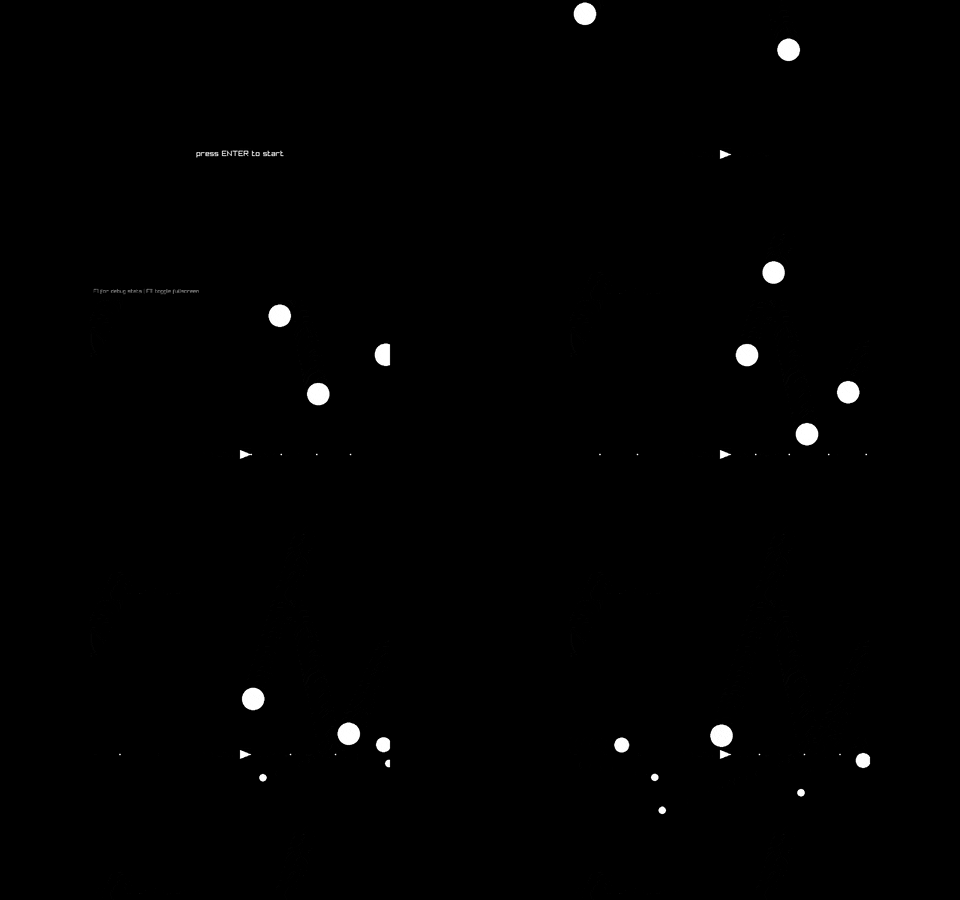
Asteroids 2
Alternate version. Controls: Arrows, Space. Run it with bb asteroids2.
Floppy
Flappy bird clone. Controls: SPACE, P, ENTER, Q. Run it with bb floppy.
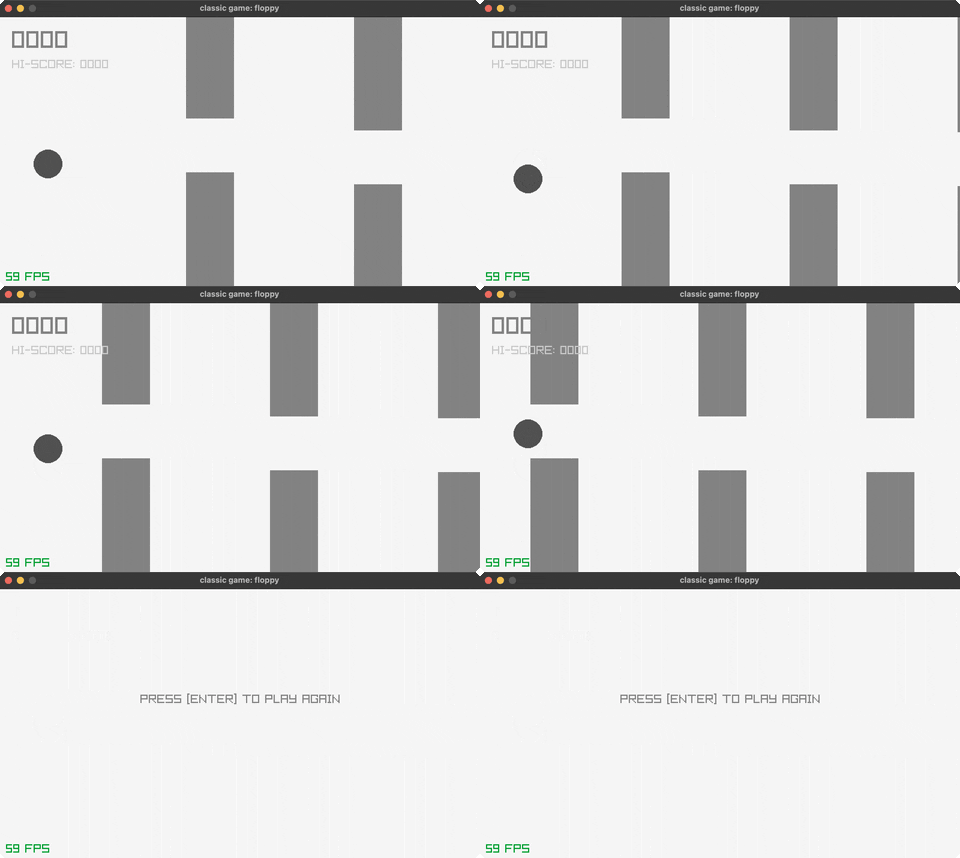
Hello World
Basic window test. Controls: Q to exit, F1 for debug stats. Run it with bb hello-world.
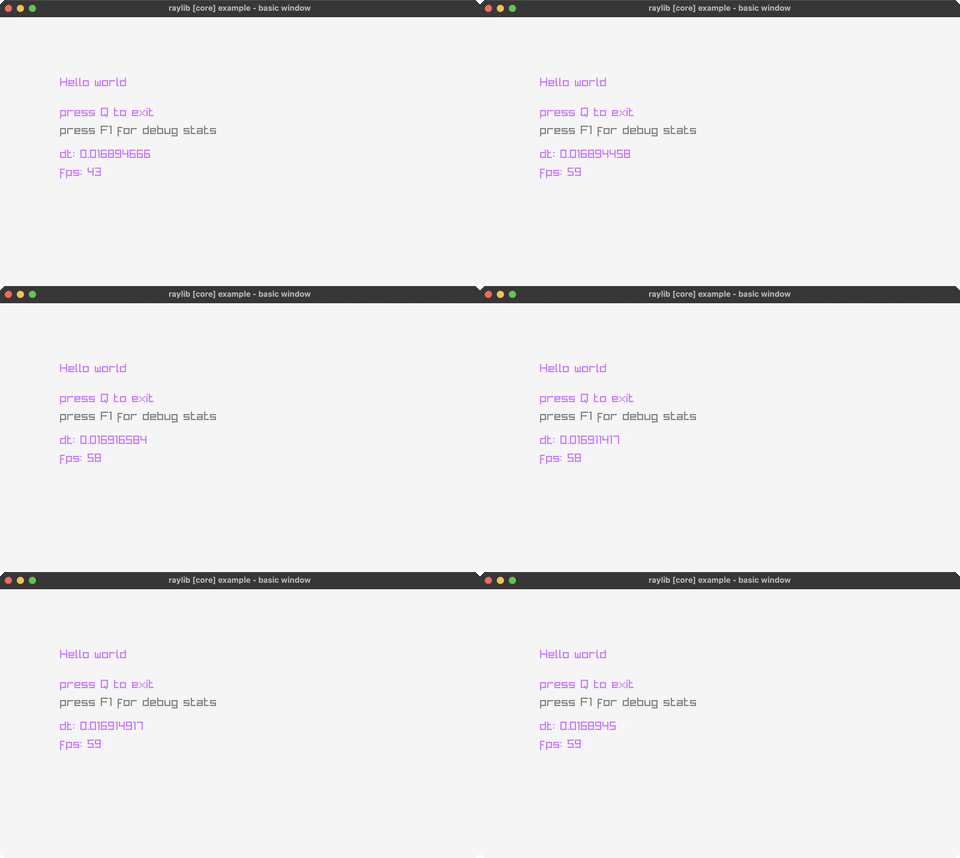
Pong
Two-player paddle game. Controls: W/S, K/J, Enter. Run it with bb pong.
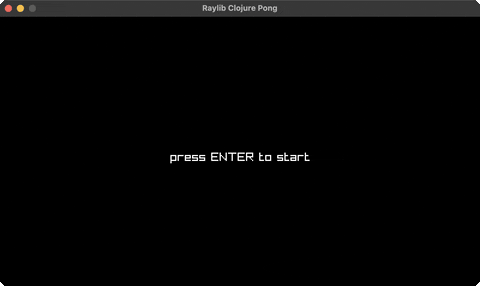
Retro Maze 3D
GameBoy-style maze escape. Controls: WASD, Mouse, SPACE, M, ENTER, Q. Run it with bb retro-maze-3d.
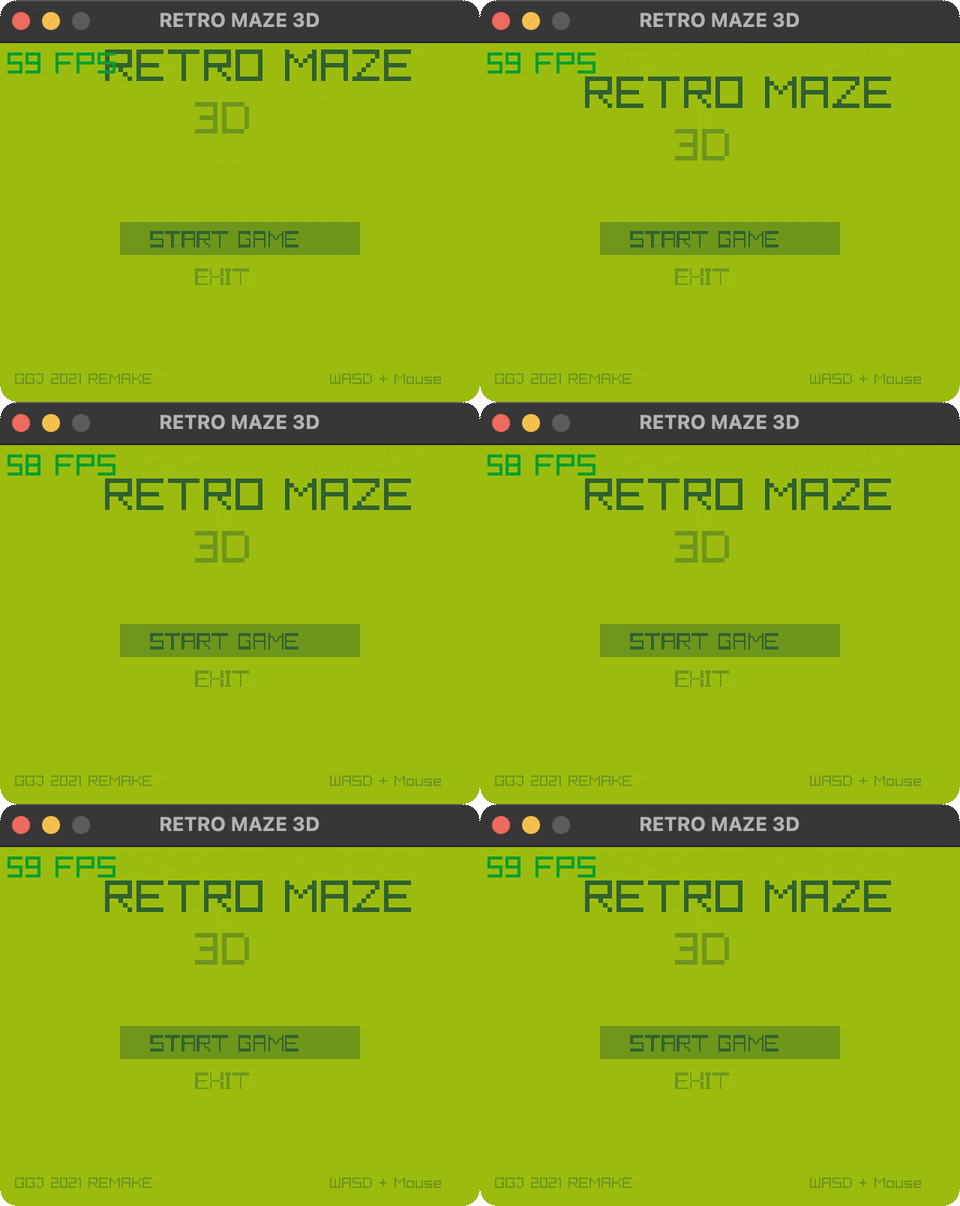
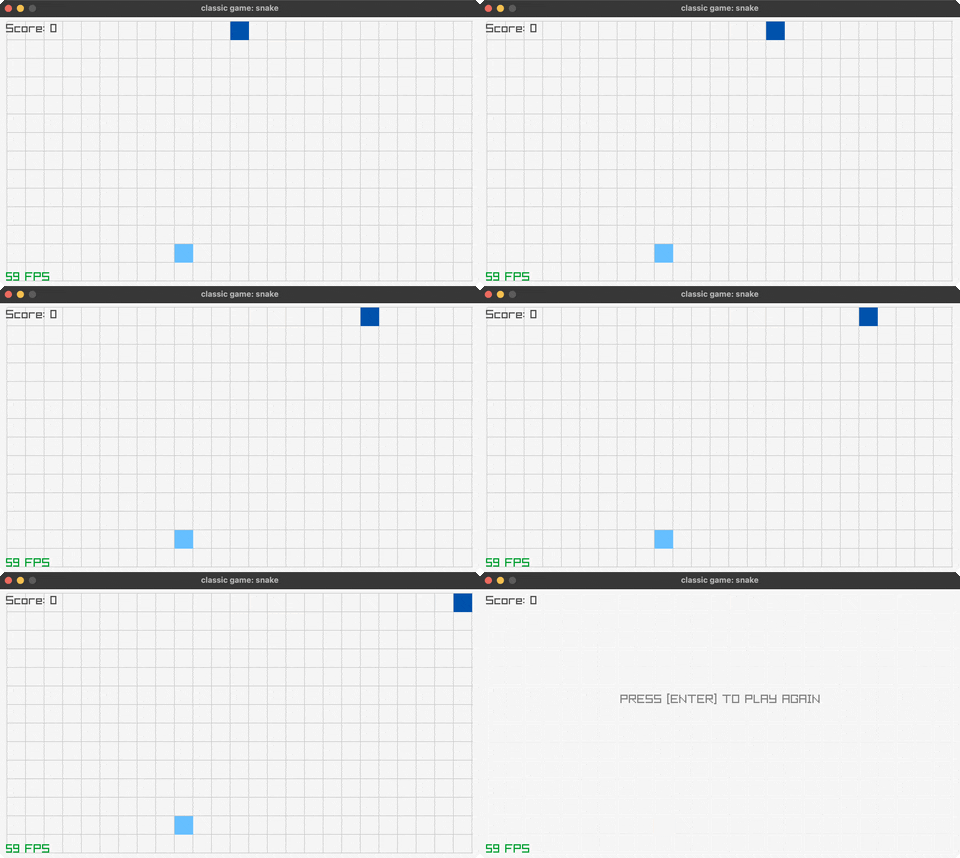
Snake
Classic snake game. Controls: Arrows, P, ENTER, Q. Run it with bb snake.
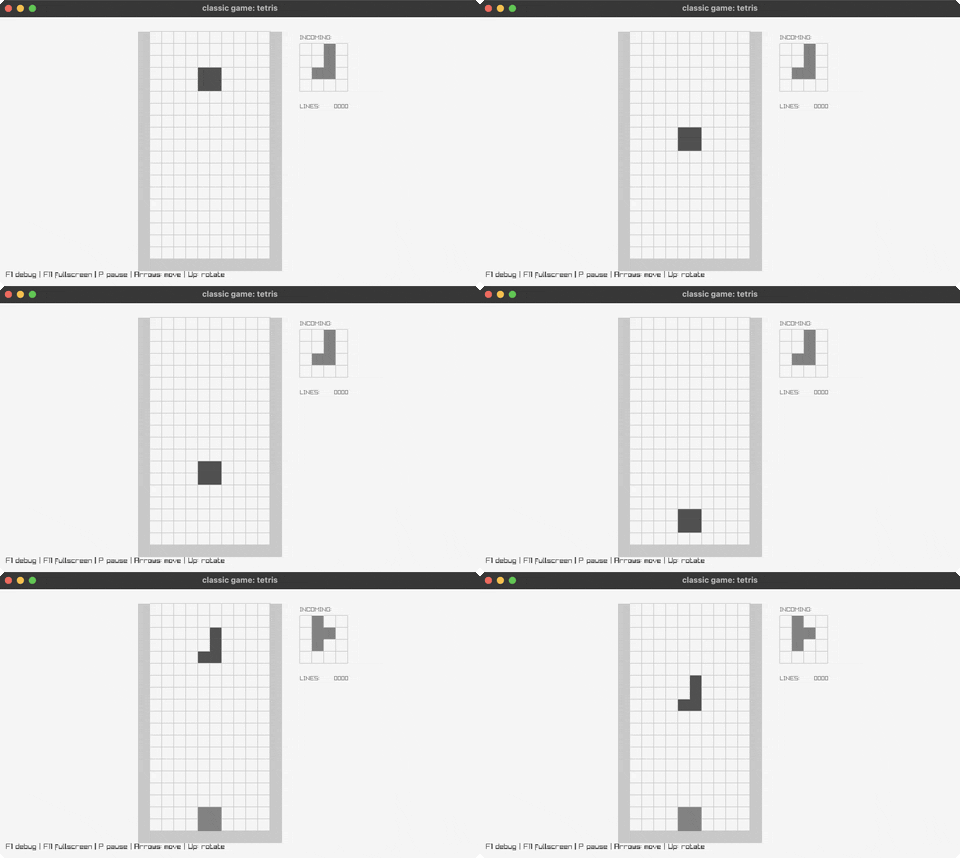
Tetris
Block-stacking puzzle. Controls: Arrows, Space. Run it with bb tetris.
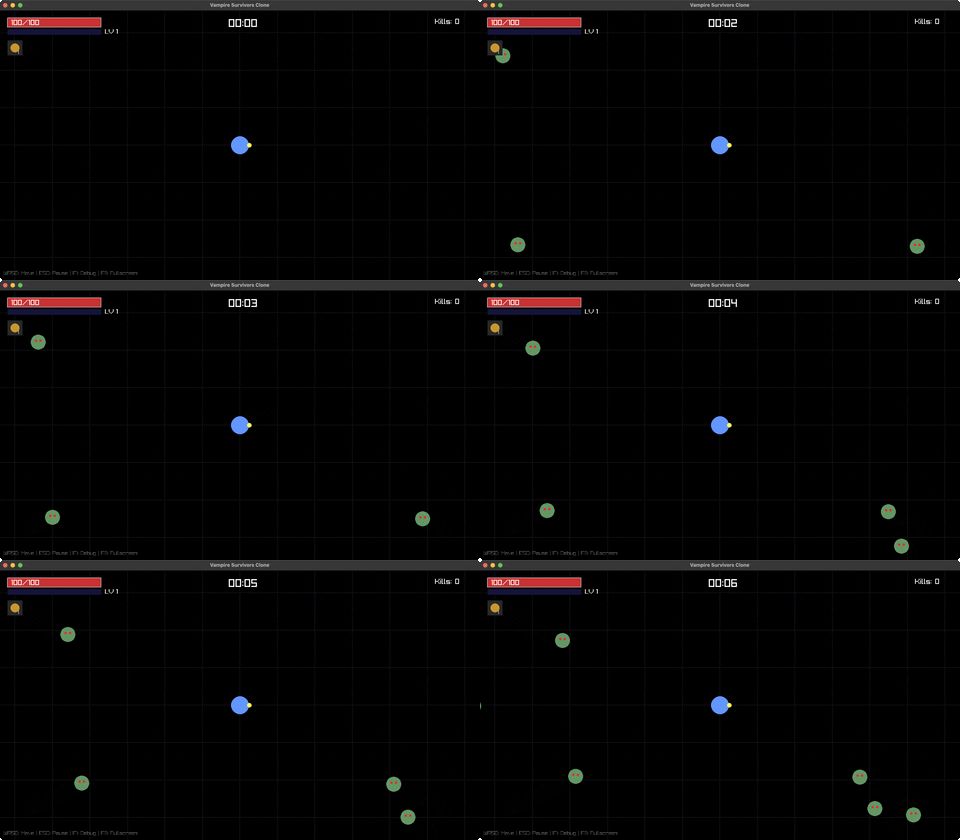
Vampire Survivors
Survival action. Controls: WASD. Run it with bb vampire-survivors.
models (25)
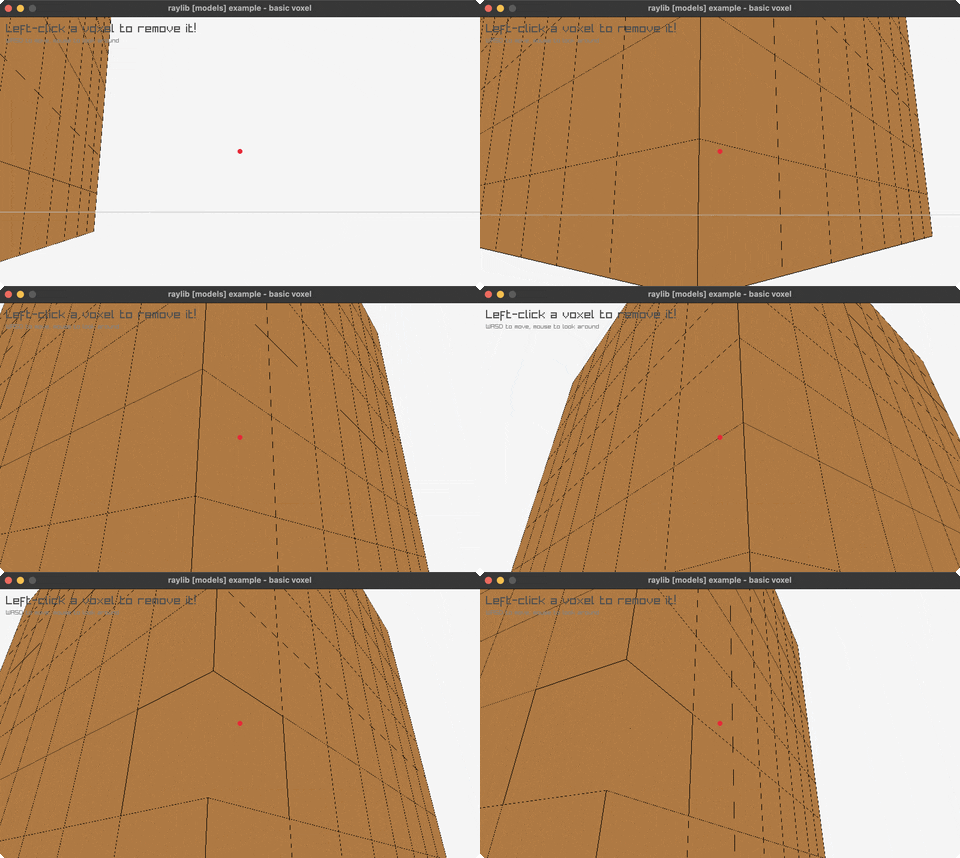
Basic Voxel
First-person 8x8x8 voxel world, left-click to remove a cube. Controls: WASD to move, mouse to look, left-click to remove. Run it with bb basic-voxel.
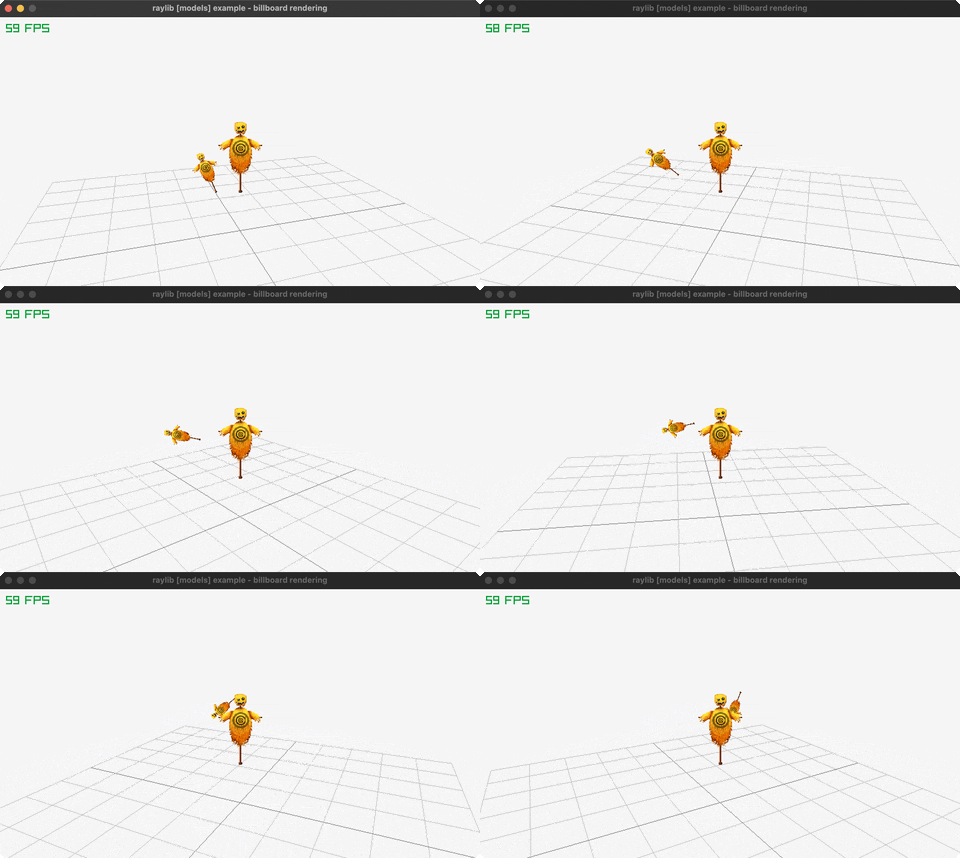
Billboard Rendering
Camera-facing sprites drawn far-to-near so alpha blends correctly. Controls: Orbits on its own, no input. Run it with bb billboard-rendering.
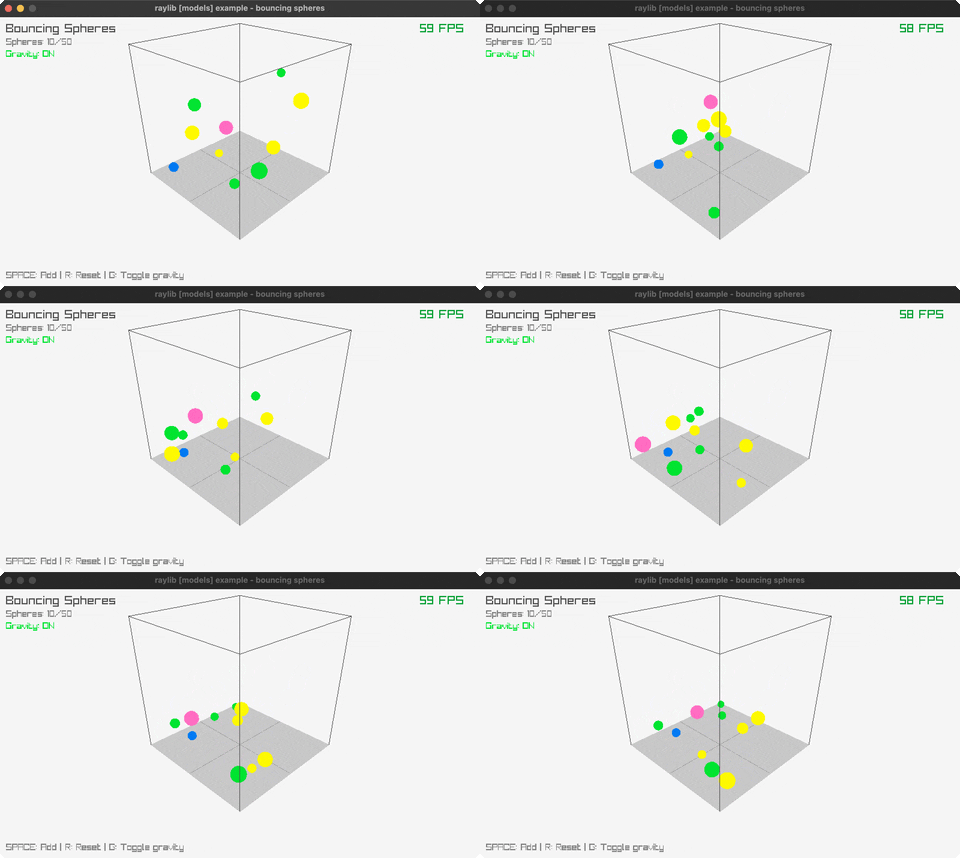
Bouncing Spheres
Physics in 3D box. Controls: SPACE, R, G, Q. Run it with bb bouncing-spheres.
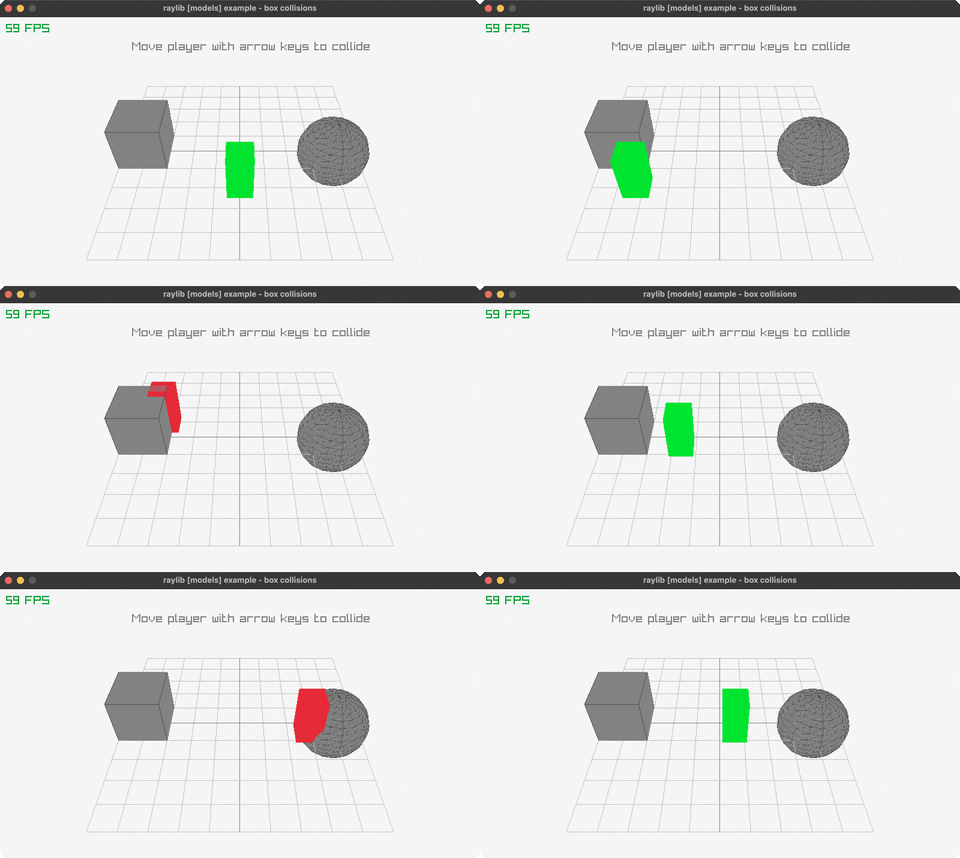
Box Collisions
3D collision detection. Controls: Arrow keys, Q. Run it with bb box-collisions.
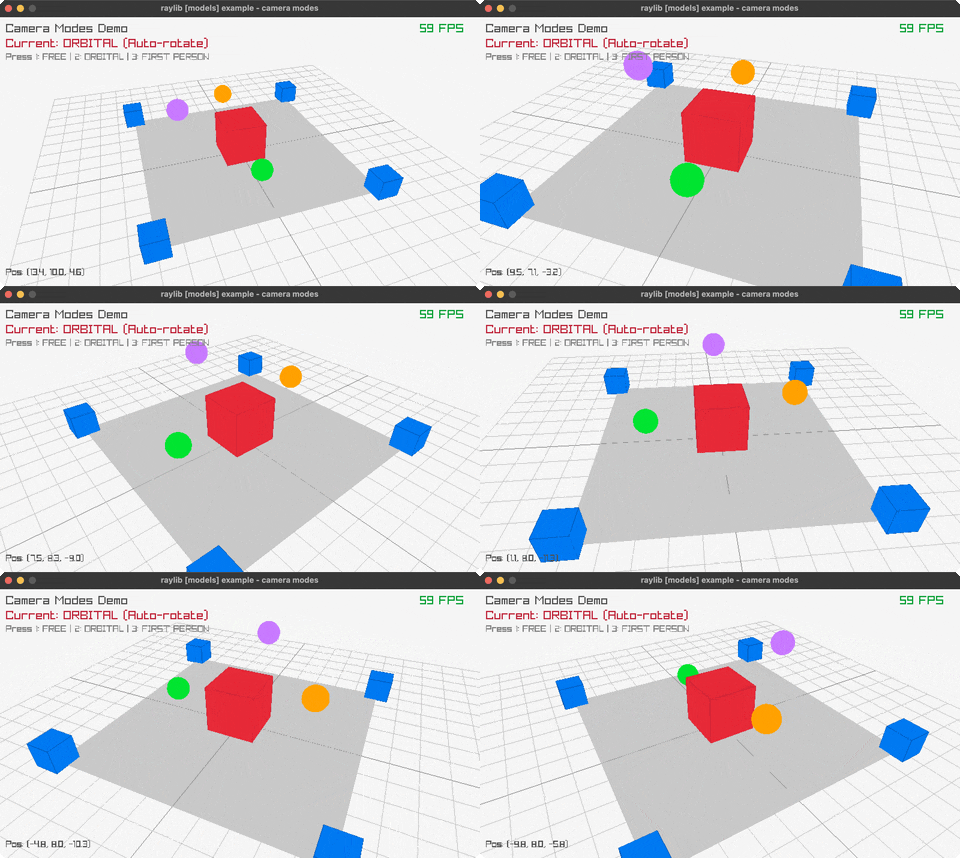
Camera Modes
Free/Orbital/FPS cameras. Controls: 1/2/3, WASD, Q. Run it with bb camera-modes.
Cubicmap Rendering
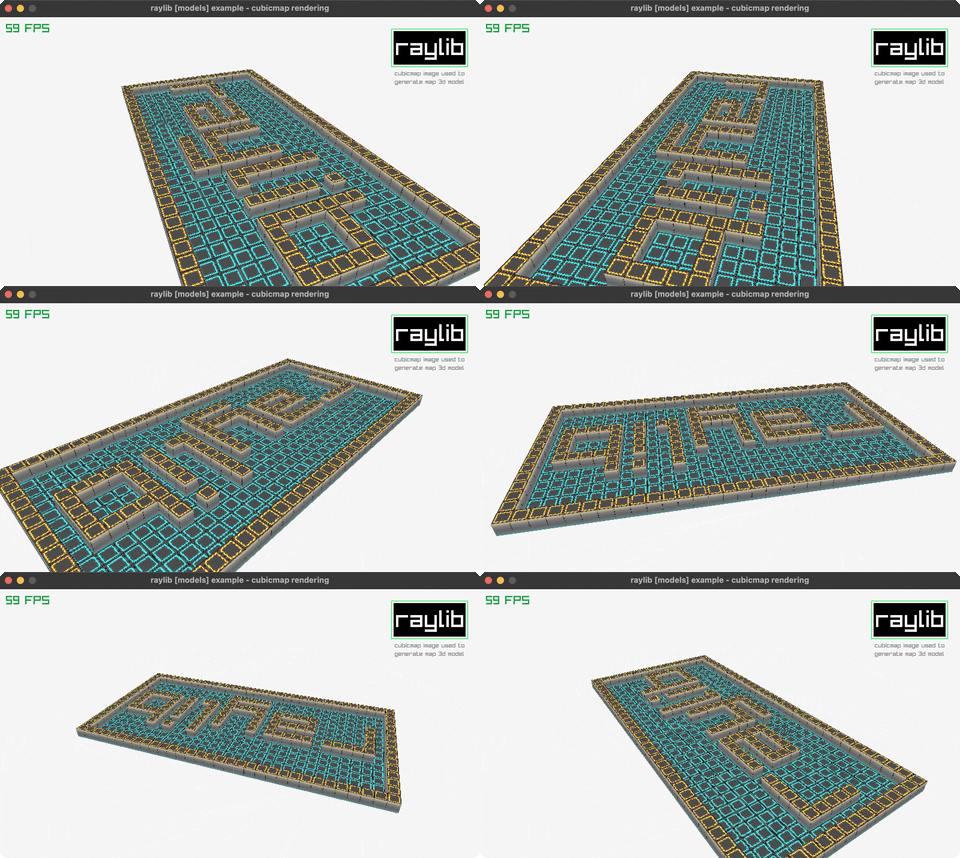
A 3D maze mesh generated from a 32x16 PNG, one cube per lit pixel. Controls: P to pause the orbit. Run it with bb cubicmap-rendering.
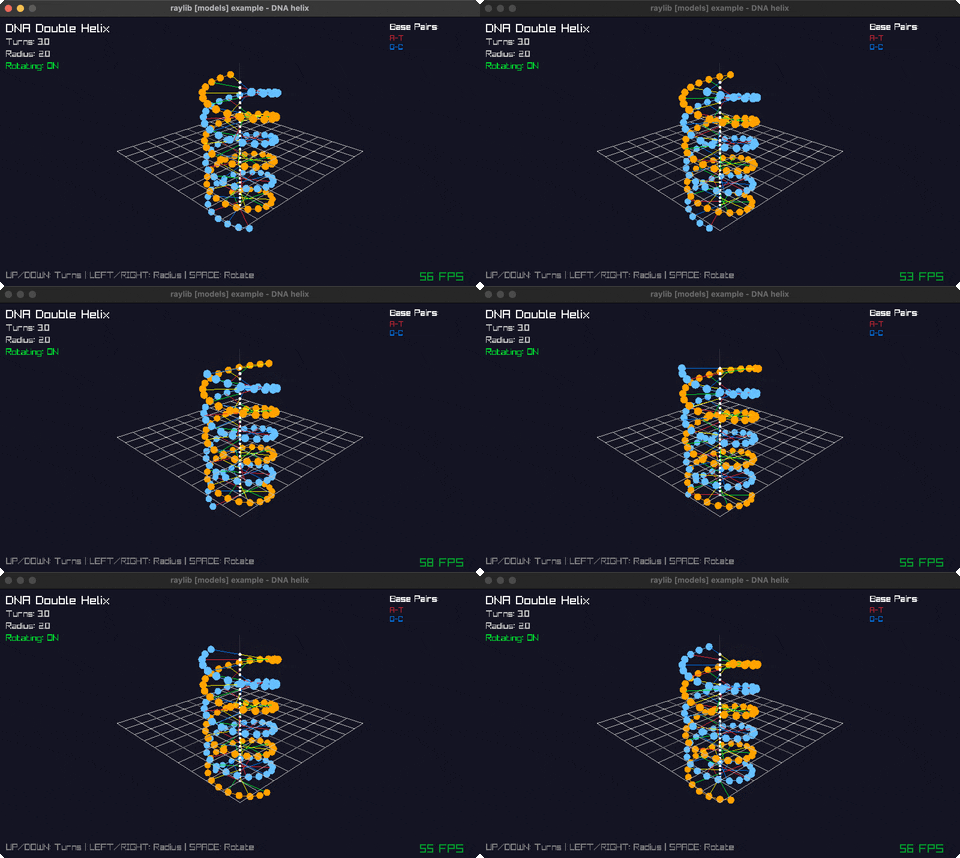
DNA Helix
Double helix. Controls: Arrows, SPACE, R, Q. Run it with bb dna-helix.
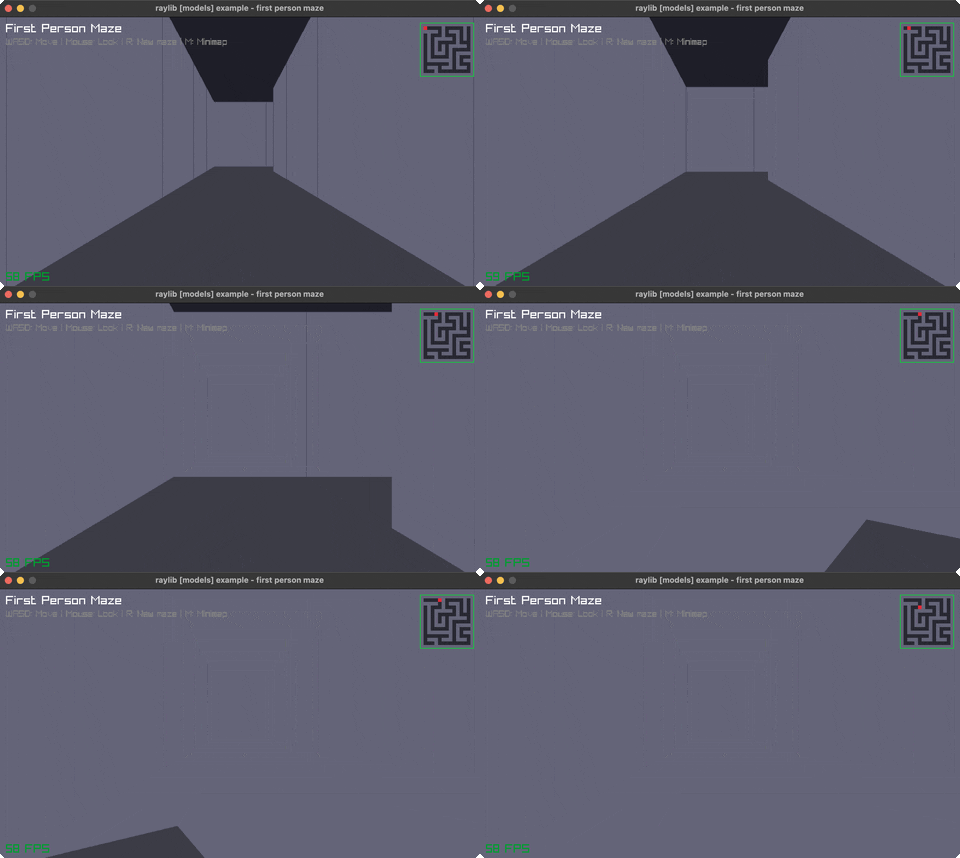
First Person Maze
Navigate 3D maze. Controls: WASD, Mouse, R, M, Q. Run it with bb first-person-maze.
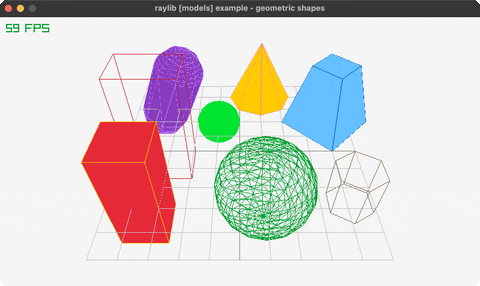
Geometric Shapes
3D primitives. Controls: Q to exit. Run it with bb geometric-shapes.
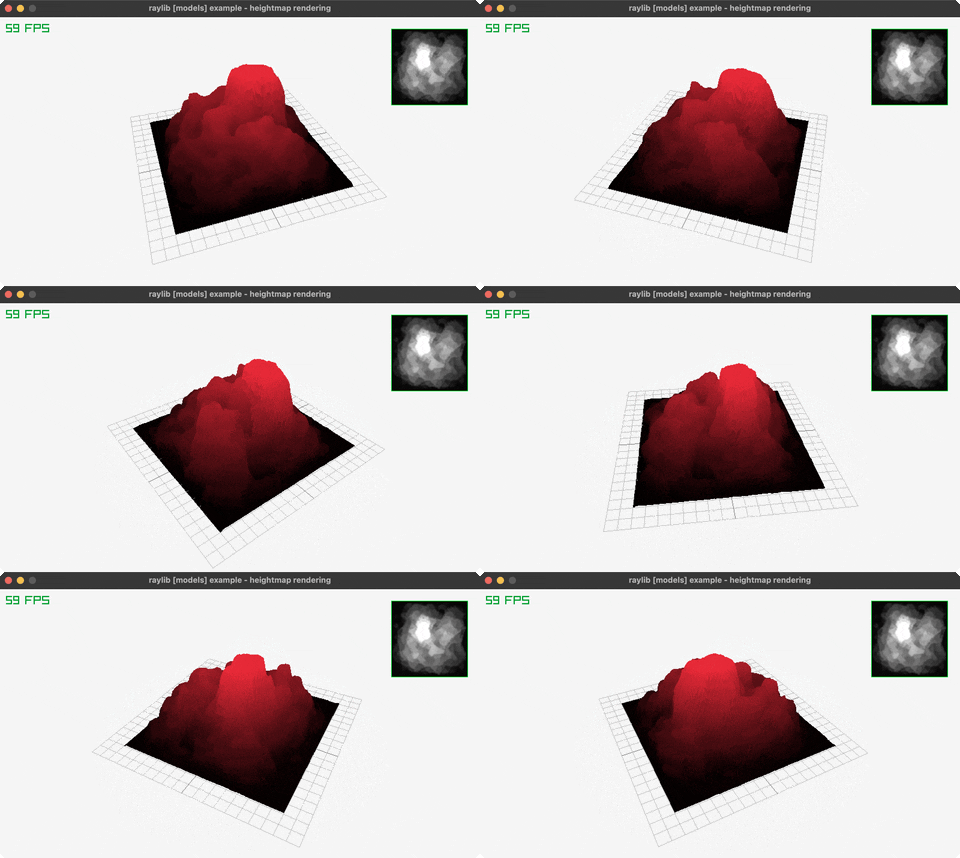
Heightmap Rendering
Terrain mesh generated from a greyscale PNG, brightness as elevation. Controls: Orbits on its own, no input. Run it with bb heightmap-rendering.
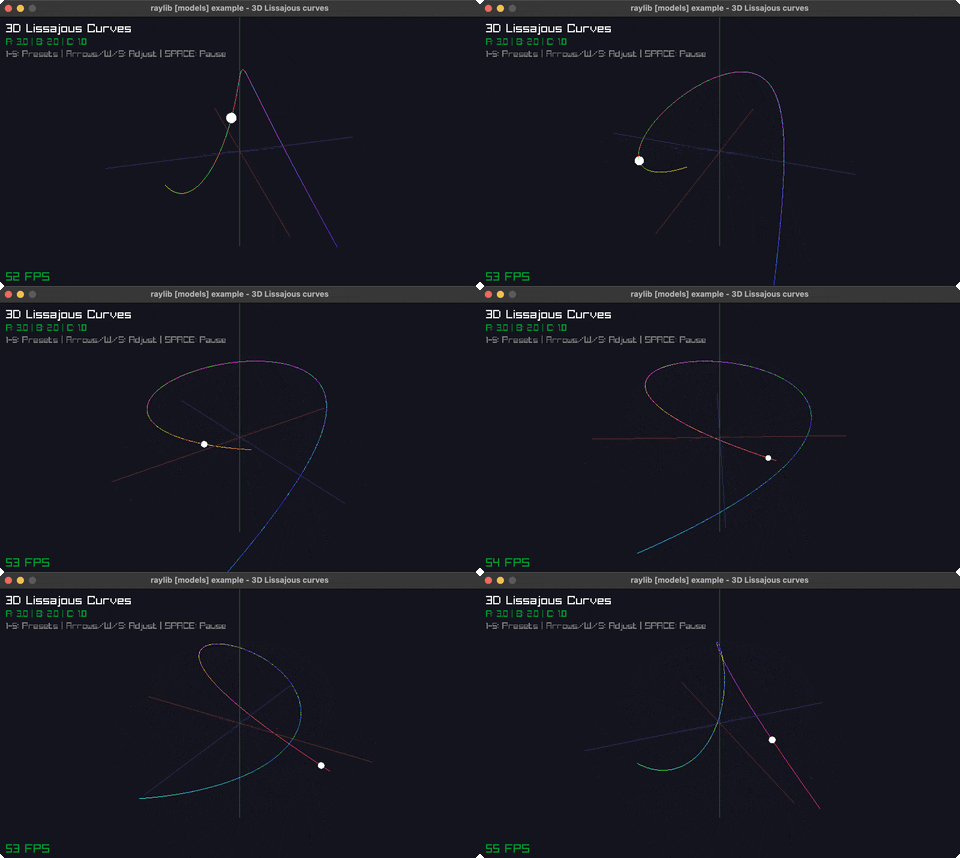
Lissajous 3D
Parametric curves. Controls: 1-5, Arrows, W/S, SPACE, Q. Run it with bb lissajous-3d.
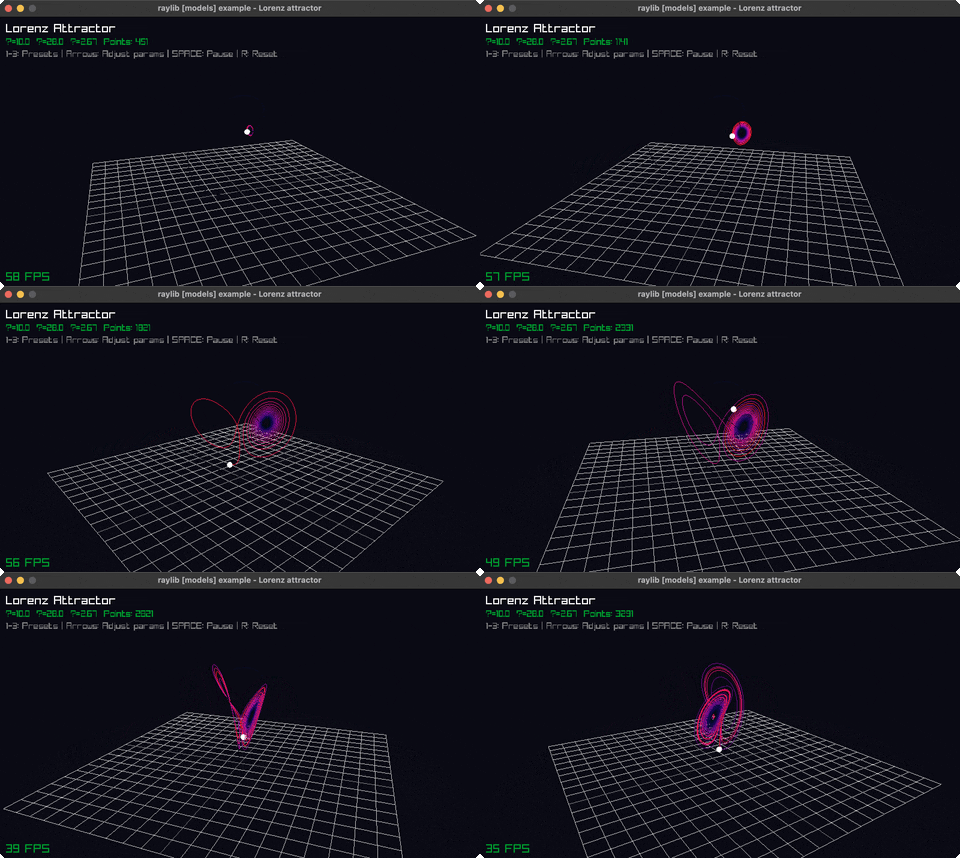
Lorenz Attractor
Chaos theory. Controls: 1-3, Arrows, SPACE, R, Q. Run it with bb lorenz-attractor.
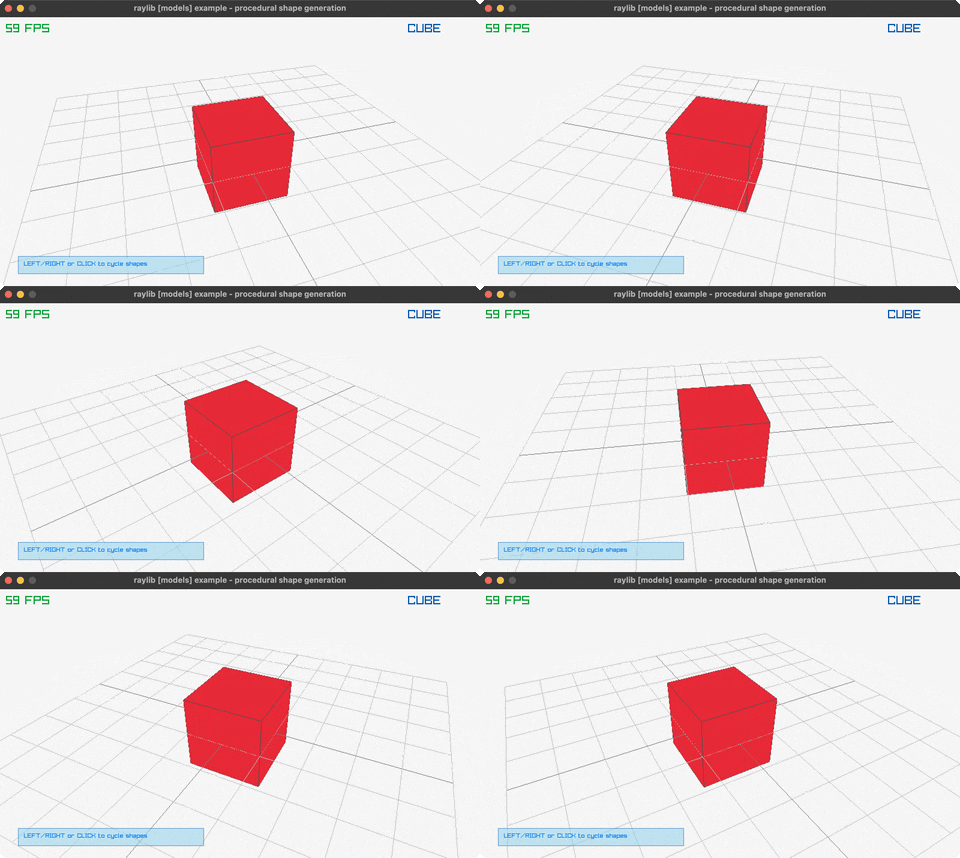
Mesh Generation
Procedural 3D shapes. Controls: Left/Right, Click, SPACE, R, Q. Run it with bb mesh-generation.
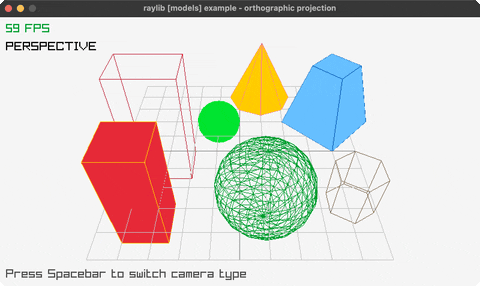
Orthographic Projection
Perspective vs orthographic. Controls: SPACE, Q. Run it with bb orthographic-projection.
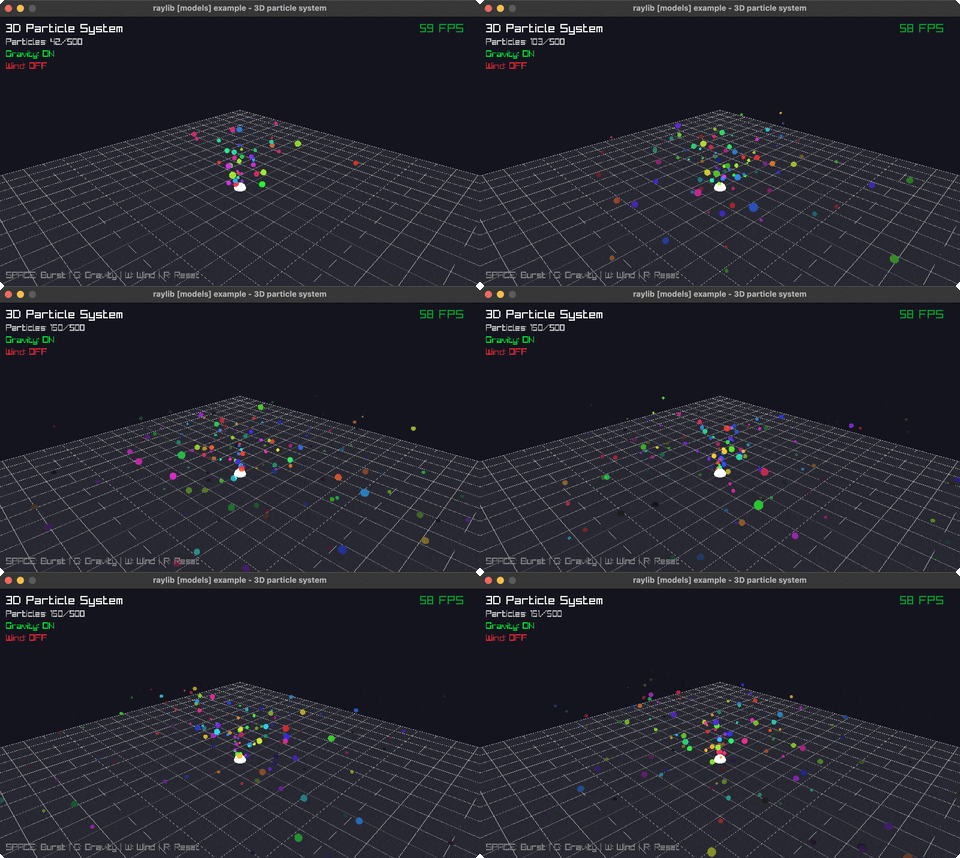
Particle System
3D particles. Controls: SPACE, G, W, R, Q. Run it with bb particle-system.
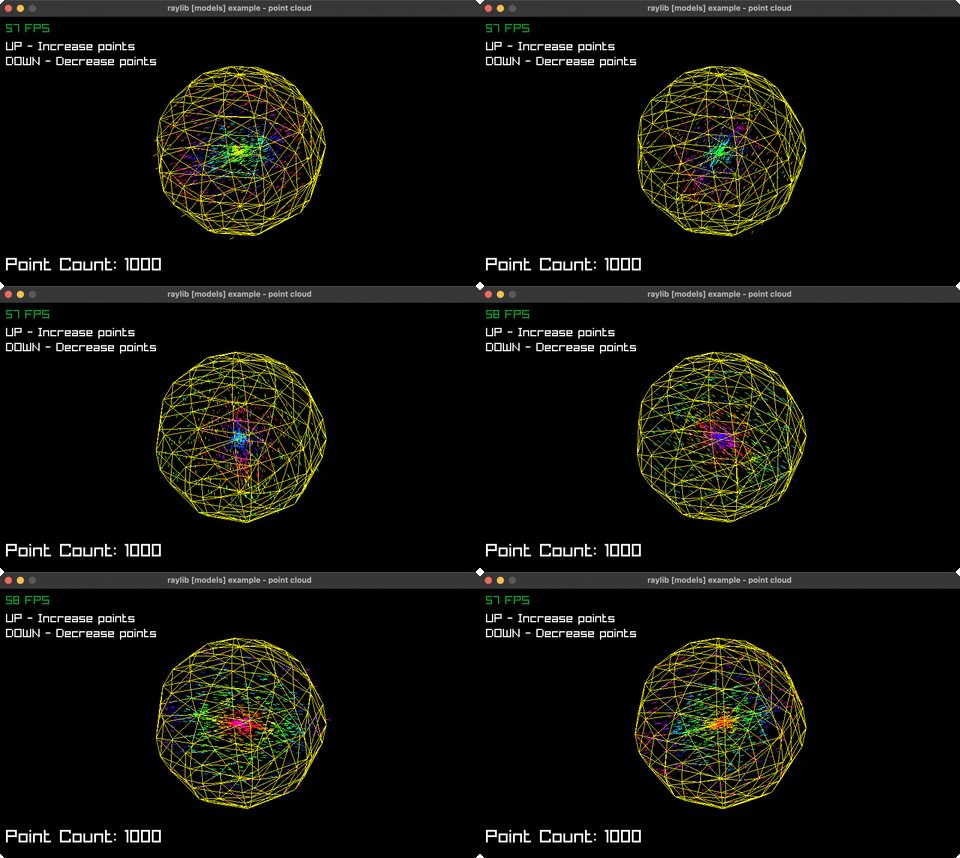
Point Cloud
Spherical points. Controls: UP/DOWN, Q. Run it with bb point-cloud.
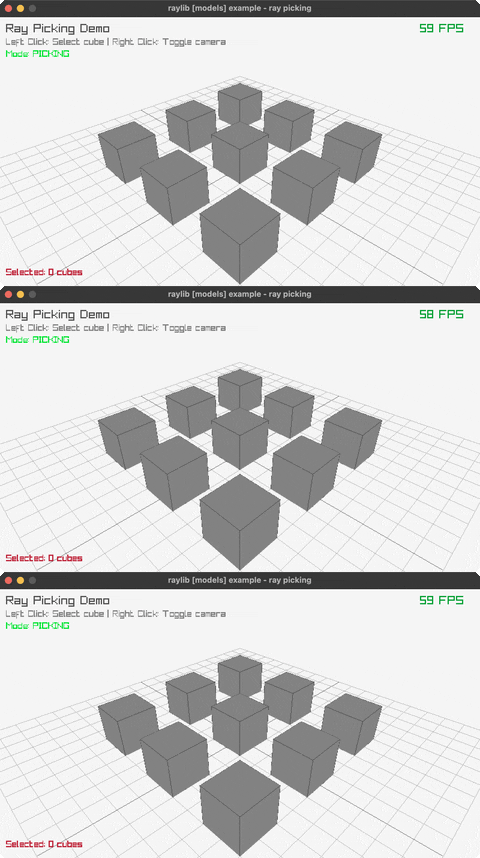
Ray Picking
Click to select cubes. Controls: Click, Right-click, Q. Run it with bb ray-picking.
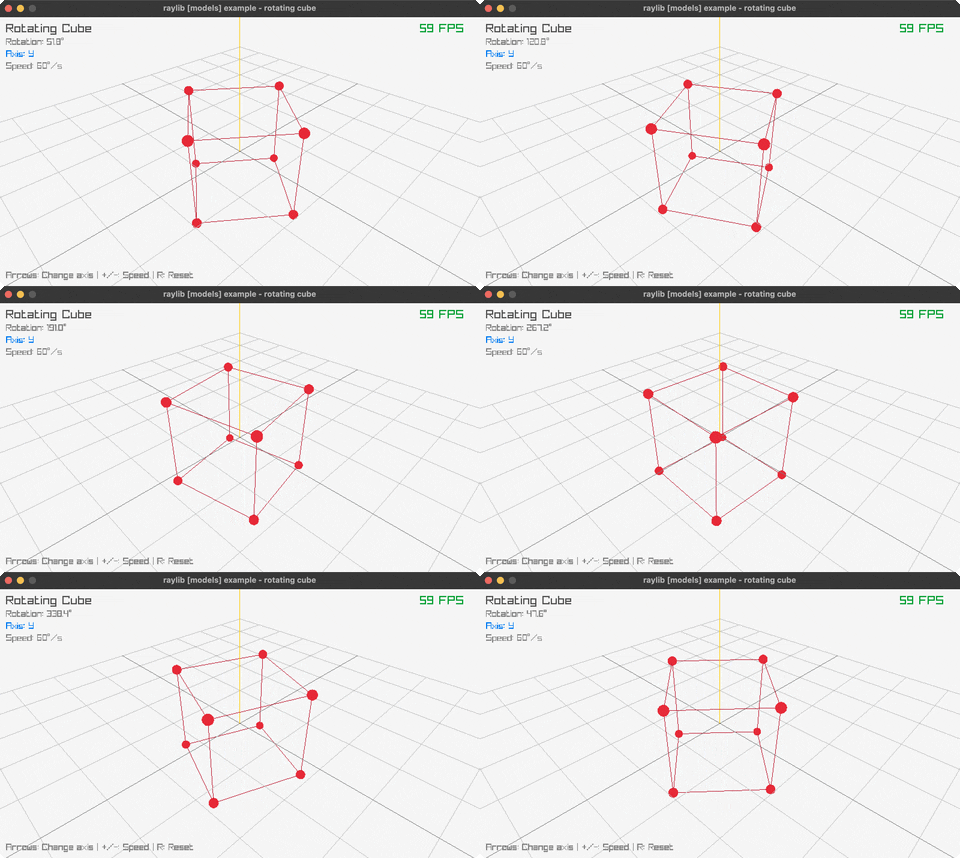
Rotating Cube
3D rotation. Controls: Arrows, +/-, R, Q. Run it with bb rotating-cube.
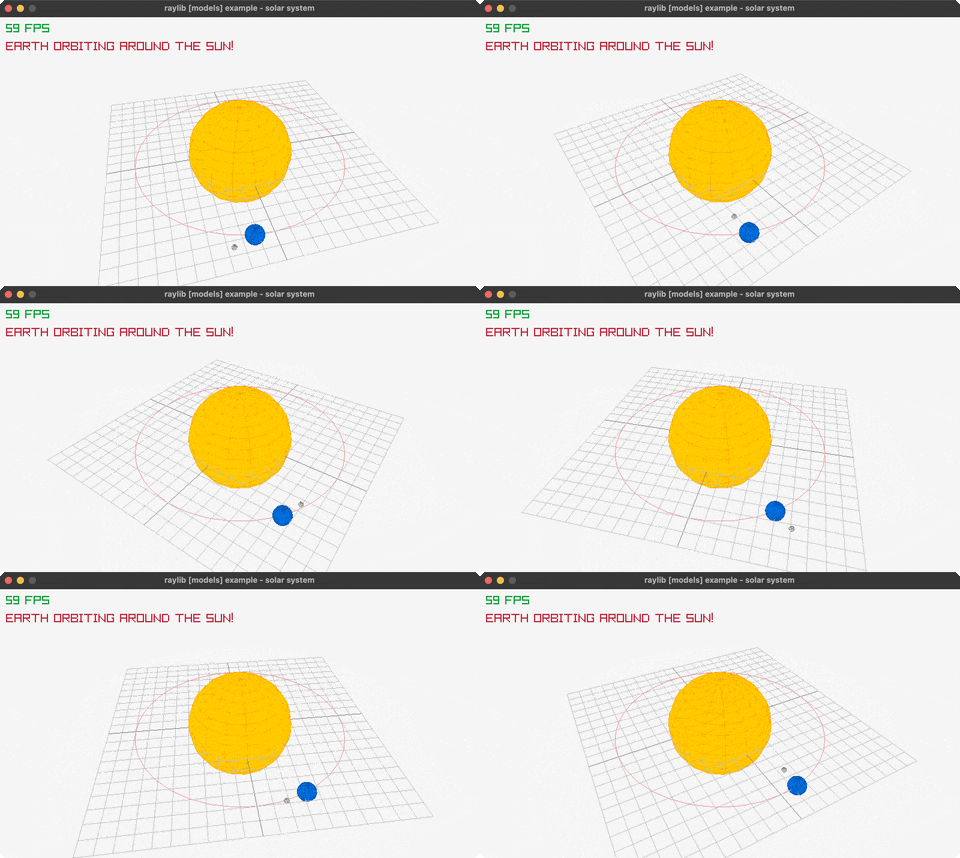
Solar System
Orbiting planets. Controls: Q to exit. Run it with bb solar-system.
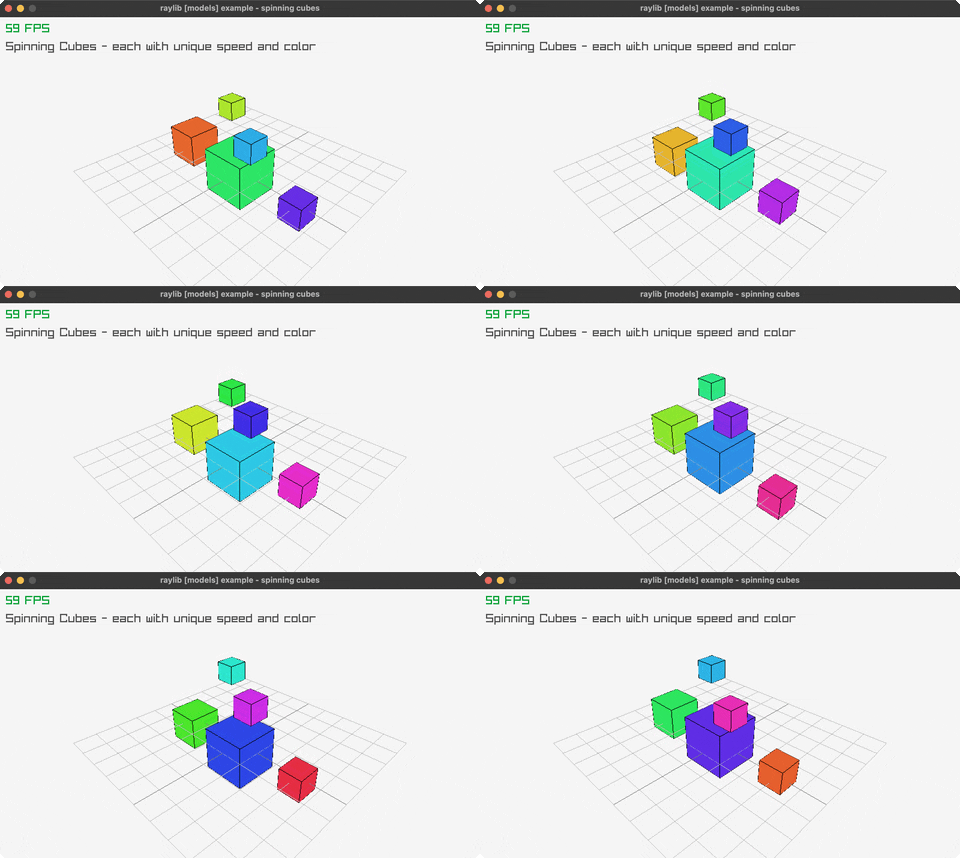
Spinning Cubes
Color-cycling cubes. Controls: Q to exit. Run it with bb spinning-cubes.
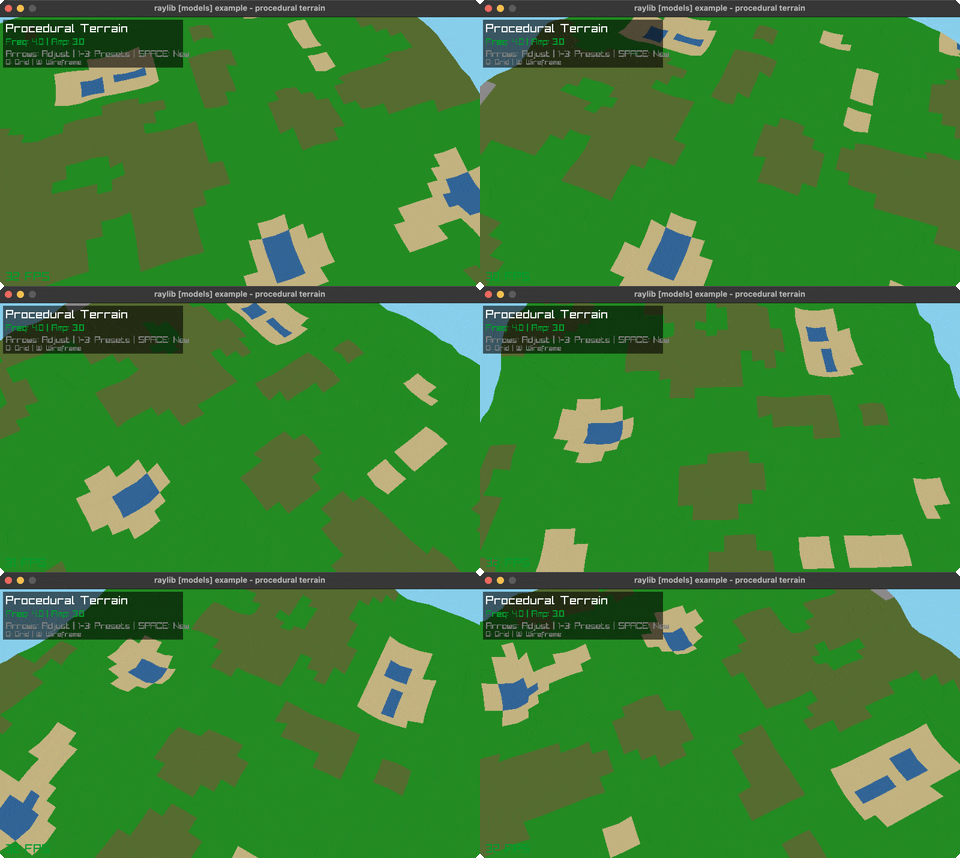
Terrain Generation
Procedural terrain. Controls: 1-3, Arrows, G, W, SPACE, Q. Run it with bb terrain-generation.
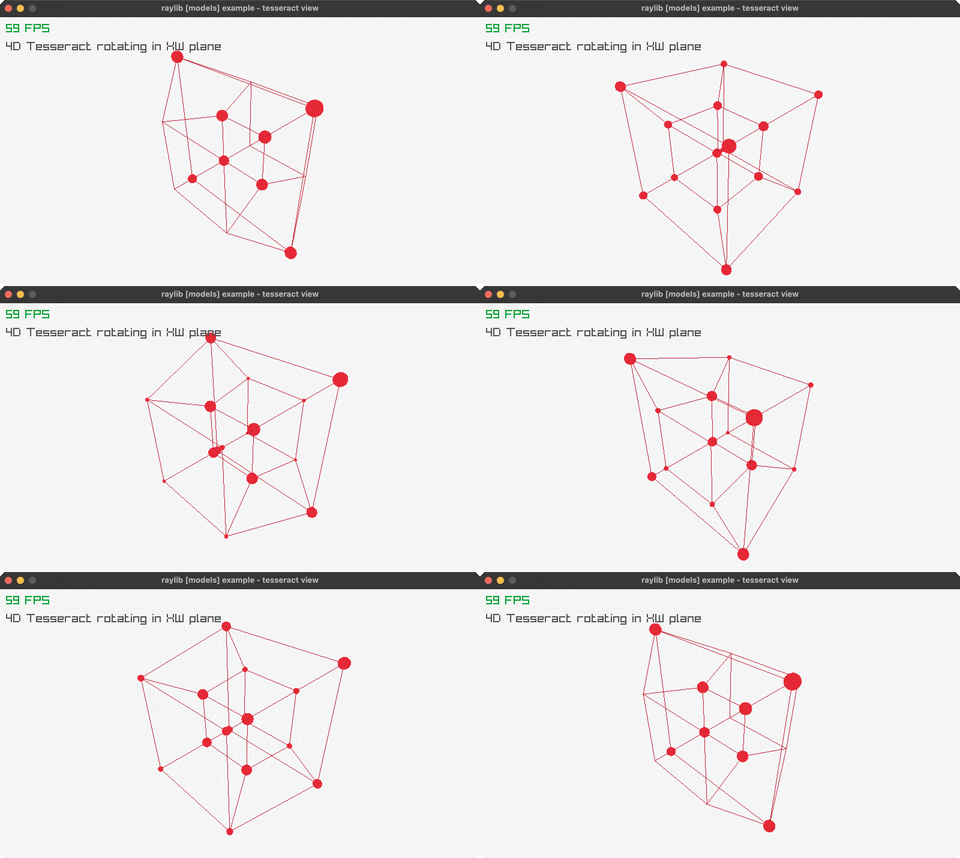
Tesseract View
4D hypercube. Controls: Q to exit. Run it with bb tesseract-view.
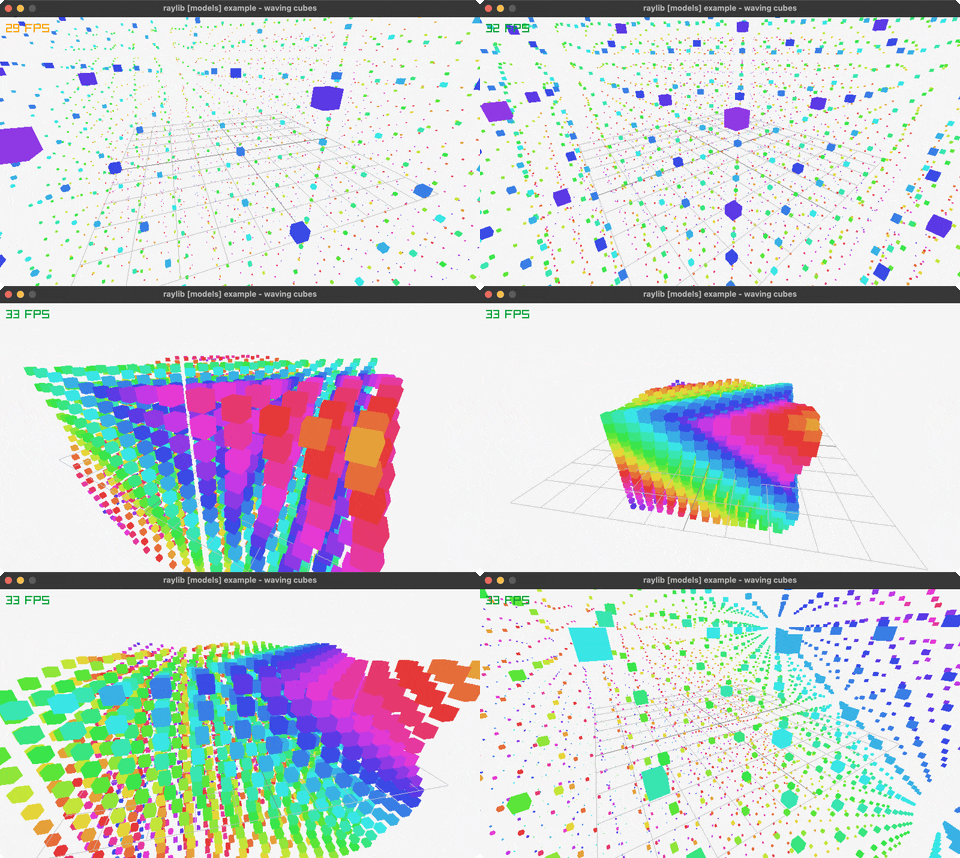
Waving Cubes
Animated cube wave. Controls: Q to exit. Run it with bb waving-cubes.
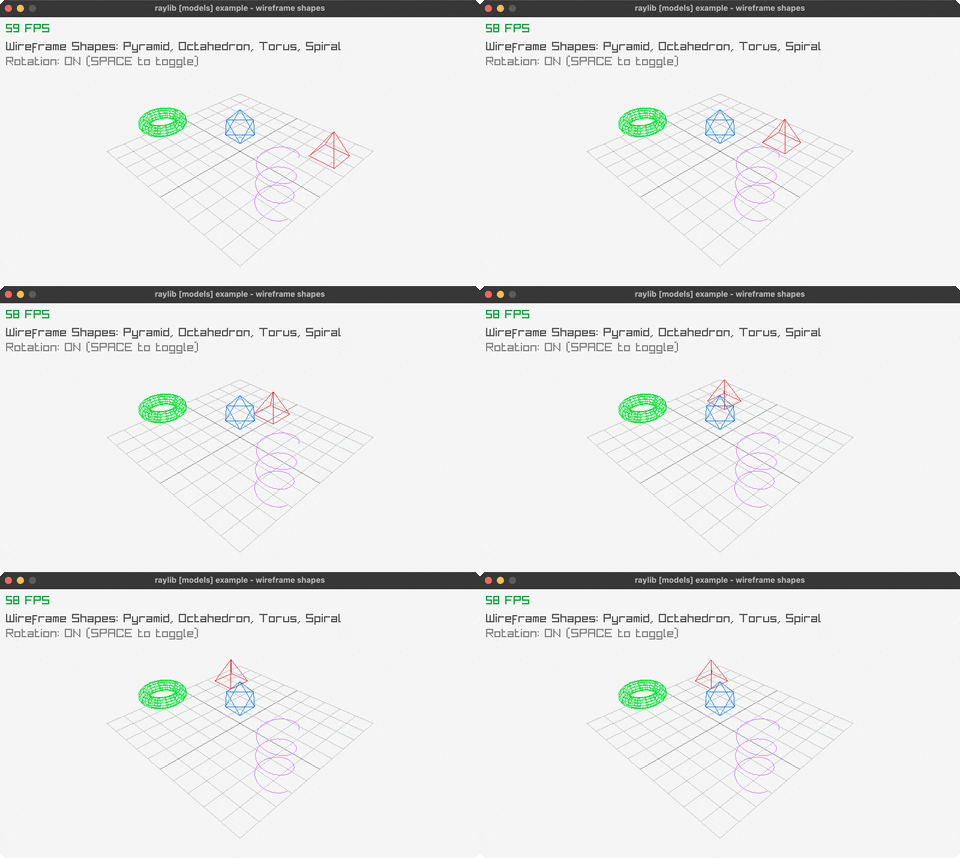
Wireframe Shapes
Custom wireframes. Controls: SPACE, Q. Run it with bb wireframe-shapes.
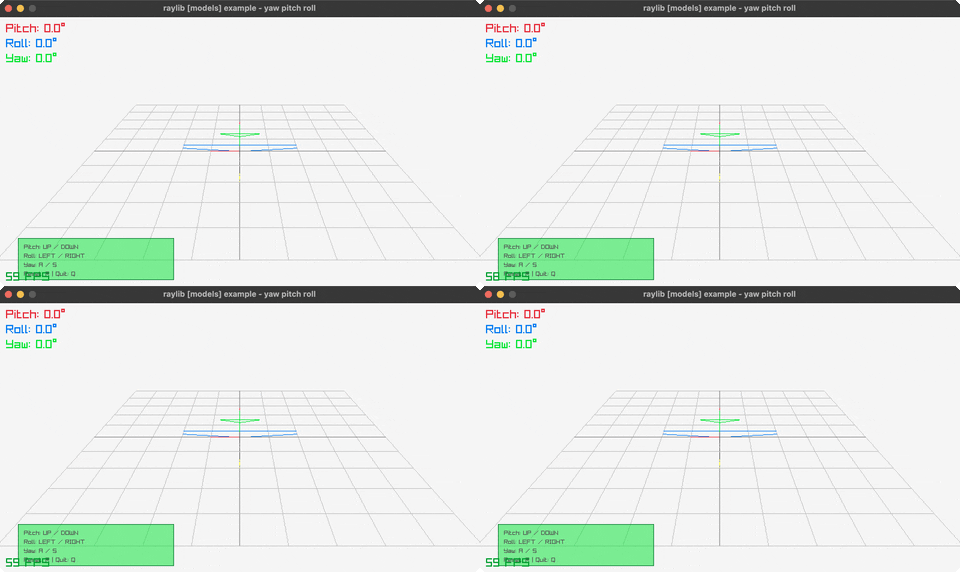
Yaw Pitch Roll
3D rotation demo. Controls: Arrows, SPACE, R, Q. Run it with bb yaw-pitch-roll.
shaders (3)
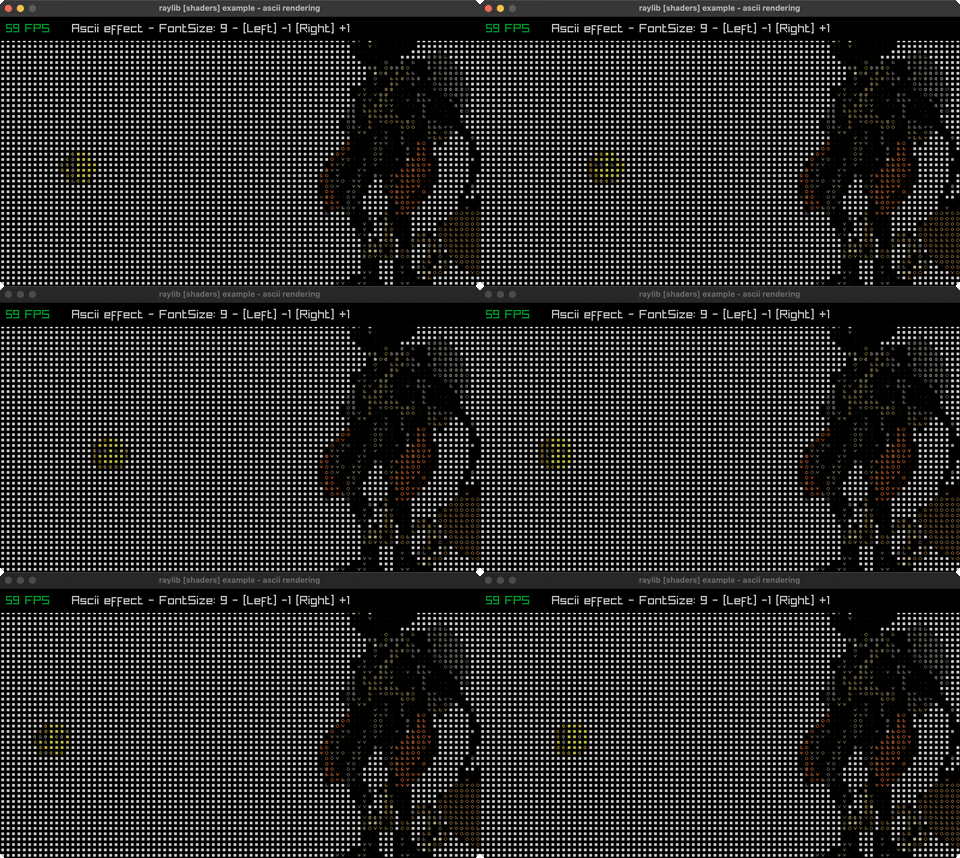
Ascii Rendering
Post-process the scene into ASCII glyphs via a render texture. Controls: LEFT/RIGHT to change the glyph cell size. Run it with bb ascii-rendering.
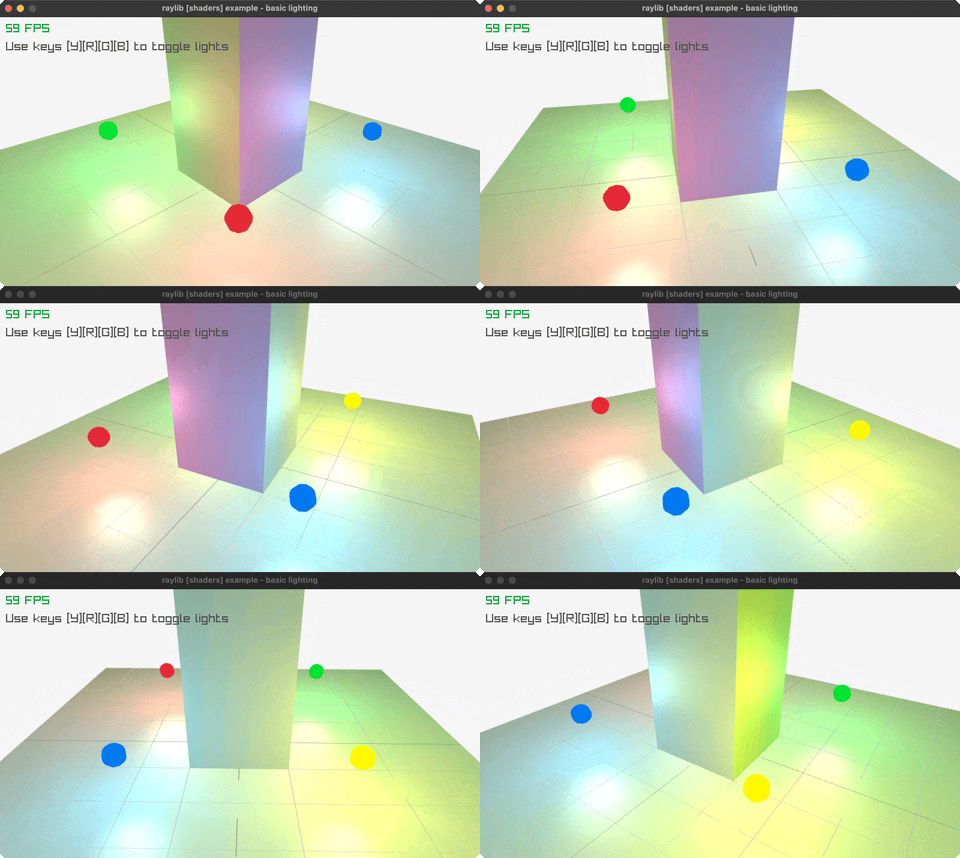
Basic Lighting
Dynamic lighting. Controls: Mouse, Y/R/G/B. Run it with bb basic-lighting.
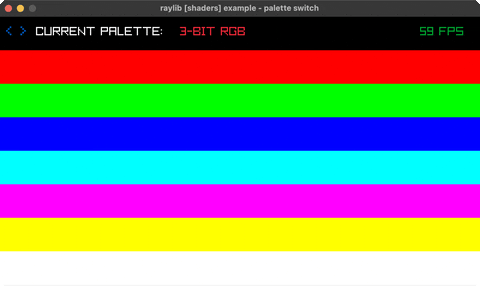
Palette Switch
Fragment shader remaps index-encoded bands through a palette. Controls: LEFT/RIGHT to switch palette. Run it with bb palette-switch.
shapes (28)
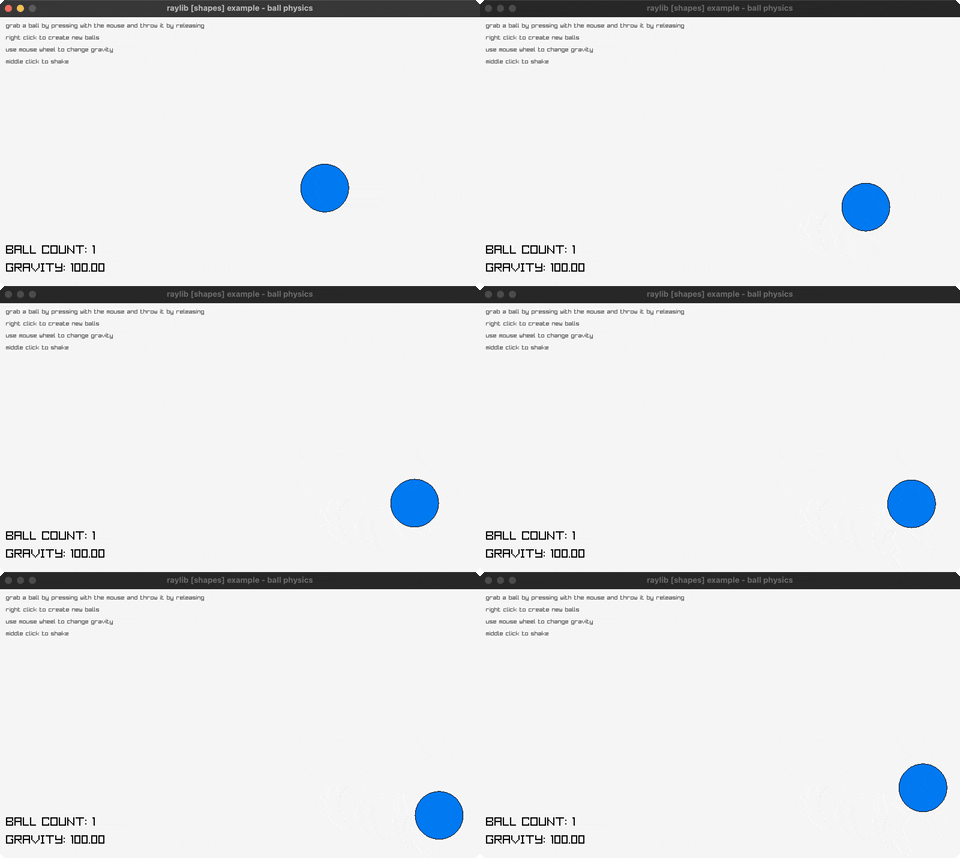
Ball Physics
Grab and throw balls. Controls: Click, Right-click, Wheel, Middle. Run it with bb ball-physics.
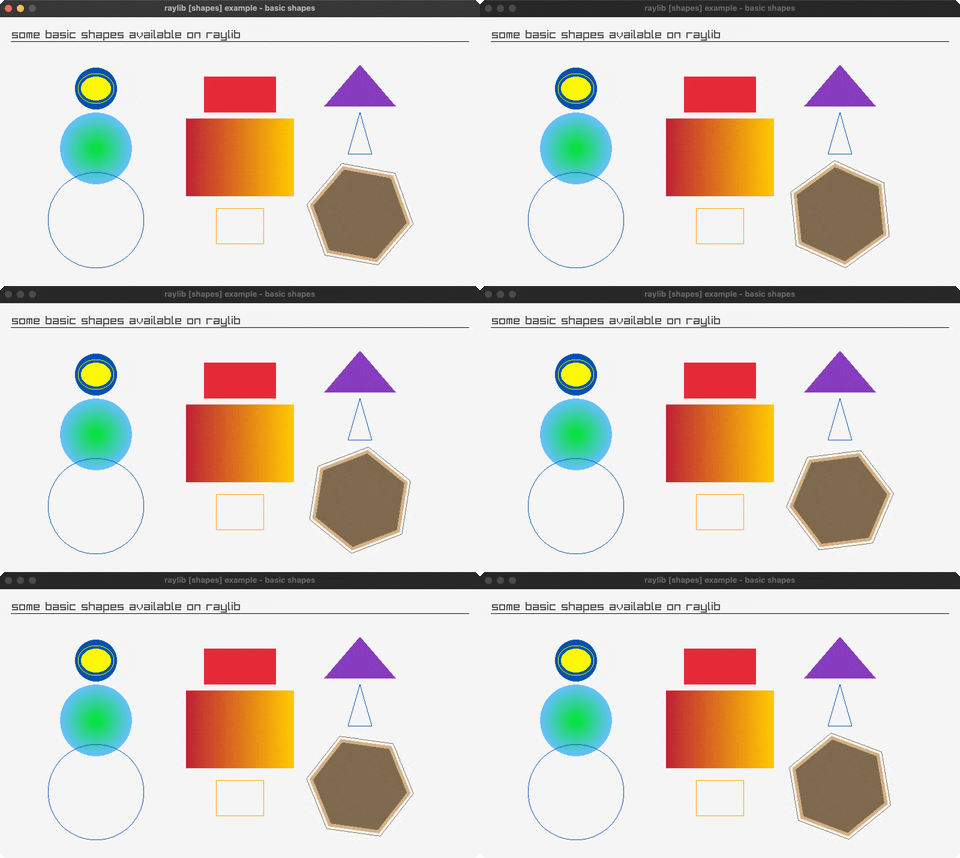
Basic Shapes
Circles, rectangles, triangles, polygons. Controls: ESC to exit. Run it with bb basic-shapes.
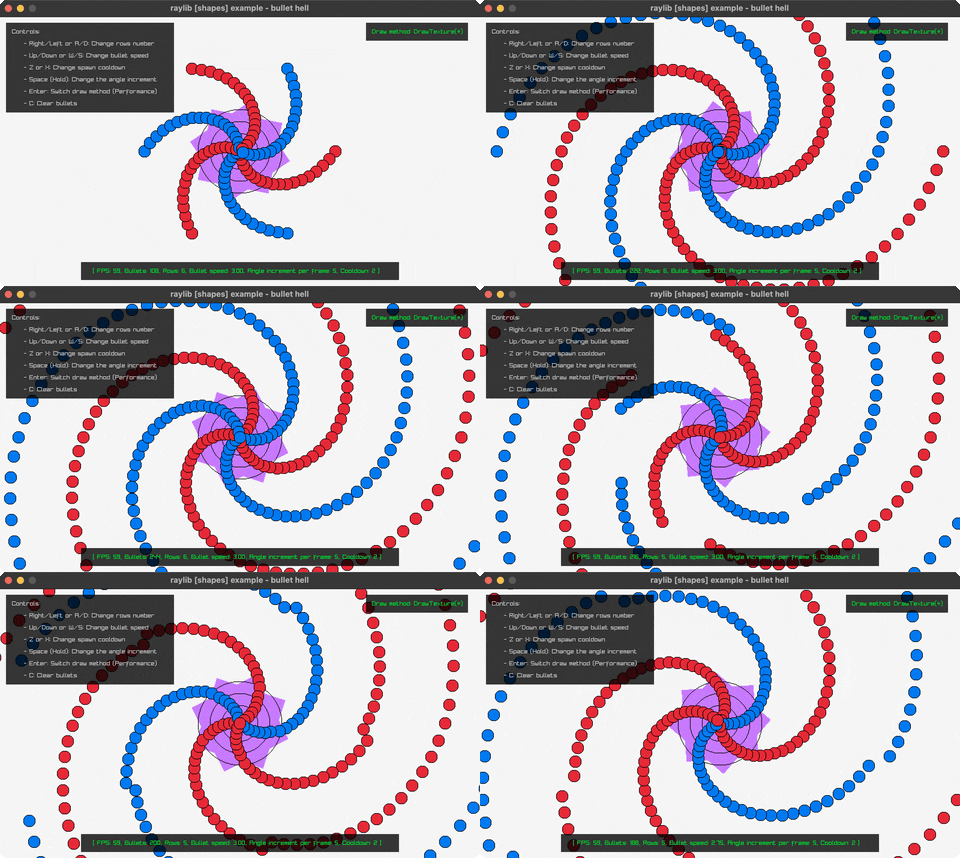
Bullet Hell
Throughput test firing rows of bullets from a rotating circle. Controls: RIGHT/LEFT rows, UP/DOWN speed, Z/X cooldown, SPACE angle, ENTER draw method, C clear. Run it with bb bullet-hell.
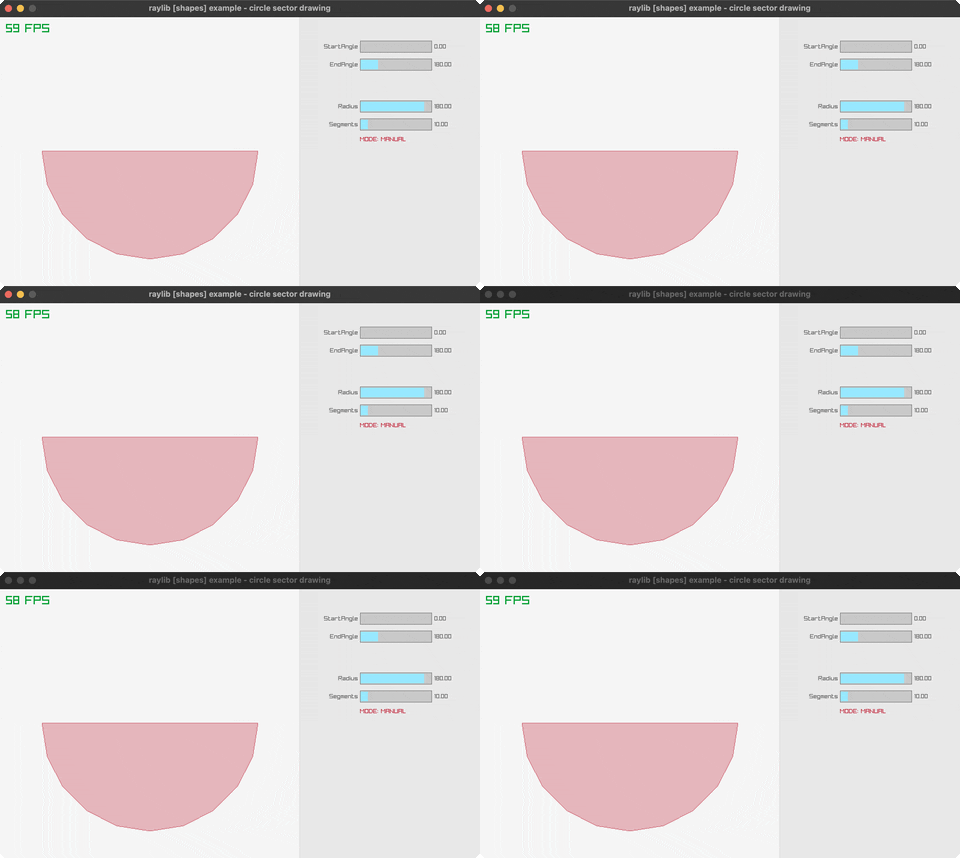
Circle Sector Drawing
Circle sector angles, radius and segments on raygui sliders. Controls: Drag the four sliders on the right. Run it with bb circle-sector-drawing.
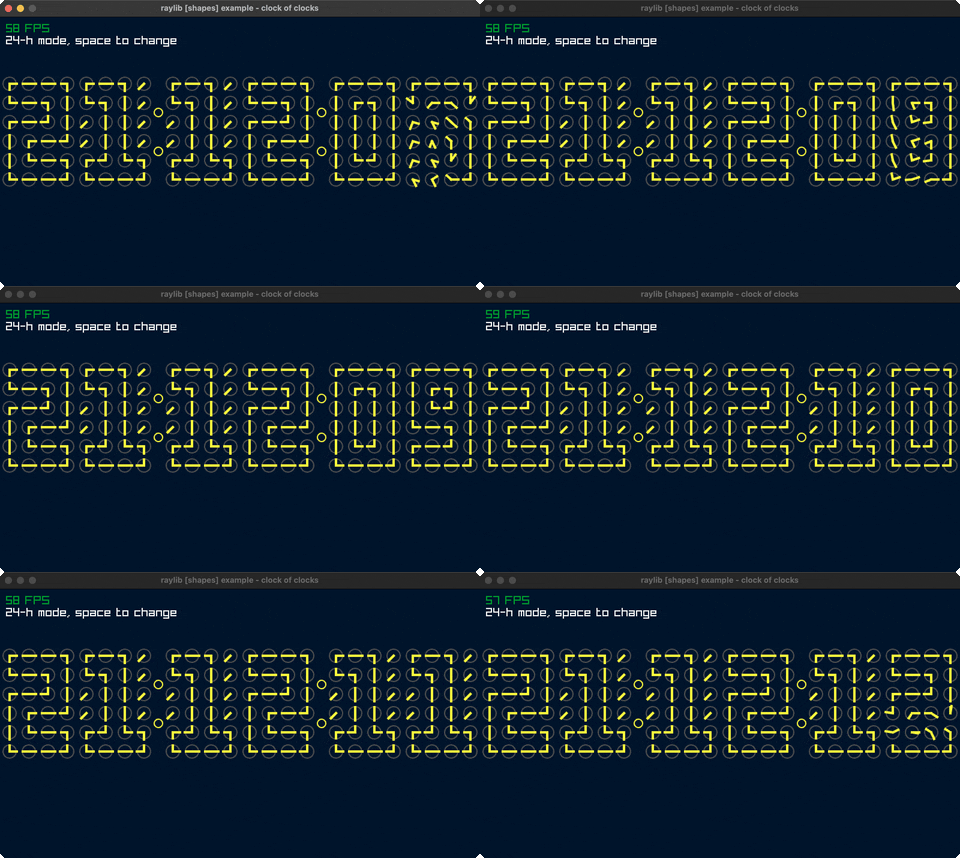
Clock Of Clocks
Digits drawn from a grid of analogue clocks. Controls: Space to toggle 12/24h, Q to exit. Run it with bb clock-of-clocks.
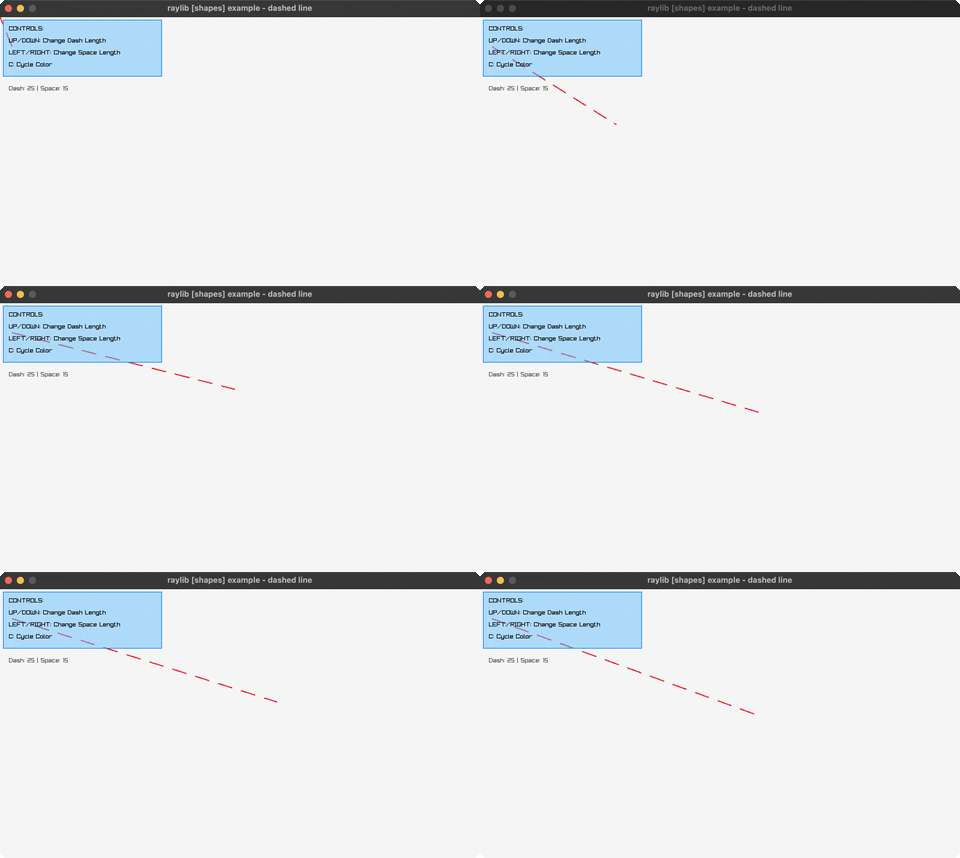
Dashed Line
Interactive dashed line. Controls: Arrows, C. Run it with bb dashed-line.
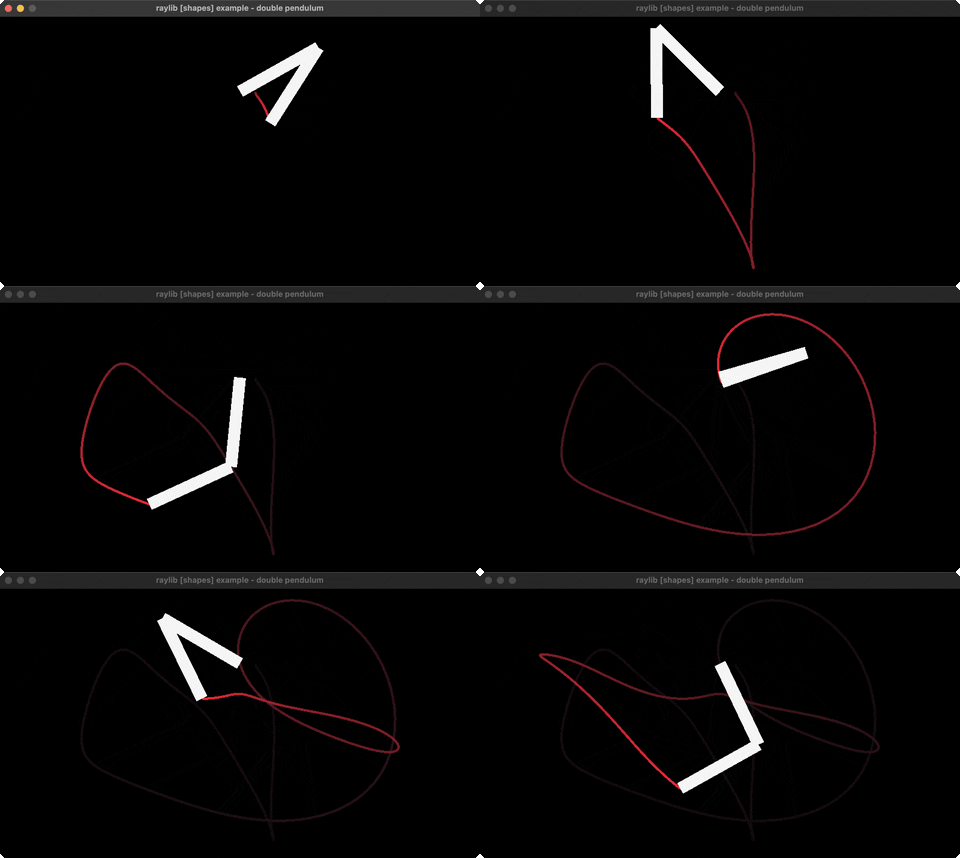
Double Pendulum
Chaotic pendulum simulation. Controls: ESC to exit. Run it with bb double-pendulum.
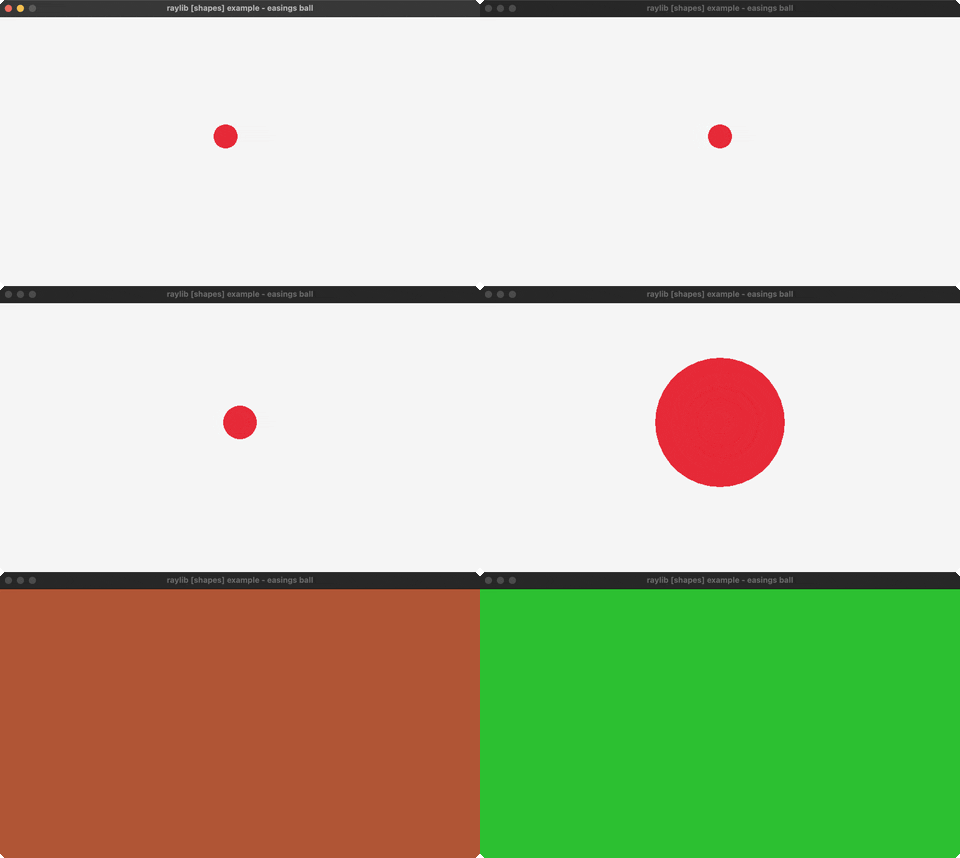
Easings Ball
Easing function animation. Controls: ENTER to replay. Run it with bb easings-ball.
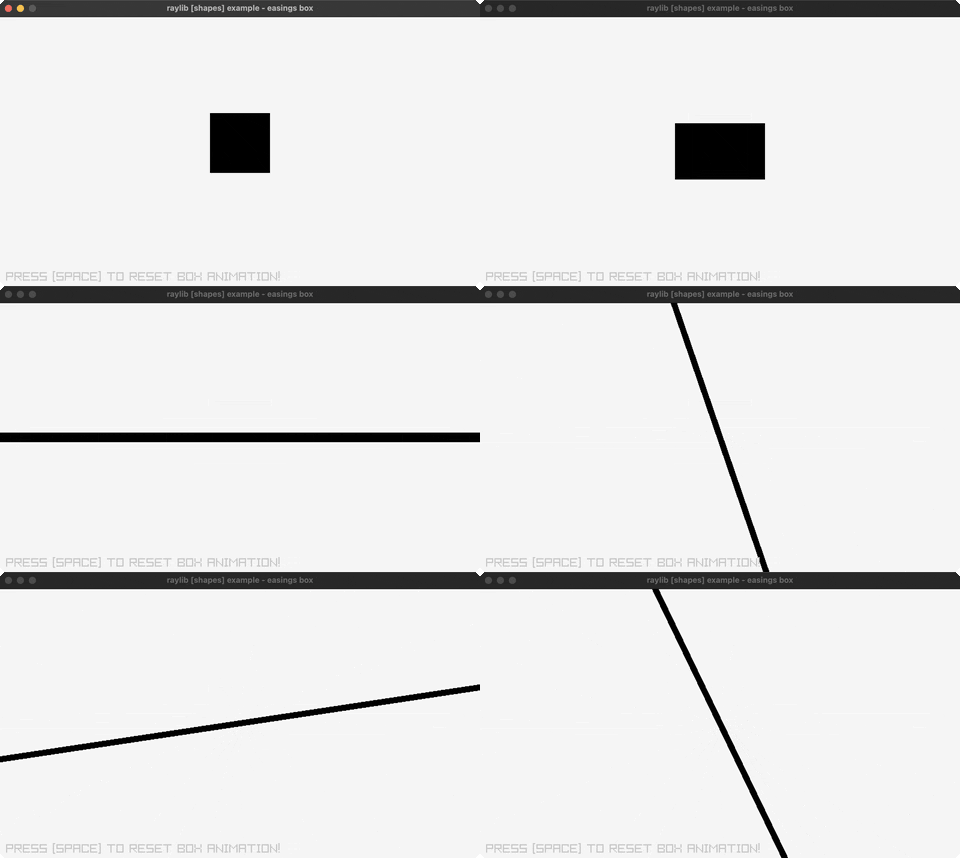
Easings Box
Box animation with easing functions. Controls: SPACE to reset. Run it with bb easings-box.
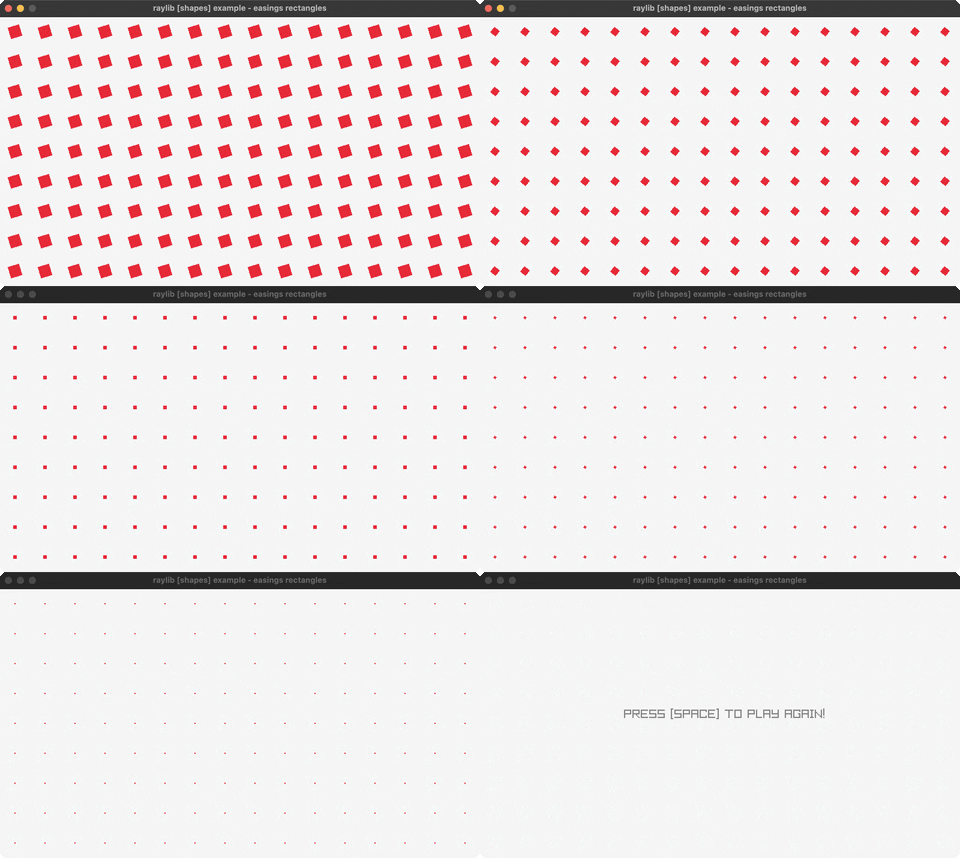
Easings Rectangles
Grid animation with easing functions. Controls: SPACE to replay. Run it with bb easings-rectangles.
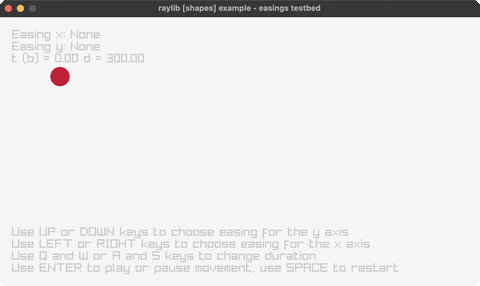
Easings Testbed
All 28 easing curves, one per axis. Controls: LEFT/RIGHT x-curve, UP/DOWN y-curve, ENTER play, SPACE restart, Q/W/A/S duration, T bound. Run it with bb easings-testbed.
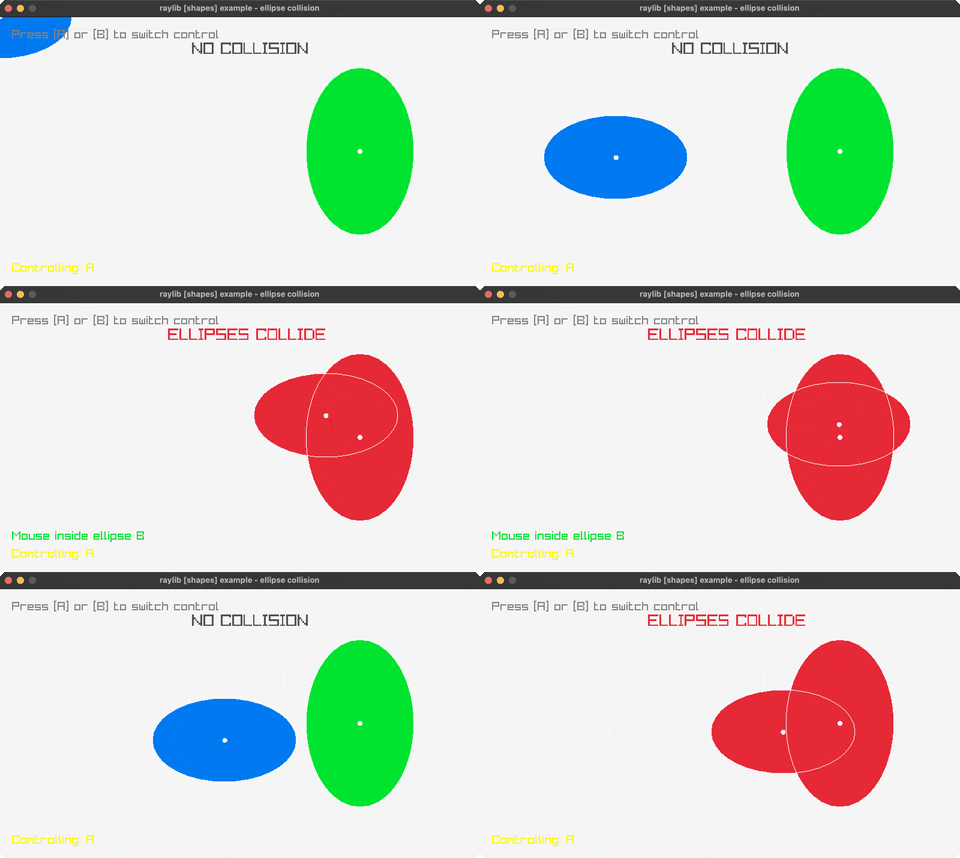
Ellipse Collision
Steer one ellipse into another. Controls: A/B to switch control, Mouse to move, Q to exit. Run it with bb ellipse-collision.
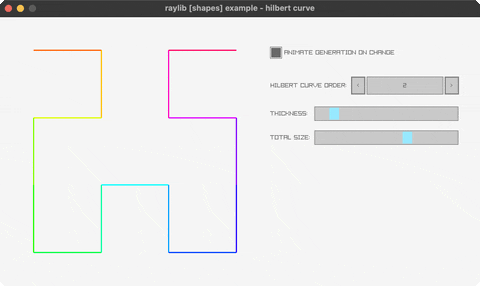
Hilbert Curve
Space-filling curve drawn stroke by stroke with hue along its length. Controls: Spinner sets order, sliders set thickness and size. Run it with bb hilbert-curve.
Kaleidoscope
Mouse strokes repeated around six-fold symmetry and mirrored. Controls: Drag to draw, < > to step through lines, Reset to clear. Run it with bb kaleidoscope.
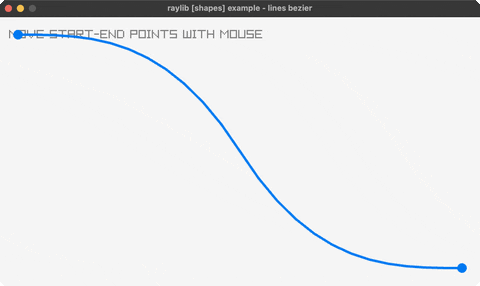
Lines Bezier
Interactive bezier curve. Controls: Drag endpoints. Run it with bb lines-bezier.
Lines Drawing
Draw rainbow lines on canvas. Controls: Click, Right-click, Wheel, Middle. Run it with bb lines-drawing.
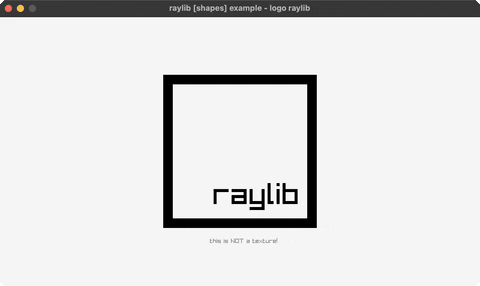
Logo Raylib
Raylib logo drawn with shapes. Controls: ESC to exit. Run it with bb logo-raylib.
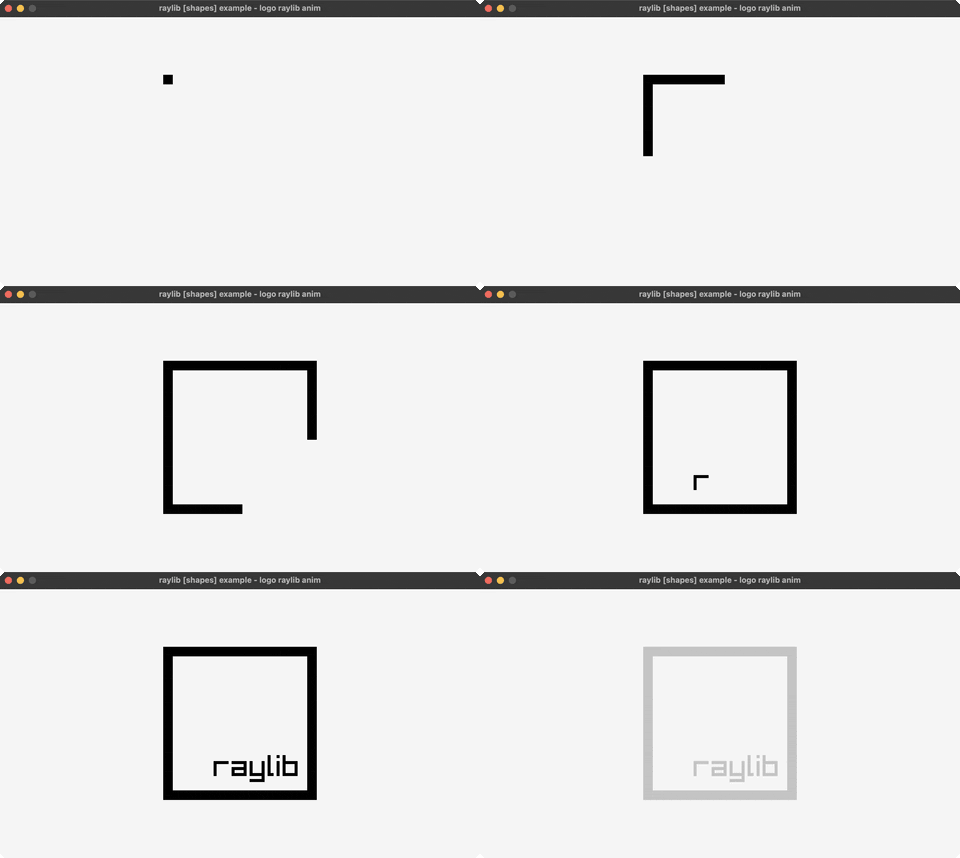
Logo Raylib Anim
Animated logo construction. Controls: R to replay. Run it with bb logo-raylib-anim.
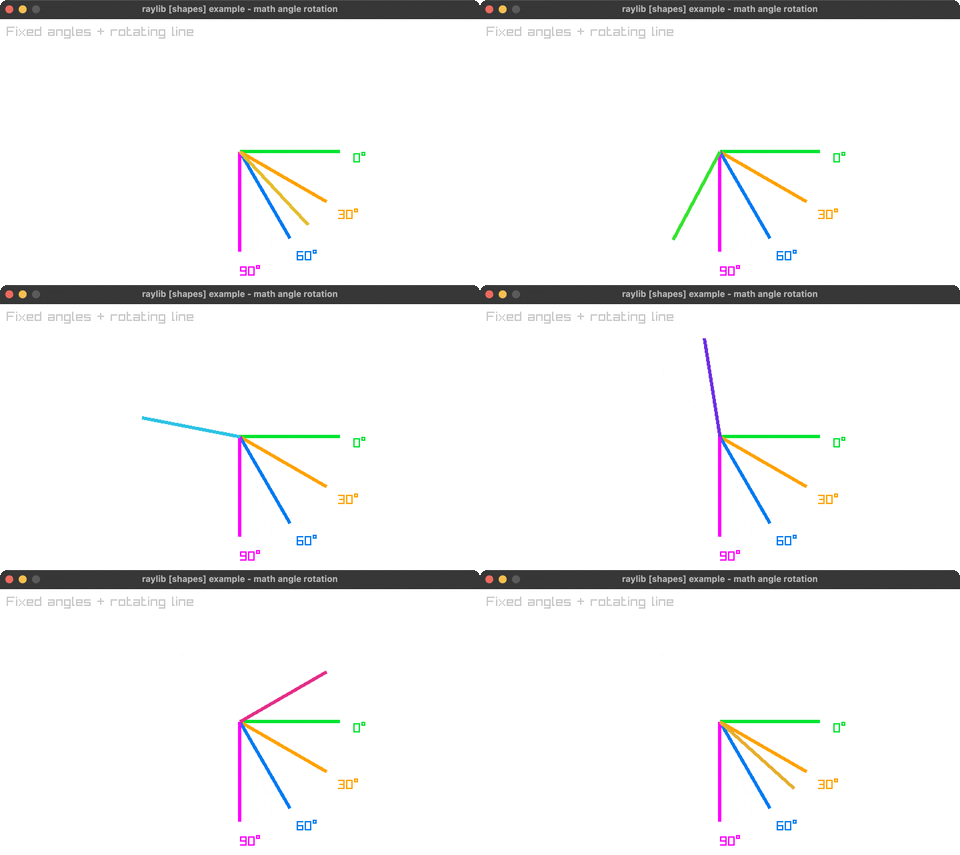
Math Angle Rotation
Fixed and sweeping angle lines. Controls: Q to exit. Run it with bb math-angle-rotation.
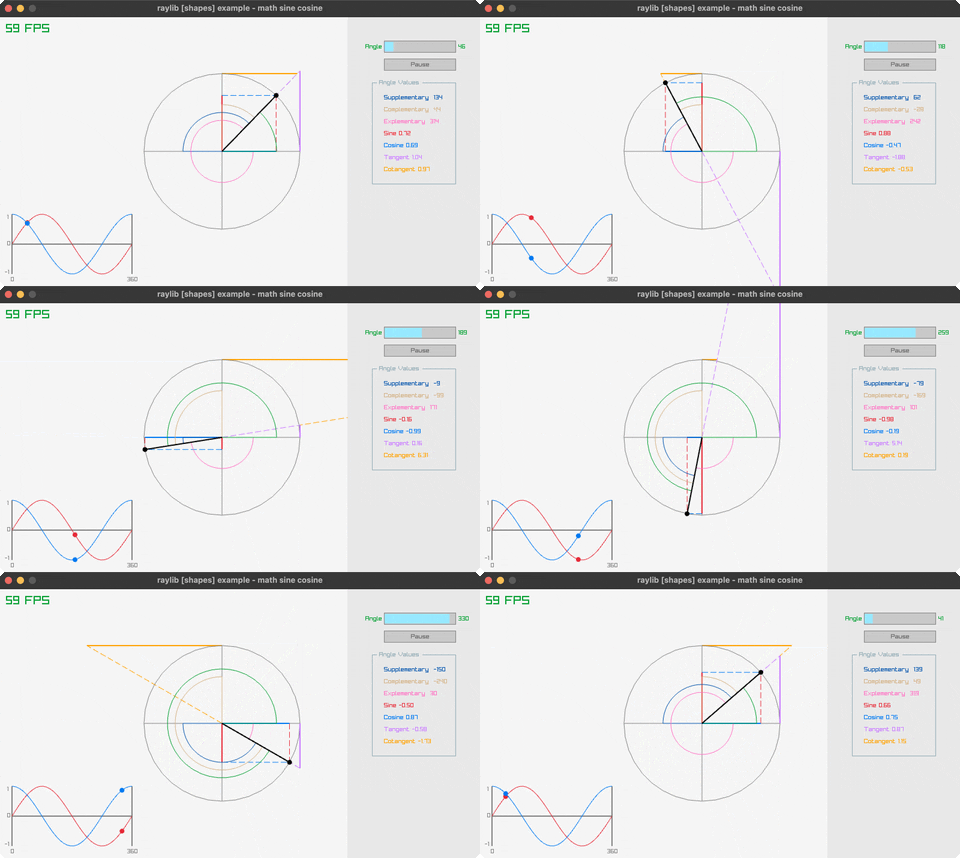
Math Sine Cosine
Unit circle with sine, cosine, tangent and related angles drawn live. Controls: Angle slider, Pause toggle. Run it with bb math-sine-cosine.
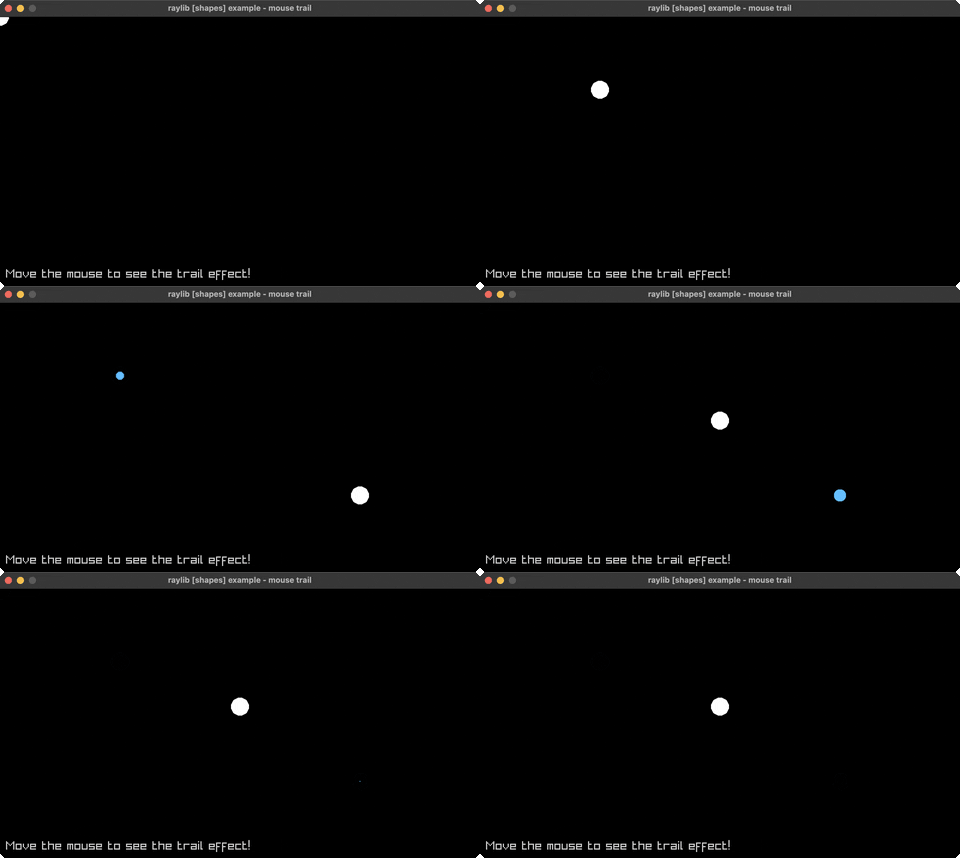
Mouse Trail
Circles following mouse cursor. Controls: Move mouse. Run it with bb mouse-trail.
Penrose Tile
L-system Penrose tiling drawn by turtle. Controls: UP/DOWN change generations, Q to exit. Run it with bb penrose-tile.
Rectangle Scaling
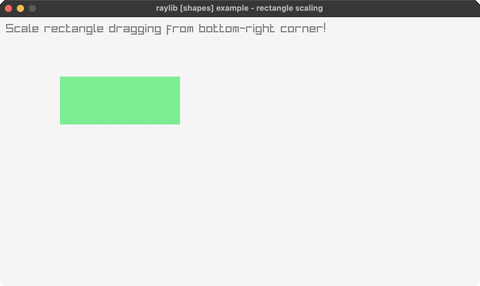
Drag to resize rectangle. Controls: Drag bottom-right corner. Run it with bb rectangle-scaling.
Recursive Tree
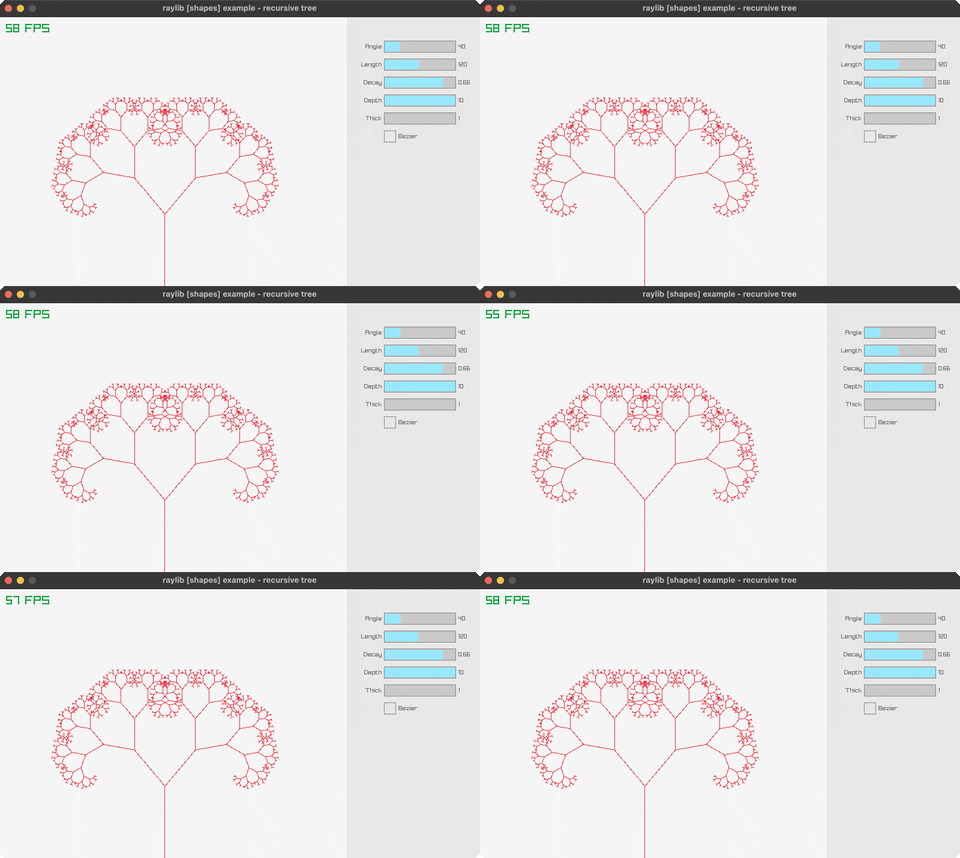
Binary tree grown by splitting each branch in two. Controls: Drag Angle/Length/Decay/Depth/Thick, toggle Bezier. Run it with bb recursive-tree.
Ring Drawing
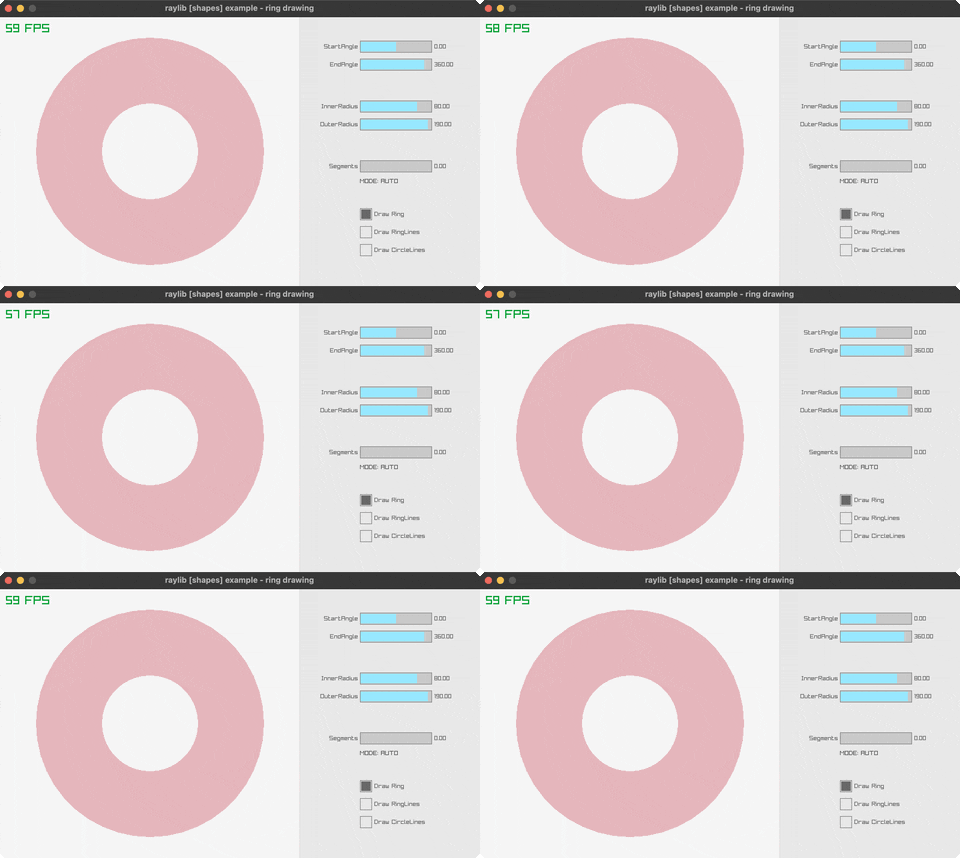
Ring inner/outer radius, angles and segments on raygui sliders. Controls: Drag the sliders, toggle the three draw modes. Run it with bb ring-drawing.
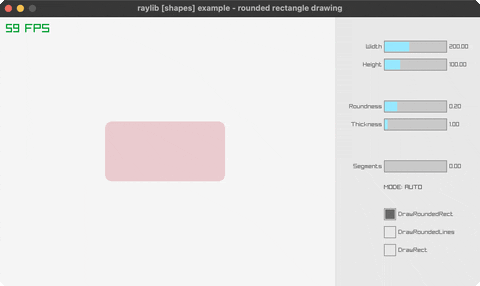
Rounded Rectangle Drawing
Corner roundness, size, thickness and segments on raygui sliders. Controls: Drag the sliders, toggle the three draw modes. Run it with bb rounded-rectangle-drawing.
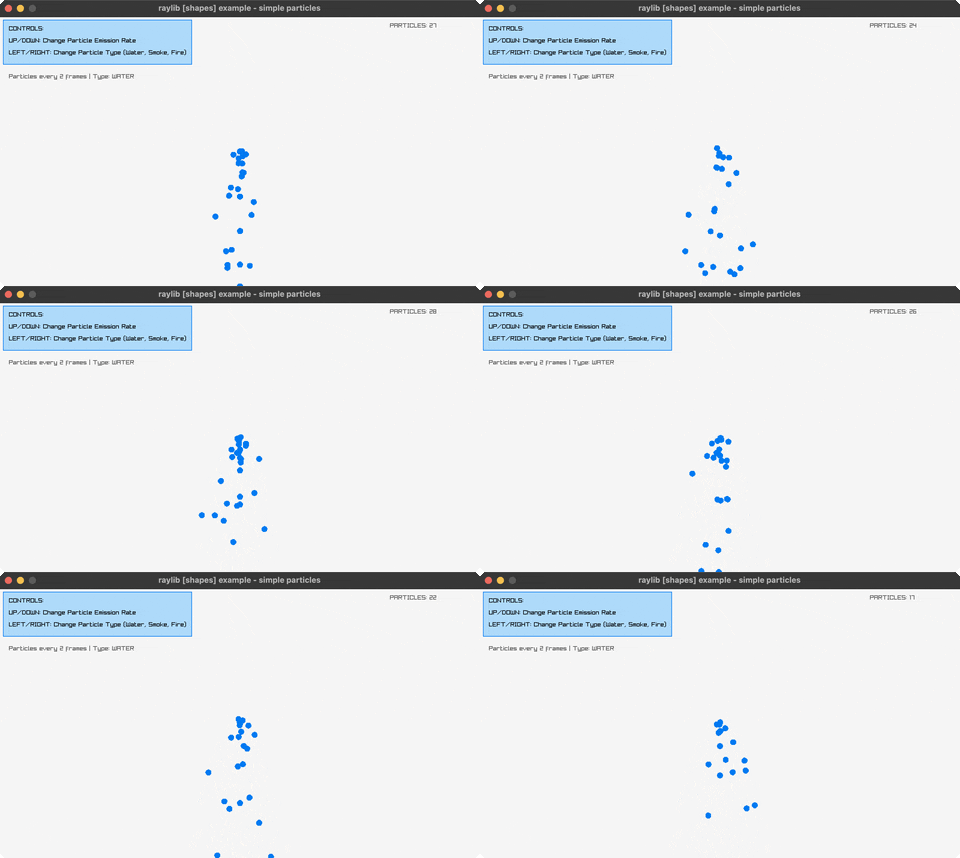
Simple Particles
Water/smoke/fire effects. Controls: Arrows, Click. Run it with bb simple-particles.
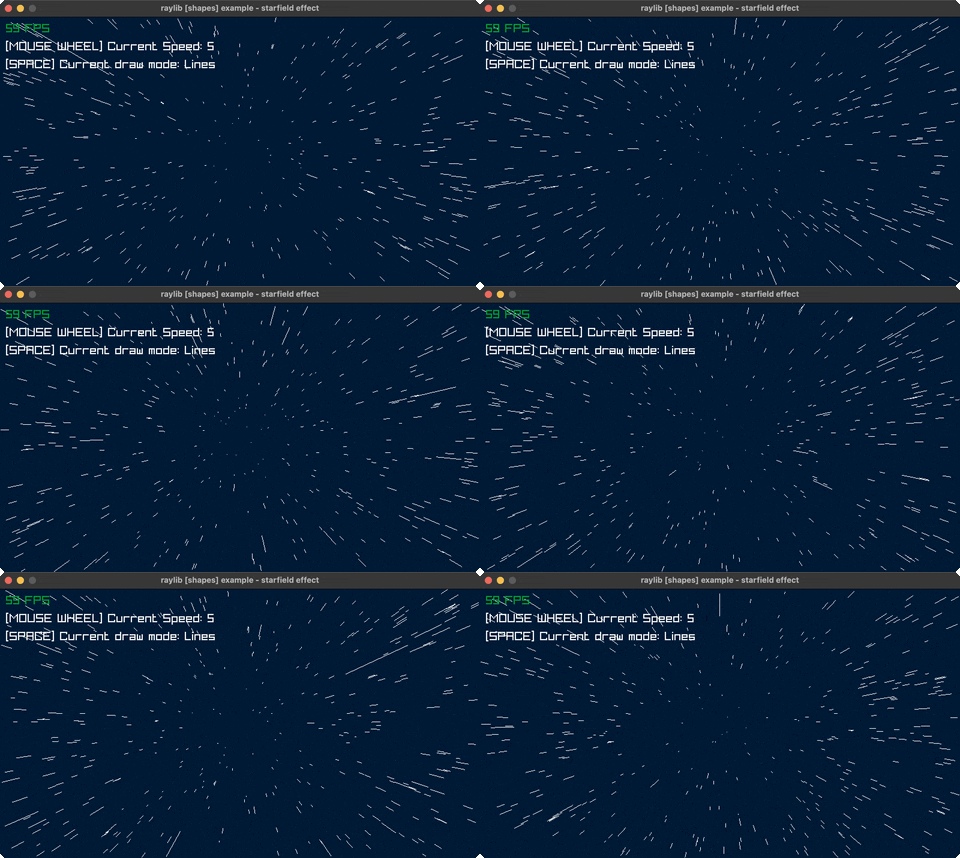
Starfield Effect
3D starfield simulation. Controls: SPACE, Wheel. Run it with bb starfield-effect.
text (3)
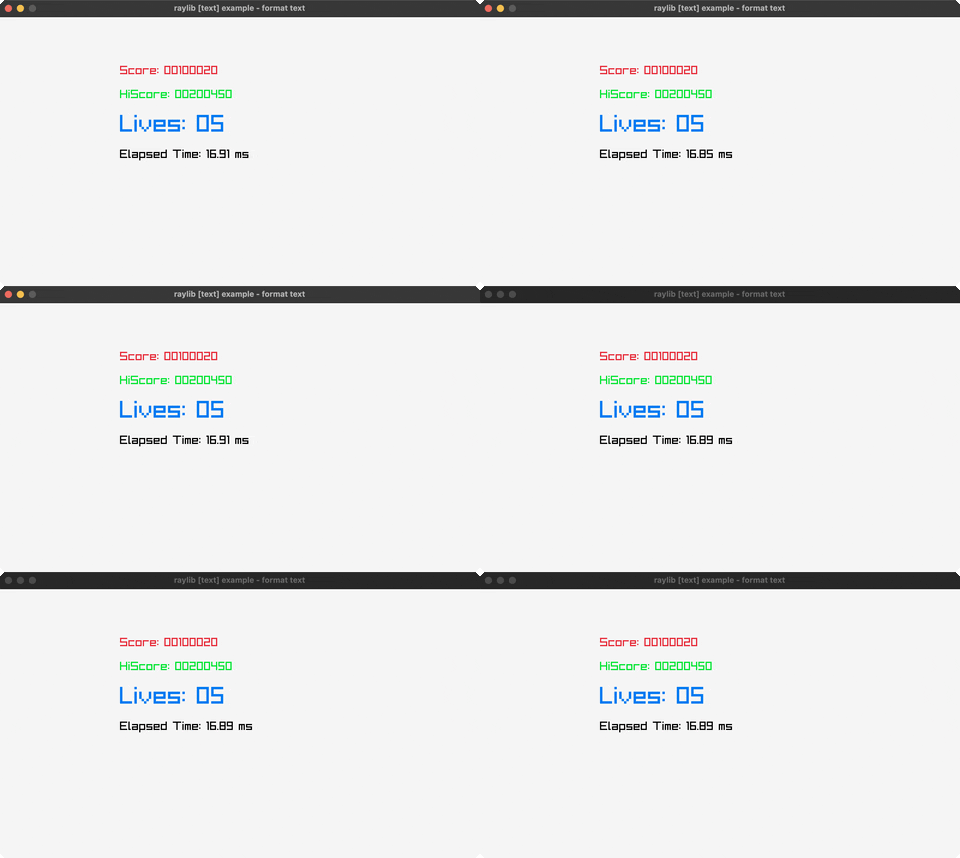
Format Text
Formatted score/timer display. Controls: ESC to exit. Run it with bb format-text.
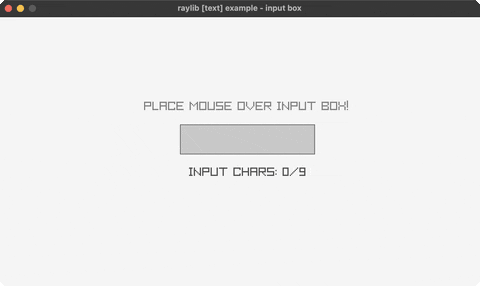
Input Box
Text input field. Controls: Click, type, Backspace. Run it with bb input-box.
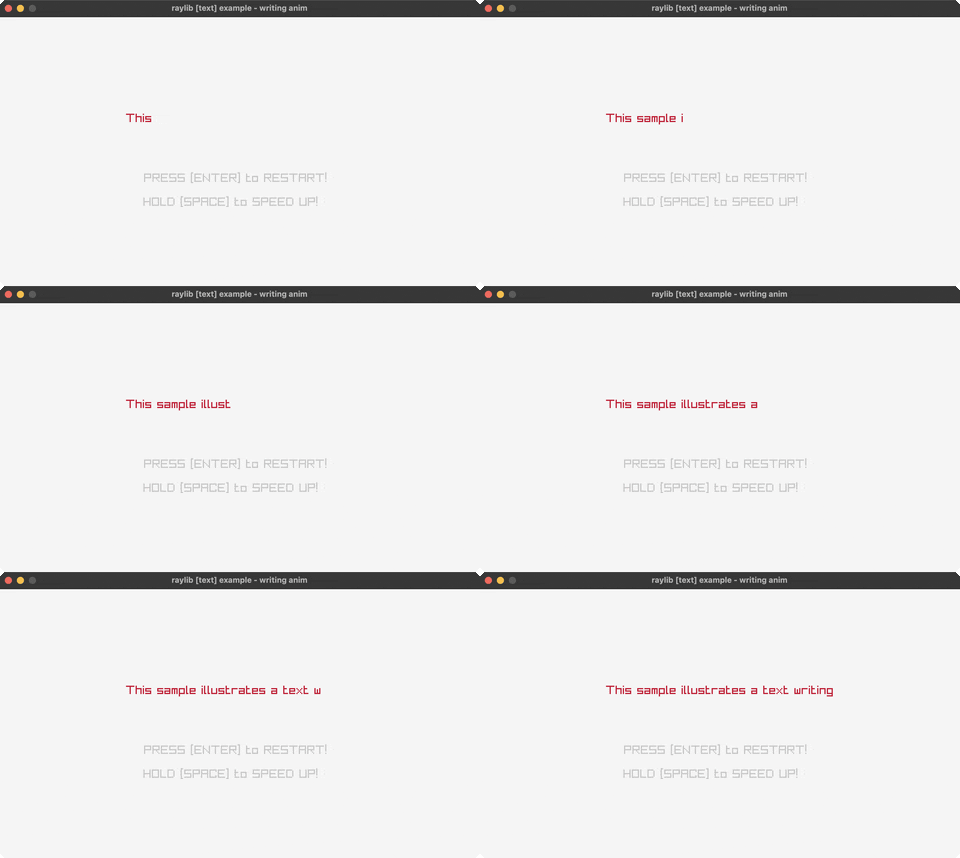
Writing Animation
Typewriter text effect. Controls: SPACE speed up, ENTER restart. Run it with bb writing-anim.
textures (4)
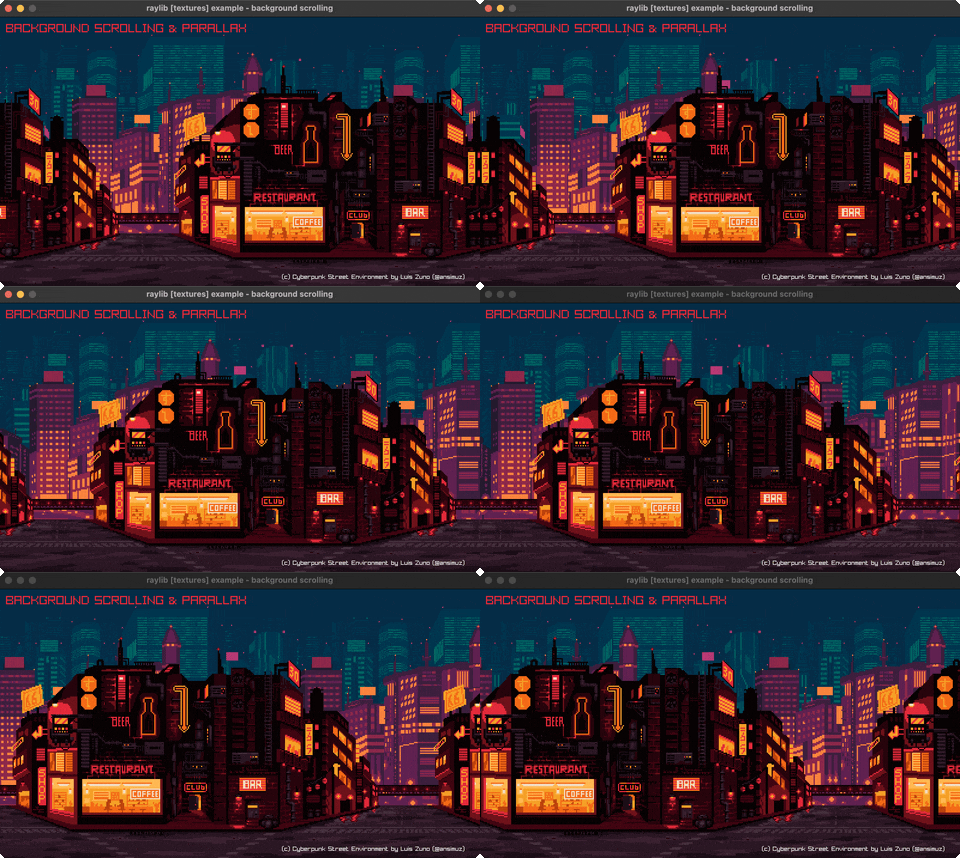
Background Scrolling
Parallax demo. Controls: Watch. Run it with bb background-scrolling.
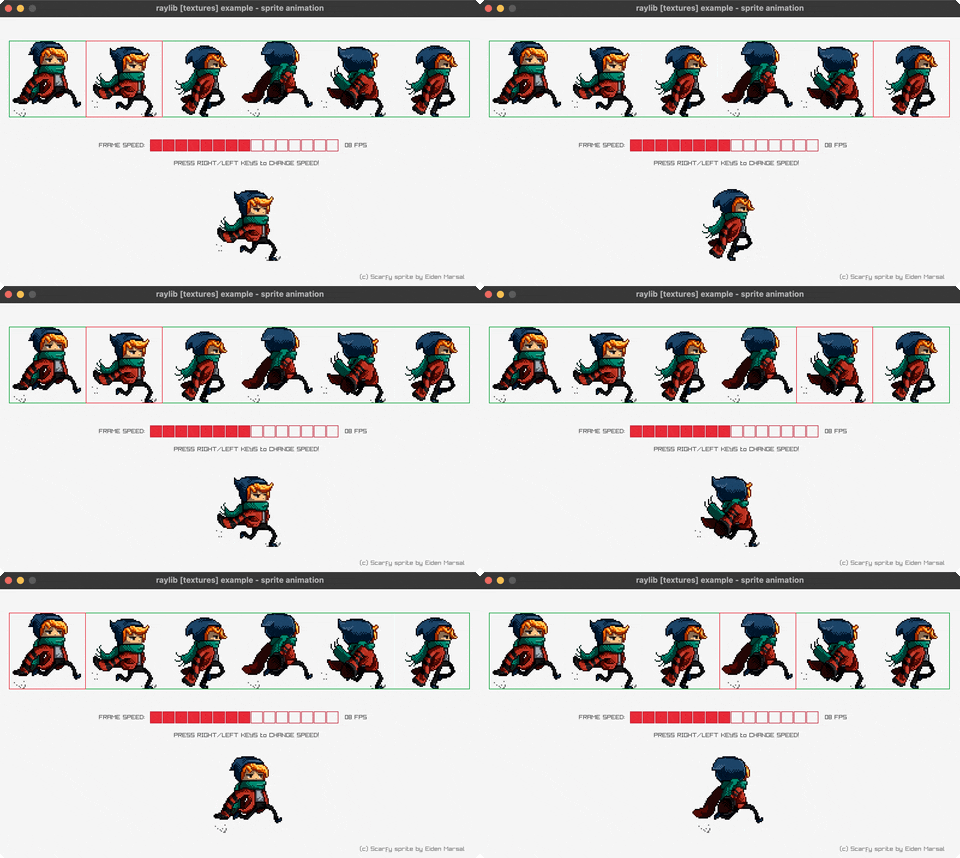
Sprite Animation
Spritesheet. Controls: LEFT/RIGHT. Run it with bb sprite-animation.
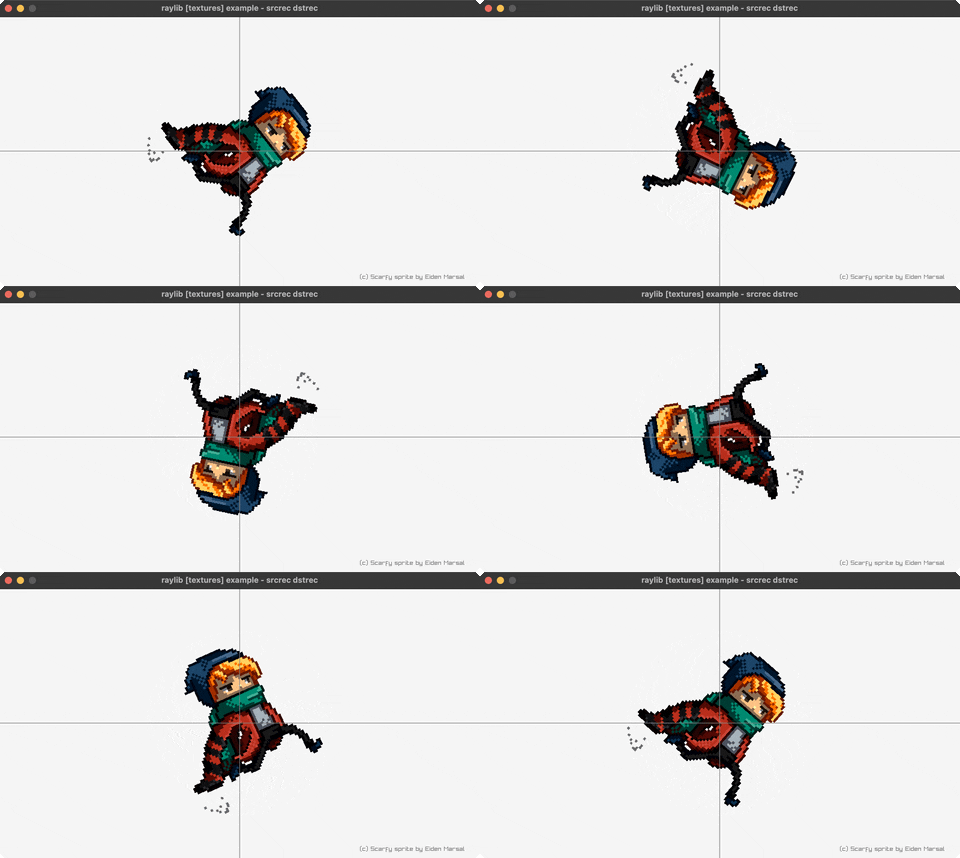
Srcrec Dstrec
Source/destination rects with rotation. Controls: Q to exit. Run it with bb srcrec-dstrec.
Tiled Drawing
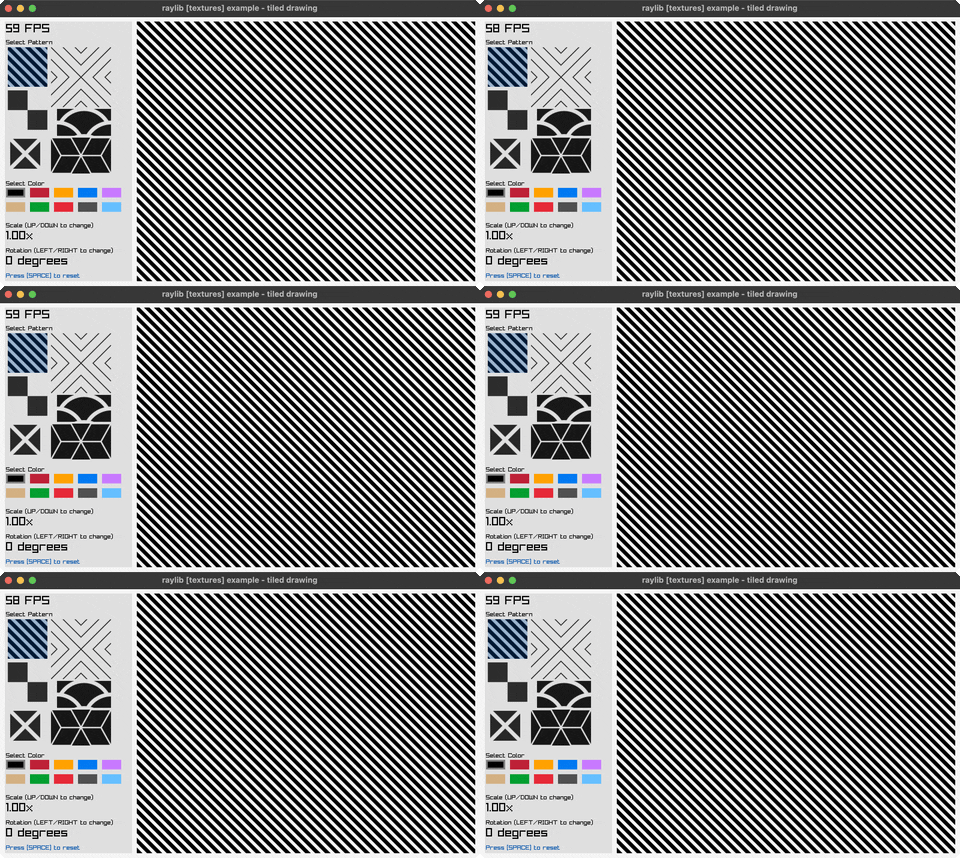
Tile a texture patch with selectable pattern, tint, scale and rotation. Controls: Click a pattern or colour, UP/DOWN scale, LEFT/RIGHT rotate, SPACE reset. Run it with bb tiled-drawing.